jane-e
Community Expert
Community Expert
November 11, 2017
Answered

Uh-oh — ACR has gone missing

  • November 11, 2017
  • 2 replies
  • 625 views

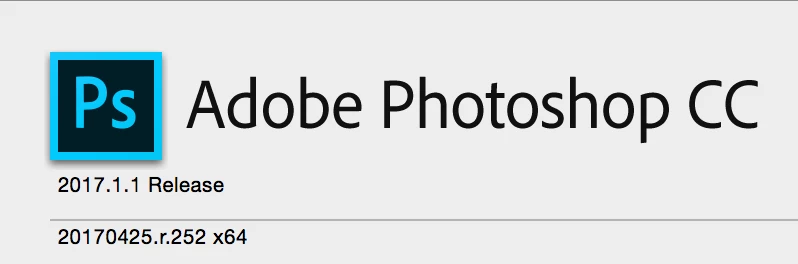
I have CC 2017.1.1 on my iMac with Yosemite 10.10.5 (14F2511).
Before I describe the missing ACR, I will answer what I think will be the obvious replies:

  • I do not wish to upgrade my main working system three operating systems right now, and it is too late to have done it earlier
  • I know I can do this on my laptop, which has CC 2018 and High Sierra successfully installed
  • The new iMac Pro has been announced and is due out in December. I am keeping this system as it is until then (as hard as it is)

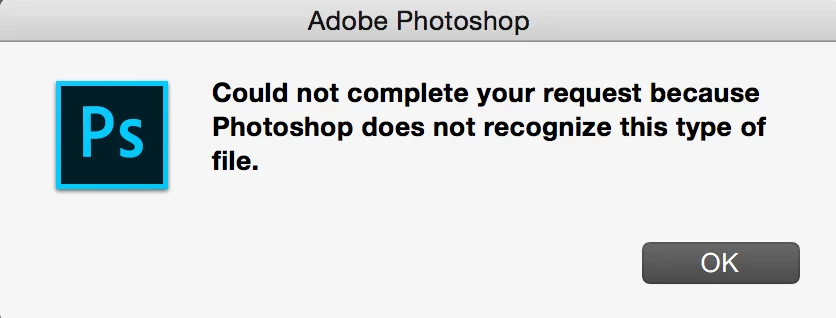
And now for the problem: I cannot open any any files that end in .nef, .crw, or .dng because ACR is gone.

I get this when I try anyway:
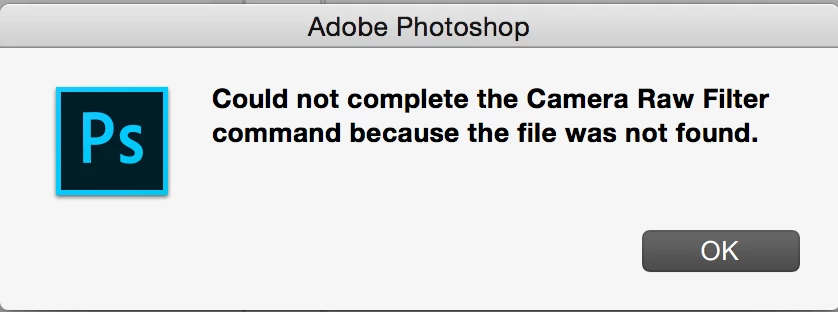
When I try to use the Camera Raw filter on a Smart Object in PS 2017.1.1, I get this error message
I have CC 2018 on my laptop, which I just had to upgrade to High Sierra, but I want to get Adobe ACR back on my iMac with the current operating system and with CC 2017. The problem started after 2018 was released, but not installed on this computer. It doesn't make sense that ACR is broken and I hope it's an easy fix.

Any ideas?

This topic has been closed for replies.
Correct answer Barb Binder

Hmmm. Can you download it directly from this link?

Adobe Camera Raw Help | {1}

2 replies

davescm
Community Expert
Community Expert
November 11, 2017

Hi Jane

What do you see if you go to Photoshop's Help > About Plug Ins > Camera Raw ?

Dave

jane-e
Community Expert
jane-eCommunity ExpertAuthor
Community Expert
November 11, 2017

davescm  wrote

What do you see if you go to Photoshop's Help > About Plug Ins > Camera Raw ?

On a Mac, it's the Photoshop menu instead of Help, then I see About Plug-ins > Camera Raw...

and click on it to get an error message because I do not have ACR.

davescm
Community Expert
Community Expert
November 11, 2017

Hi Jane

In that case I would try the direct download link that Barb showed. (Thanks for the info on where to look on a Mac - I don't use Macs but will try and remember it for future questions.)

Dave

Barb Binder
Community Expert
Barb BinderCommunity ExpertCorrect answer
Community Expert
November 11, 2017

Hmmm. Can you download it directly from this link?

Adobe Camera Raw Help | {1}

~Barb at Rocky Mountain Training
jane-e
Community Expert
jane-eCommunity ExpertAuthor
Community Expert
November 11, 2017

Barbara's link worked, hooray!

I read through the page and downloaded the correct ACR for my OSX and have reinstalled ACR. Since I shoot mostly in Camera RAW, this is huge. Thank you, Barb, for being so quick!

And now I get this from PS > About Plug-ins > Camera Raw, davescm​, so I am happy again.