Participant
January 20, 2017
Answered

UI Scaling Option Unavailable

  • January 20, 2017
  • 3 replies
  • 9619 views

I am currently running Photoshop CC 2017 on an iMac 27-inch OS X El Capitan and am unable to use the UI Scaling option. All my files are too small and not its actual size.
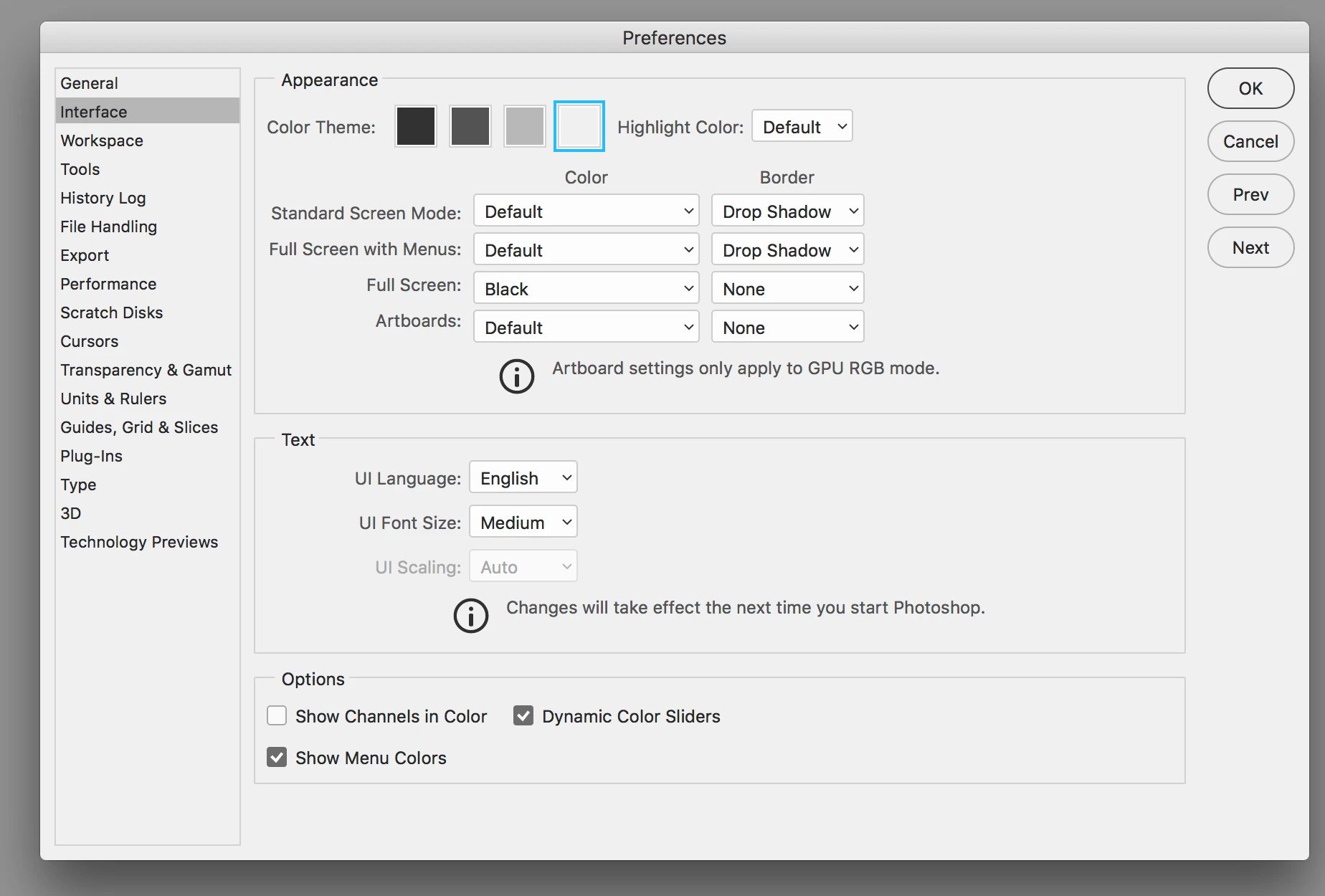
All help is appreciate!

This topic has been closed for replies.
Correct answer gener7

You can adjust the Interface, but images on a Retina Mac will display smaller.

100% zoom is too small on screen (designers don't get high resolution displays)

3 replies

jackthegiantkiller
Inspiring
March 22, 2017

So when is Adobe going to get off it's laurels and make UI Scaling available for Retina iMac users?????

gener7
Community Expert
gener7Community ExpertCorrect answer
Community Expert
February 1, 2017

You can adjust the Interface, but images on a Retina Mac will display smaller.

100% zoom is too small on screen (designers don't get high resolution displays)

Akash Sharma
Legend
February 1, 2017

Hi HeraKim ,

Please go to Mac System Preferences > Displays and choose the "Scaled" radio button and choose a setting on the "More Space" side.

Image result for system preferences mac more spaces

Regards,

Akash

danicagilic
Participant
May 2, 2018

Hi Akash,

Mac System Preferences/Display settings is not solving the problem with 4k monitors. Mac book 13" have scaling problem with 4k monitors. There are zoom lags and choppy view in al programs if display is scaled. Only solution is to use 4k full resolution and to scale every other software.

Is very disappointing that after one year this is still not solved on Adobe side.

Again, when Adobe will make scaling available for mac users?

Legend
May 2, 2018

UI scaling scales the UI. That is, buttons, menus, panels. By design, it does not change the size of the image you are editing which is correct if it is “very small” on a retina screen because that’s what you paid for.