New Participant
May 7, 2020
Answered

Unable to dock the document window

  • May 7, 2020
  • 2 replies
  • 1134 views

I am tearing my hair out with this as i think i am not googling the correct thing, but have spent hours on it.


For some reason, my 'document window' (as in the panel that contains the document i am working on) has separated from everything else. This means i can 'see through' photoshop when i am working on it.
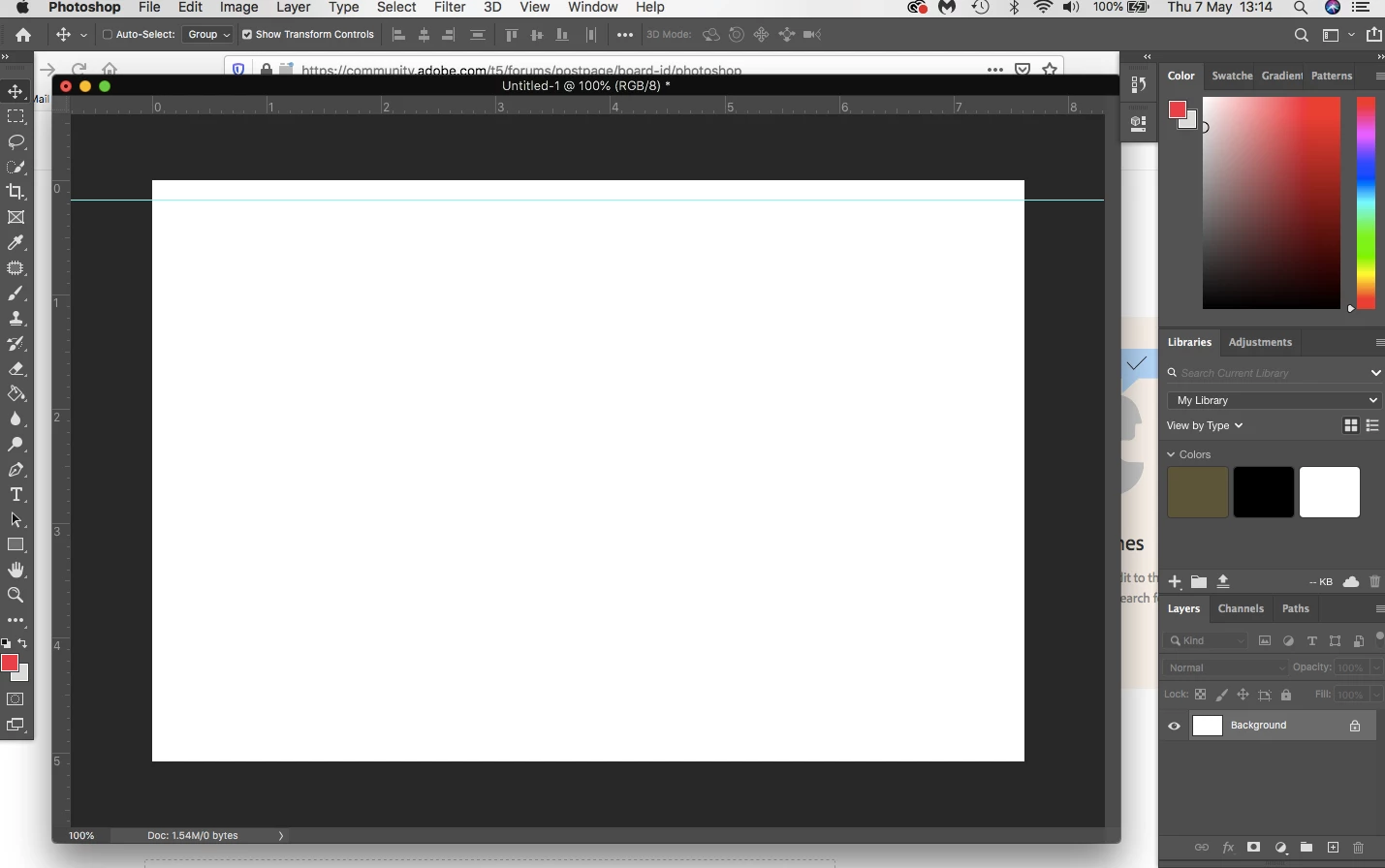
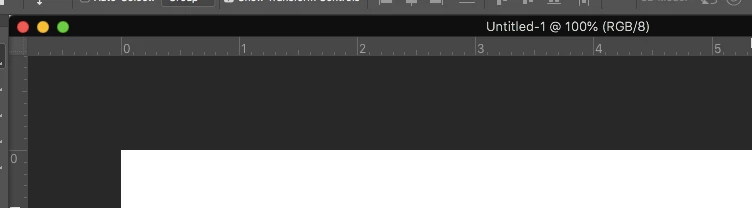


I want to get back to the document window being a part of the whole photoshop window.

i.e not have the option to individually close the document window, as shown in the second image.

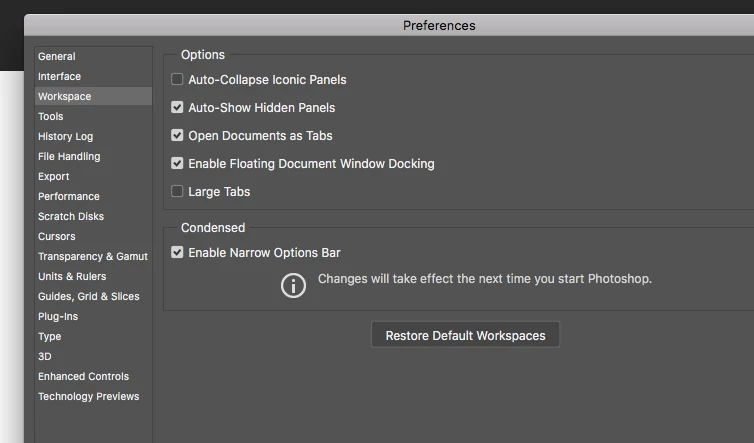
I am on a Mac and have played around with the settings in the third image endlessly but with no luck.


I am sure i used to be able to move the window to the side or bottom of the screen and it would 'dock'?


If anyone could help i would so appreciate it


This topic has been closed for replies.
Correct answer Jeff Arola

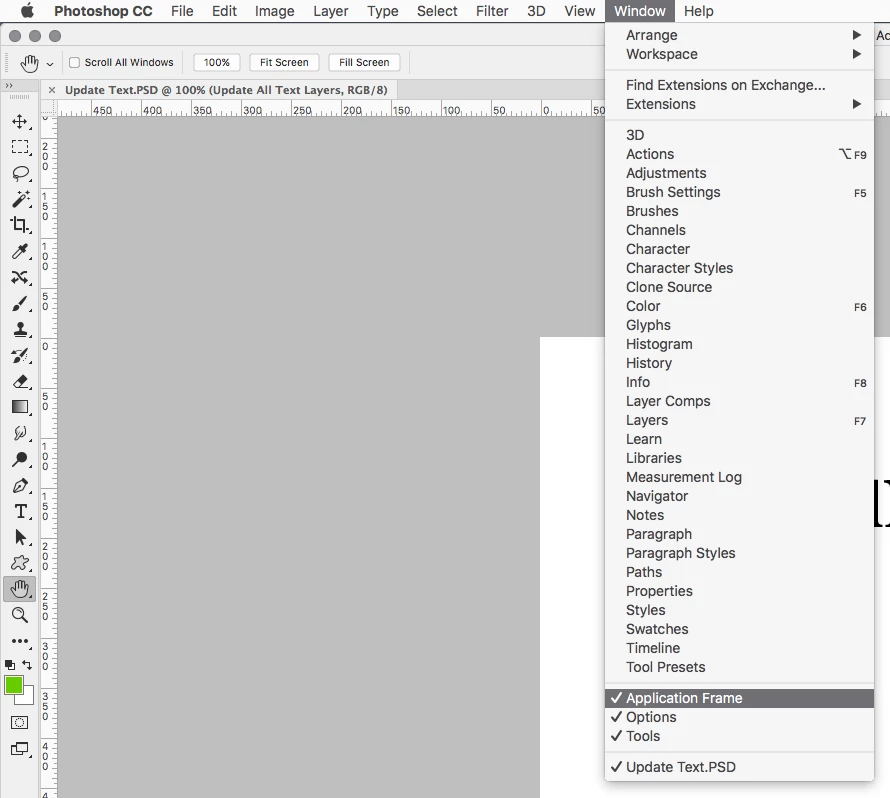
Looks like you have the Application Frame turned off


In photoshop go to Window and click on Application Frame


2 replies

Jeff Arola
Jeff ArolaCorrect answer
Community Expert
May 7, 2020

Looks like you have the Application Frame turned off


In photoshop go to Window and click on Application Frame


New Participant
May 7, 2020

Jeff,

Thank you so much! that was it!

I cant tell you how long i spent trying to work that out!!


JJMack
Community Expert
May 7, 2020

I use windows not a Mac have you tried Photoshop menu Window>Arrange>consolidate to tabs?

JJMack
New Participant
May 7, 2020

Hi there,

Thank so much for the reply.


I have. when i click consolidate all to tabs, the document window 'maximises' but still remains as a separate window.