Participant
October 1, 2018
Answered

Unable to edit Extrusion Depth

  • October 1, 2018
  • 2 replies
  • 4438 views

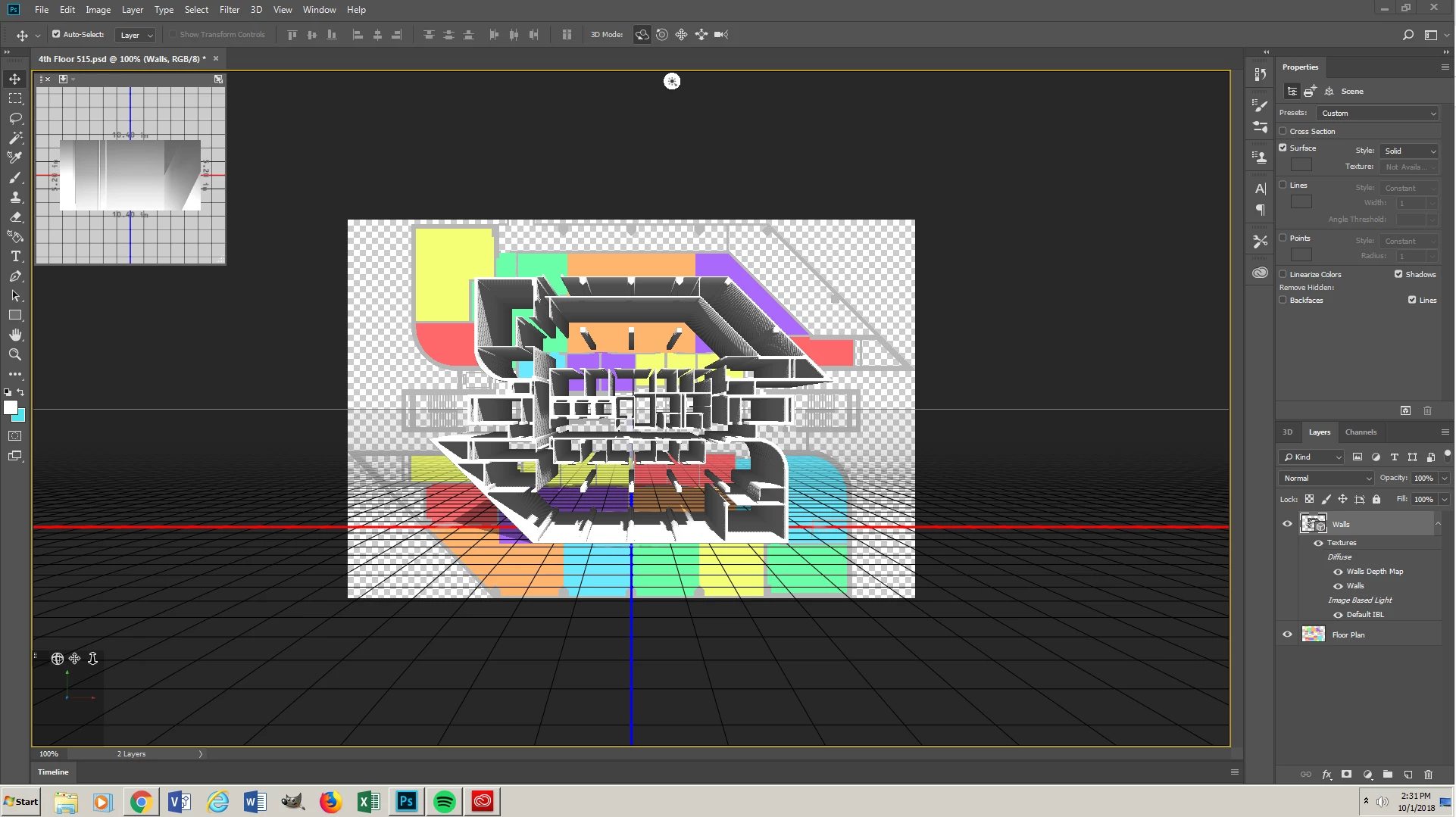
I will walk you through everything I do but I have a 3d extrusion of my walls and I can not control the wall height when I extrude them.

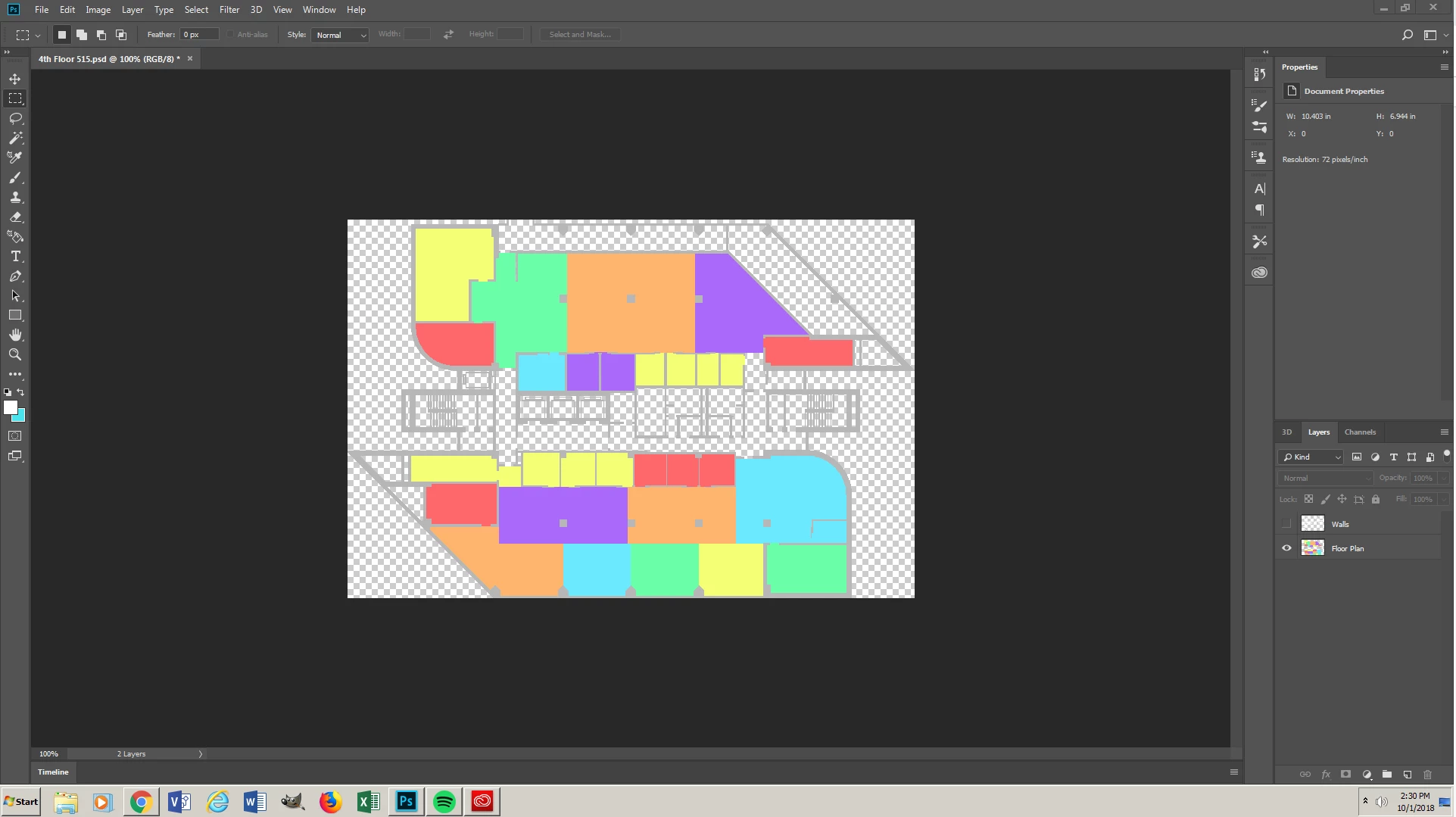
1. start with a floor plan.

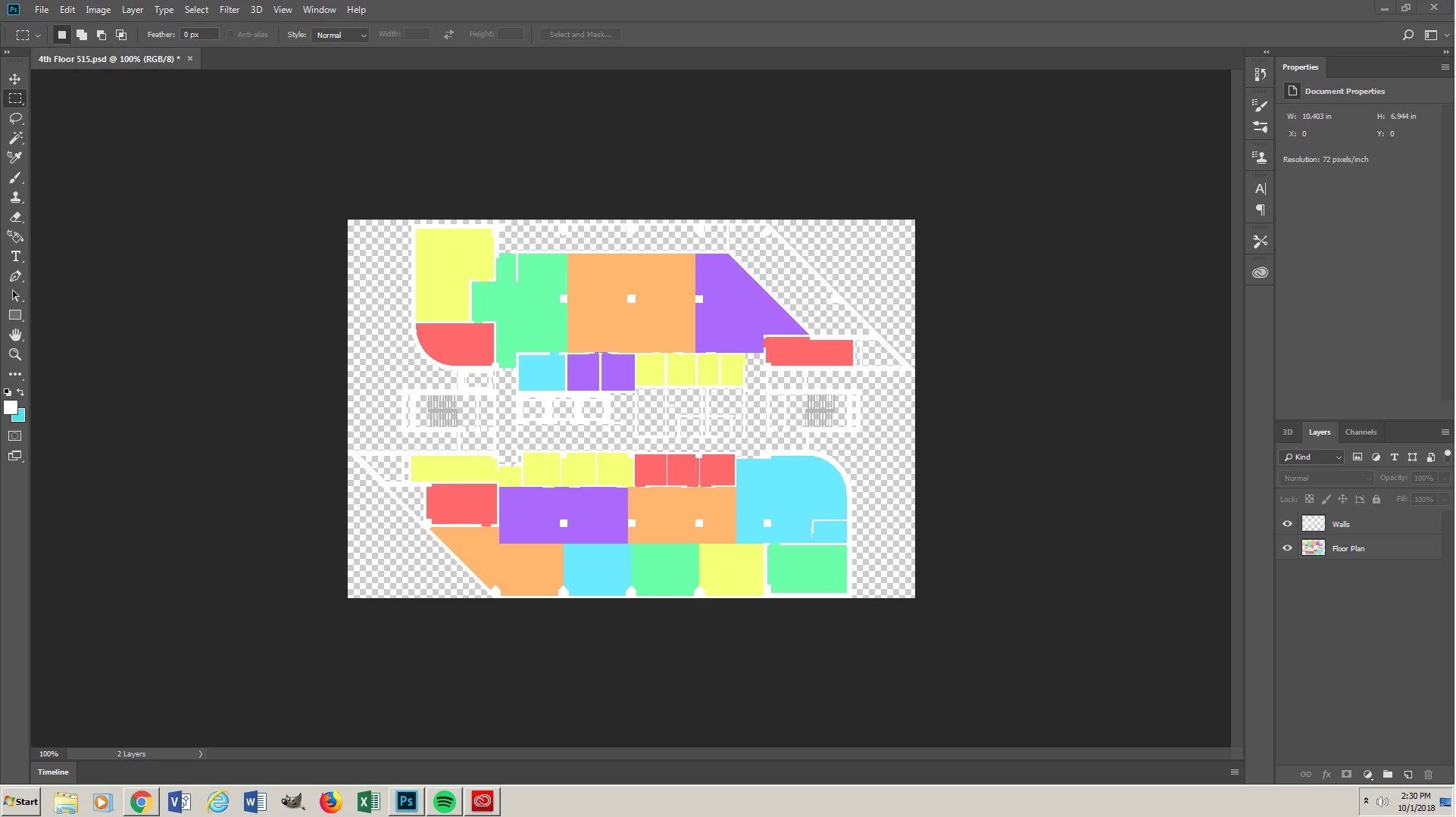
2. Add a transparent layer on top of the floor plan layer.

3. I use the Rectangular Marquee Tool to masked all of the walls.

4. I use the Brush Tool (B) to color in all of my walls.

5.Select > Color Range "To select all of my walls."

6.3D>New Mesh From Layer>Depth Map To>Solid Extrusion

After that I have a 3D floor plan but have no way of changing the thickness of the walls. In my picture 003 it shows that the walls are 5.20" but I do not see away to change it before of after I extrude.
This topic has been closed for replies.
Correct answer davescm

Hi

The difference was that Daniels showed an extrusion you have used a depth map. In teh 3D panel click on the Depth map, Select the move tool and use the 3D widget to scale on the Z axis.

It would be easier for you though if you just made an extrusion from your layer rather than a depth map

Dave

2 replies

Dramenon
Inspiring
October 1, 2018

In the 3D Panel select the Mesh.

In the 3D Properties Panel > change Extrusion Depth.

/end of line/
Participant
October 1, 2018

It does not appear that I have that option in my 3D properties.

davescm
Community Expert
davescmCommunity ExpertCorrect answer
Community Expert
October 1, 2018

Hi

The difference was that Daniels showed an extrusion you have used a depth map. In teh 3D panel click on the Depth map, Select the move tool and use the 3D widget to scale on the Z axis.

It would be easier for you though if you just made an extrusion from your layer rather than a depth map

Dave

Trevor.Dennis
Community Expert
Community Expert
October 1, 2018
davescm
Community Expert
Community Expert
October 1, 2018

Just got the notification Trevor but Daniel has already answered it. With a nice video to boot!

Dave