Participant
March 7, 2024
Answered

Unable to Replace Image into a Mask for a Photoshop Mockup

  • March 7, 2024
  • 1 reply
  • 178 views

Using this Stock image of a PS mockup: 649152556, I am unable to find out how to paste an image of my mobile wireframe into that mask which is entitled "[YOUR IMAGE HERE]". How do I go about doing this?
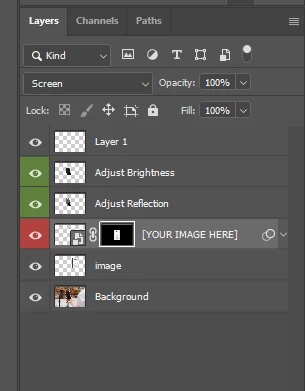
 Any additional tips to get a really quick way of transforming the image to fit the mobile placeholder are welcome!
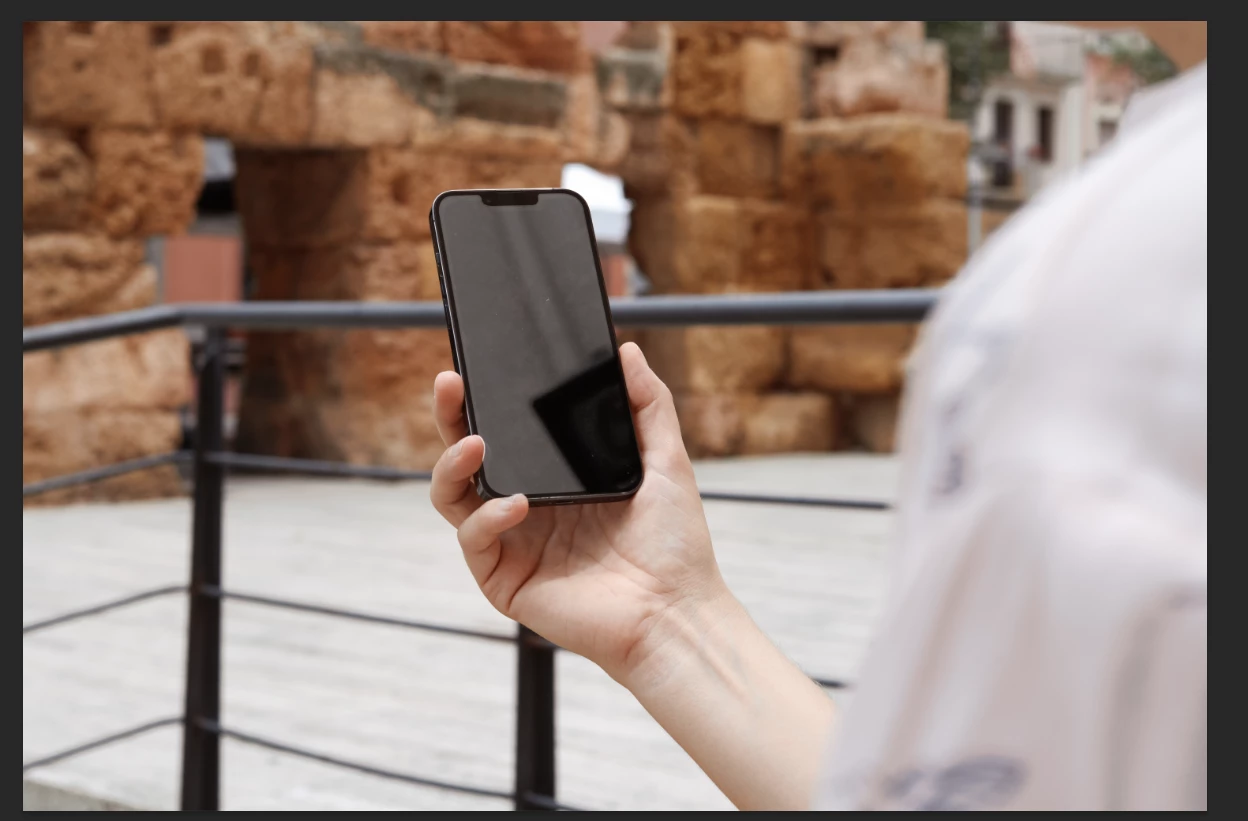
#mockup #iphone #wireframe #mask #realistic #lighting
This topic has been closed for replies.
Correct answer Ged_Traynor

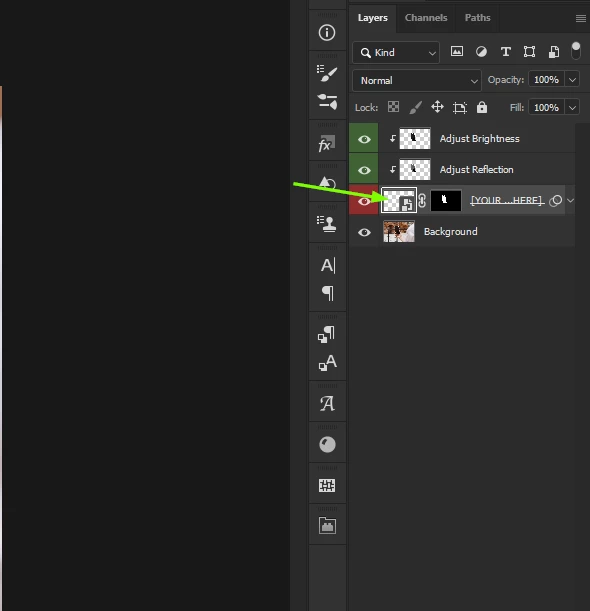
@Ahmed34924701m0hj you need to double click on the smart object, this will open a new window where you can insert your image, close and save when finished

1 reply

Ged_Traynor
Community Expert
Ged_TraynorCommunity ExpertCorrect answer
Community Expert
March 7, 2024

@Ahmed34924701m0hj you need to double click on the smart object, this will open a new window where you can insert your image, close and save when finished