Unable to view / edit XAVC HS 8K video in Photoshop
I was dismayed to find that Photoshop CC (nor any other app I tried) could not open my mp4 video files (XAVC HS 8K) created by my new Sony Alpha1 camera. The error I get is:
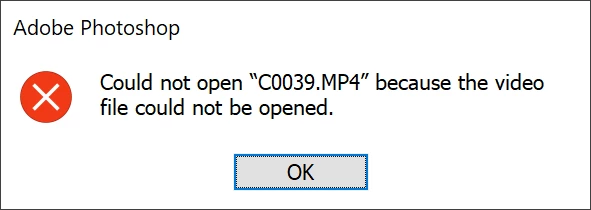
It appears that it needs an HEVC codec, which I didn't have, so I went to the Microsoft website and tried to download it but got stuck in associating the codec with a default app when it did not let me choose PS.
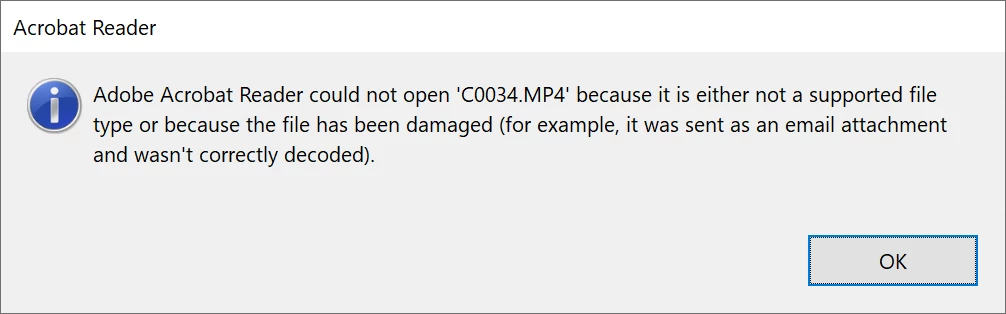
I was also unable to open it in Adobe Acrobat Reader:
I was also unable to open it in Windows Media Player:
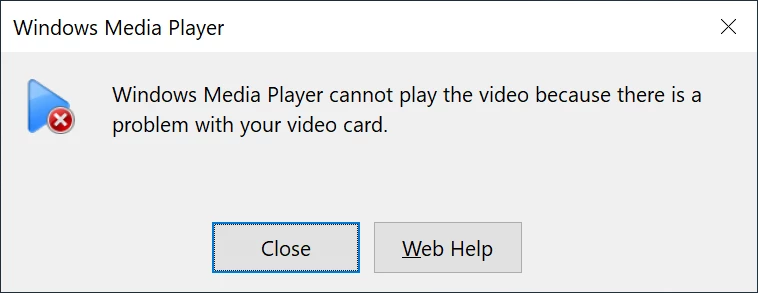
Windows Media Player Version 12.0.19041.1110
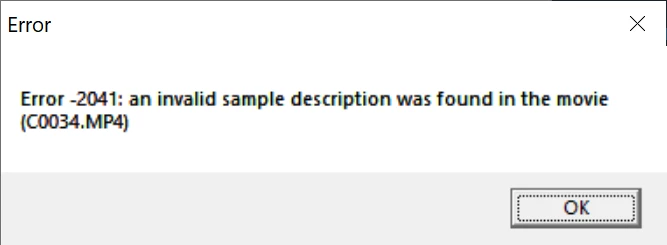
Quick Time Player gave an error message as well:
My PC Specs:
Operating System | Windows 10 Home 64-bit |
CPU | Intel Core i9 @ 3.60GHz |
| Kaby Lake 14nm Technology |
RAM | 32.0GB |
Motherboard | ASUSTeK COMPUTER INC. ROG STRIX Z390-E GAMING (LGA1151) |
Graphics | ASUS VG289 (3840x2160@60Hz) |
| 3071MB NVIDIA GeForce GTX 1080 Ti (ASUStek Computer Inc) |
Storage | 931GB Samsung SSD 980 PRO 1TB (Unknown (SSD)) |
| 1863GB Samsung SSD 980 PRO 2TB (Unknown (SSD)) |
| 465GB Samsung SSD 860 EVO 500GB (SATA (SSD)) |
| 14904GB Intel Raid 0 Volume (RAID ) |
Optical Drives | ASUS SDRW-08U9M-U USB Device |
Audio | NVIDIA High Definition Audio |
Any idea how to be able to view and edit these videos in PS CC?
Thanks,
Janet
 AdChoices