
Unexprected End of File (Photoshop)
App: Photoshop v.26.0 (Issue starting occuring in previous version of the app)
Over the last few months when I've been working on mockups in Photoshop, when I go to save the file disappears for a second and returns on screen and saves up to 99% and freezes for a while before Photoshop completely shuts down. Thankfully, the file is recovered when I open Photoshop it appears but I still can't save it out.
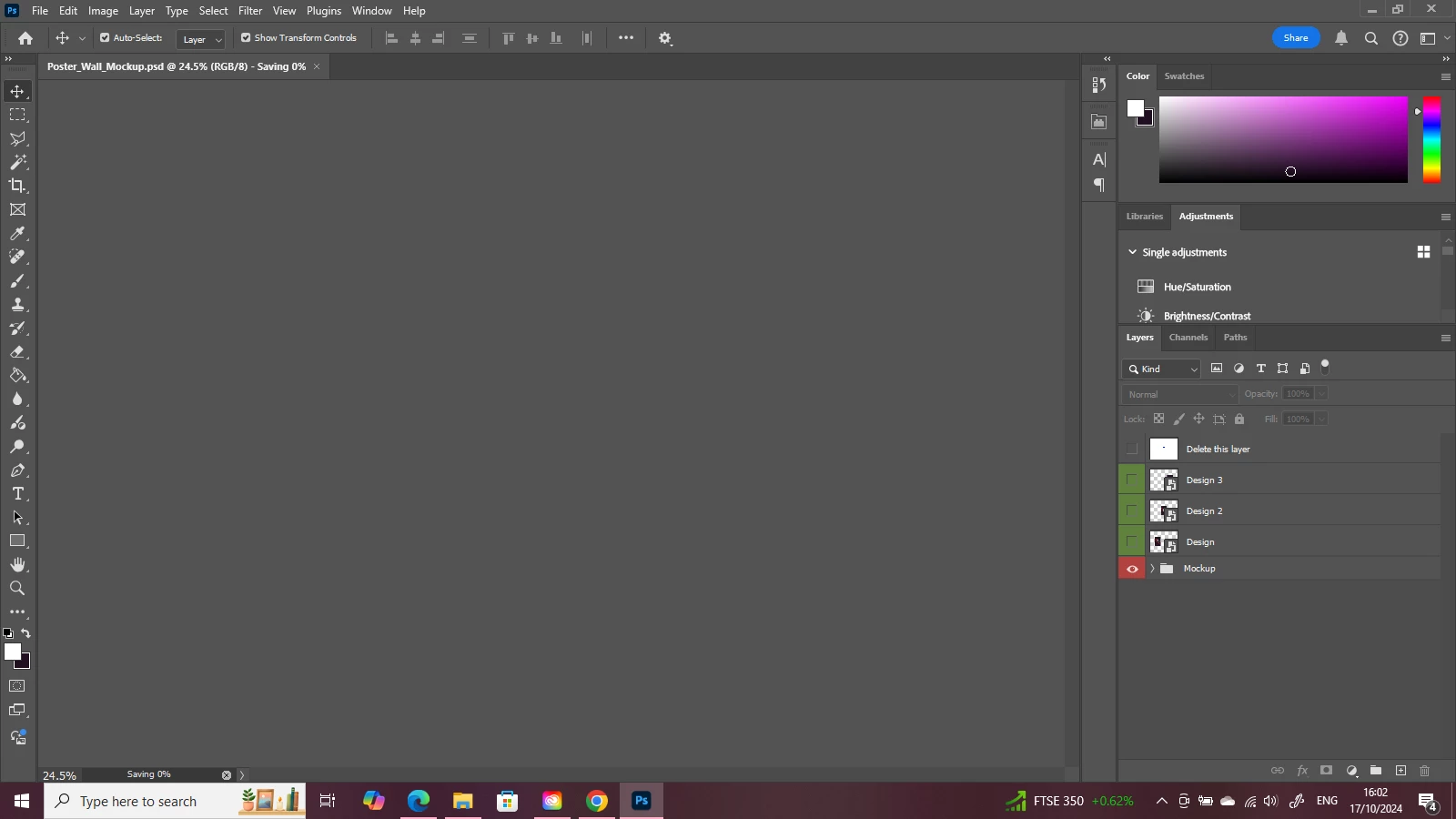
(Above the screenshot shows what happens when I start to save the Mockup)
I have tried every solution recommended like making space on my laptop and even un-installing and then re-installing Photoshop which did resolve the issue temporarily I think because I could make changes to a mockup and then save it out. But the issue has come back. This only effects mockups, when I've made Photoshop files from scratch or edited photos I can save them out perfectly fine and I'm pretty sure the mockups I've been downloading aren't corrupted.
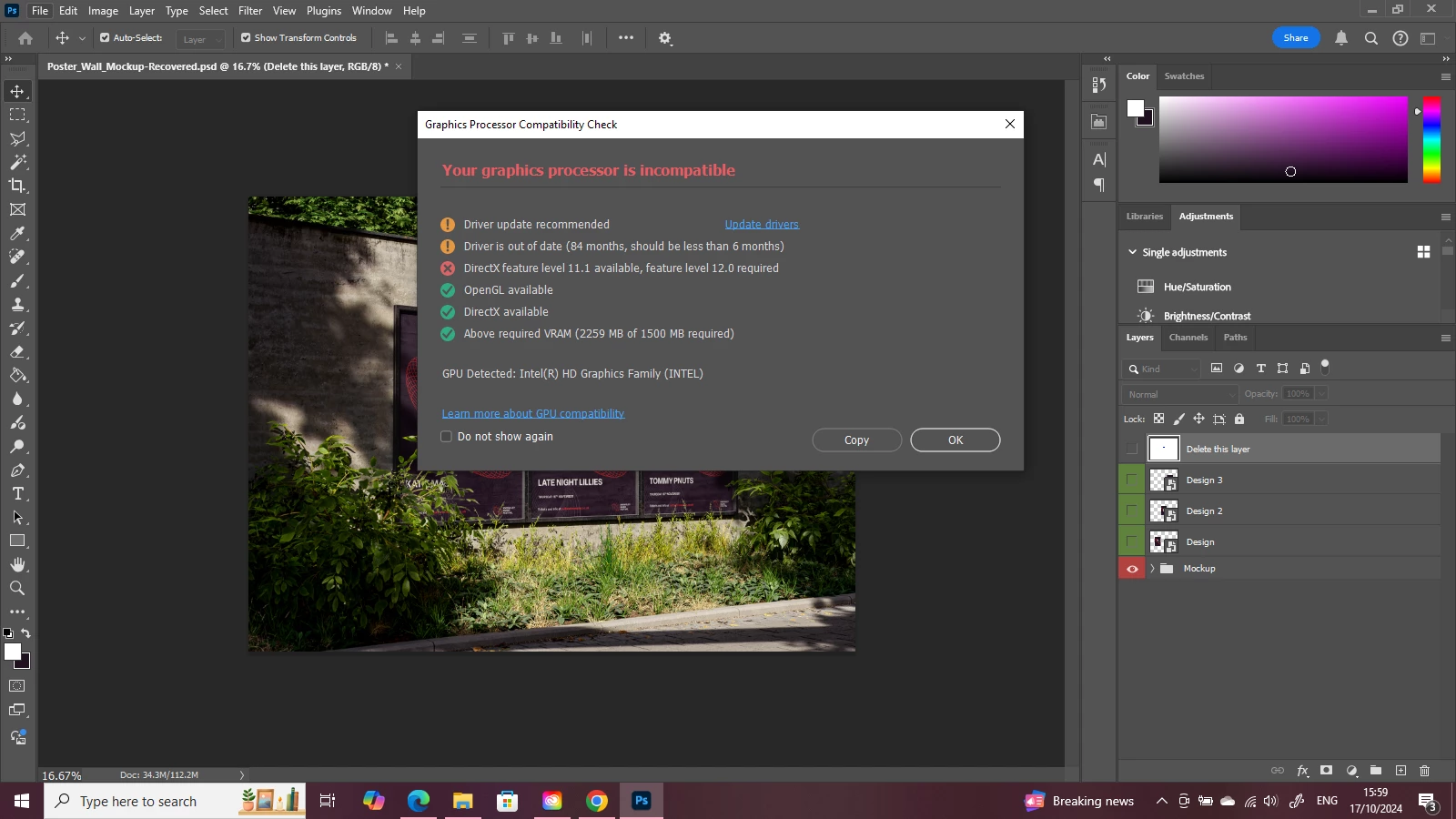
I thought with the latest update of Photoshop that it might help resolve the issue but when I've tried to save changes to a mockup for a personal project it's done the same thing. My laptop is thirteen years old but I've not had any issues with mockups up until August this year. Below is a screenshot which shows a pop-up when I open Photoshop and I'm wondering if the age of my laptop might be part of the issue.
 AdChoices