Answered
Uninstall Adobe Photoshop CS5 and its parts
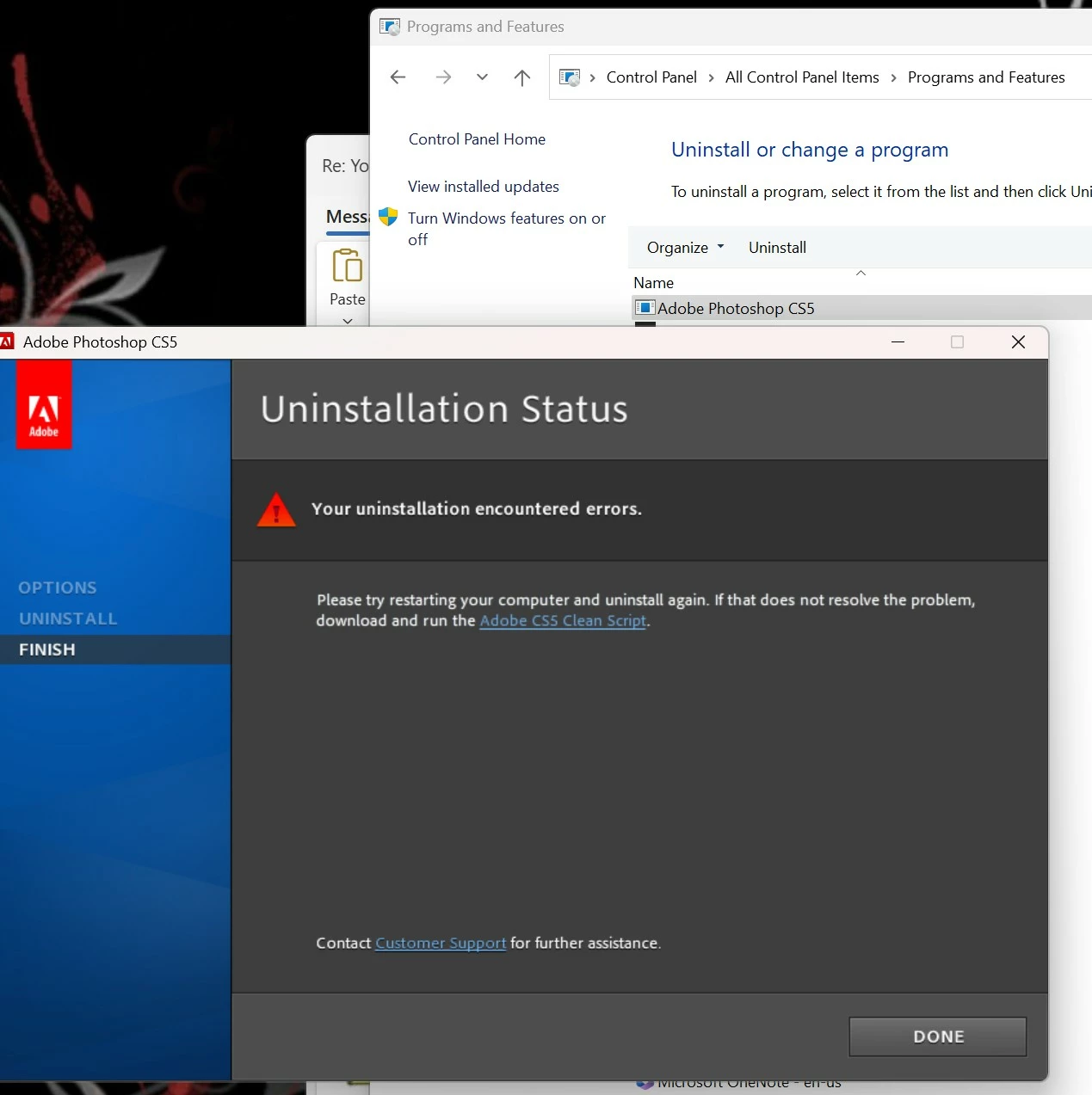
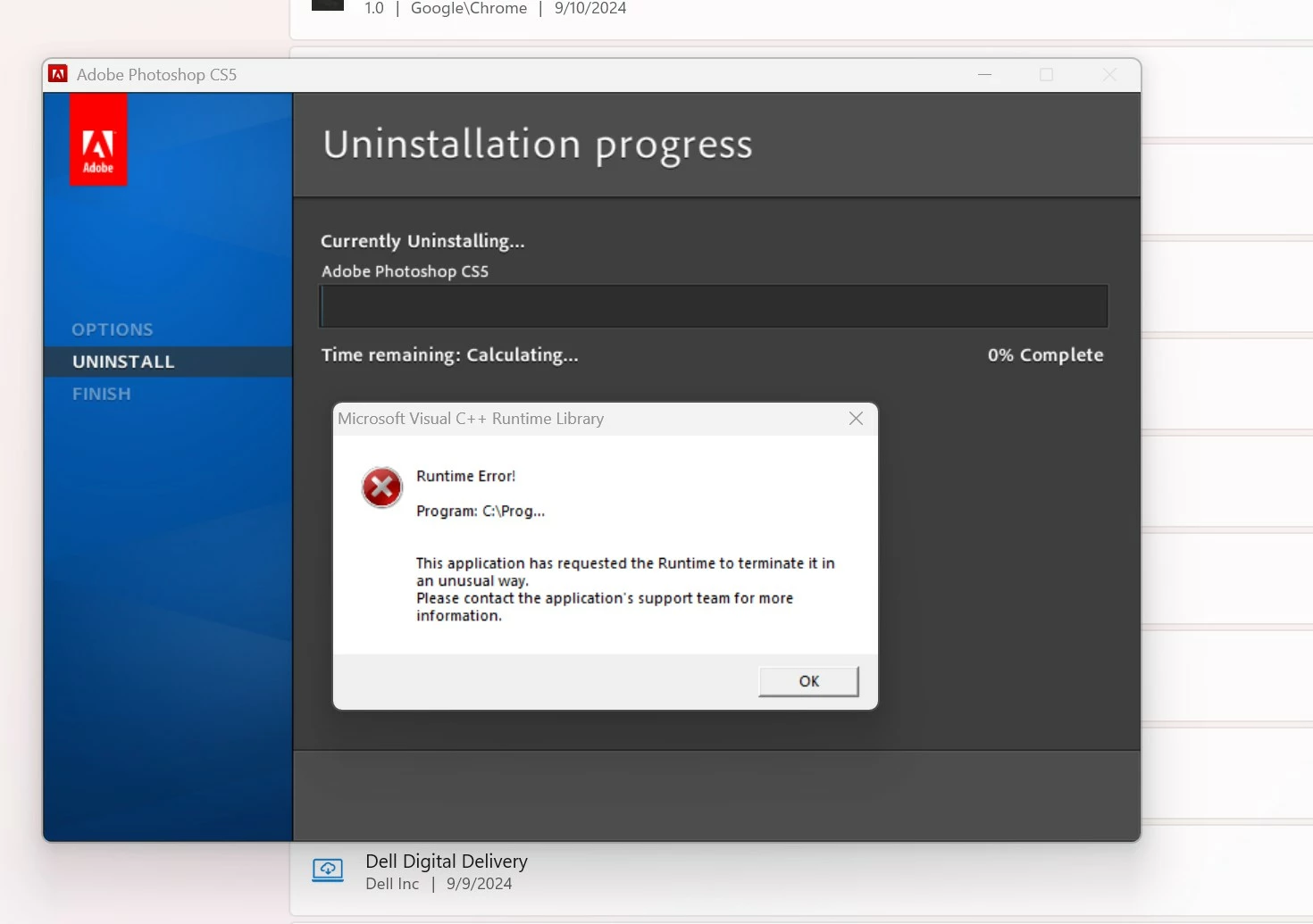
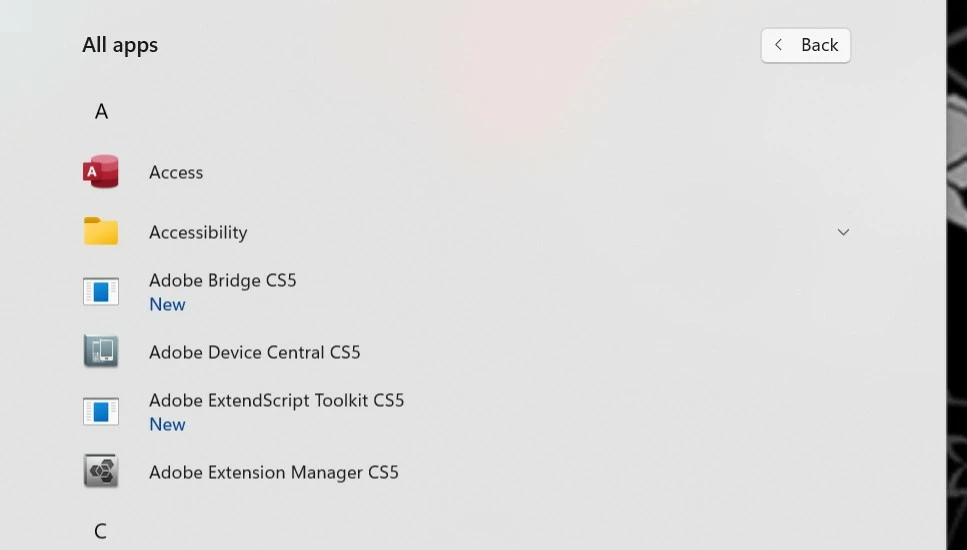
I had installed Adobe Photoshop CS5 on my new Windows 11 laptop. The application will not license. I would like to remove the application and all its parts. I was able to remove Adobe Air via Programs and Features. Photoshop uninstall failed. I was able to remove Photoshop with AdobeCreativeCloudCleanerTool.exe. I still see Adobe Device Central CS5 and Adobe Extension Manager CS5 in the start menu. I also see the Applciation in C:\Program Files (x86)\Adobe. Both applications do run. The two applications do not show in Programs and Features or Installed Apps. How do I successfully remove the two remainging applications from my laptop?
Thank you for your help
 AdChoices