Participant
June 7, 2019
Answered

unwanted yellow pixels in skin

  • June 7, 2019
  • 1 reply
  • 299 views

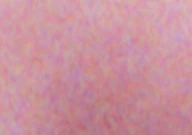
I'm using CS6 and have scanned in an old negative.  Zooming right in, I can see (random) pixels which are various shades of yellow and yellowish orange in flat areas of skin.  The colours change as the skin tone and skin lighting/shadowing changes.  Similarly there are random purplish pixels.

Anyone seen this before and found a fix for it???

Her's a small example:
Regards

Frank
    This topic has been closed for replies.
    Correct answer davescm

    Hi

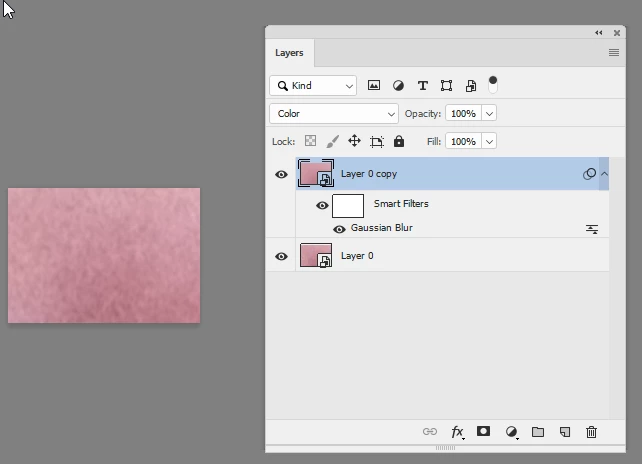
    The easiest way to remove without losing the texture is to duplicate it - blur it and set the blend mode of the duplicate to colour

    Dave

    1 reply

    davescm
    Community Expert
    davescmCommunity ExpertCorrect answer
    Community Expert
    June 7, 2019

    Hi

    The easiest way to remove without losing the texture is to duplicate it - blur it and set the blend mode of the duplicate to colour

    Dave

    Participant
    June 7, 2019

    Dave

    Many thanks - perfect!

    Regards

    Frank

    davescm
    Community Expert
    Community Expert
    June 7, 2019

    You're welcome

    Dave