

Question
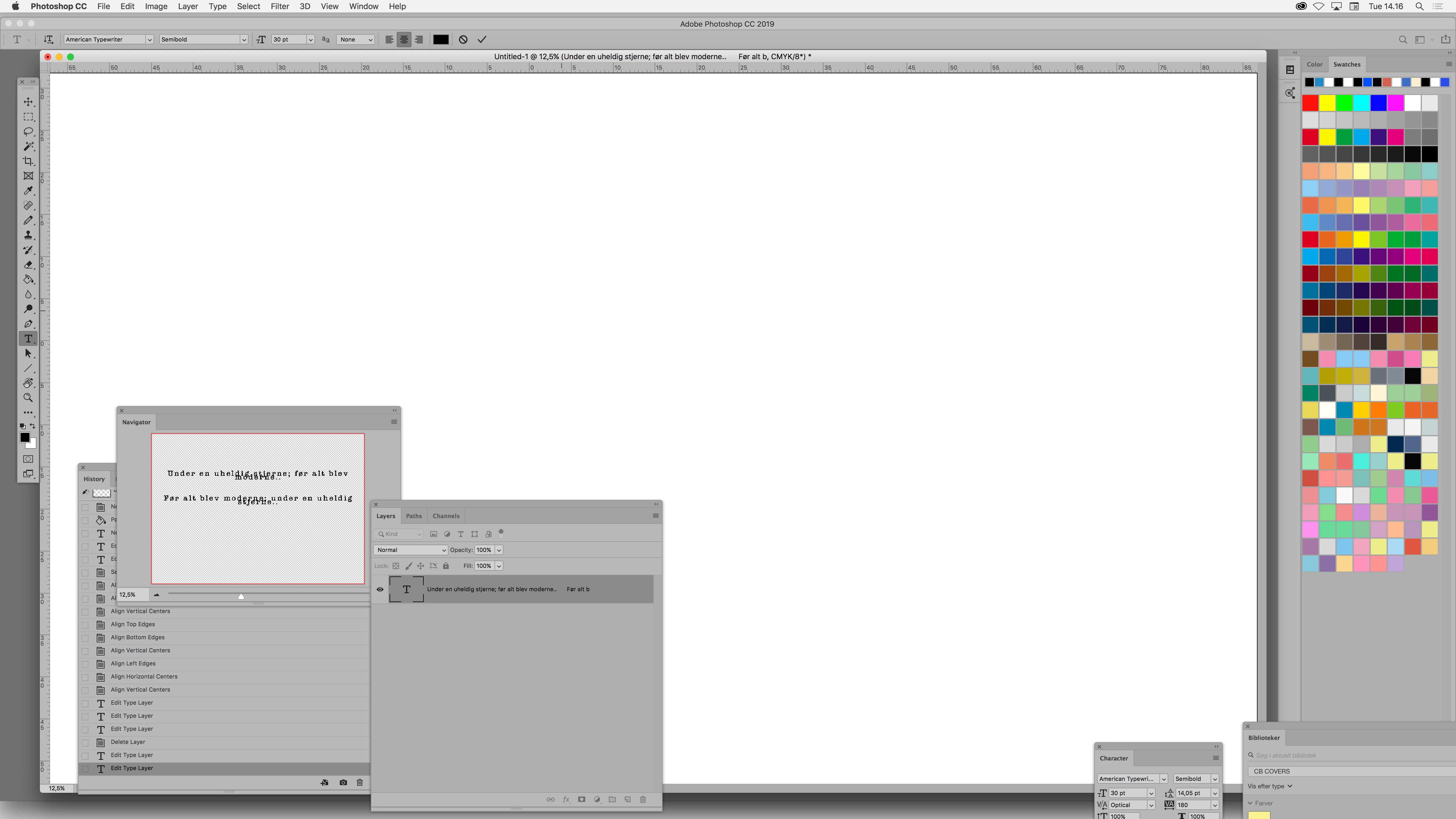
updated to cc2019 cannot edit text?
I just updated from cc 2017 to cc 2019:
1. When I want to edit text I drag a box as usual, but no cursor or marker showing me that I'm in the process of adding or editing text..
2. If I blindly paste my prewritten text into the active (but not showing) text layer; it sure enough adds my text..
3. After having blindly dropped my text into said text-box, it shows as a text-layer in the menus, but as soon as I want to reactivate the same layer to edit my blindly dropped text; my screen goes white and I cannot see anything of what I am doing..
- Is all of this some new smart feature or is my cc2019 update backfiring on me?
Please help
 AdChoices