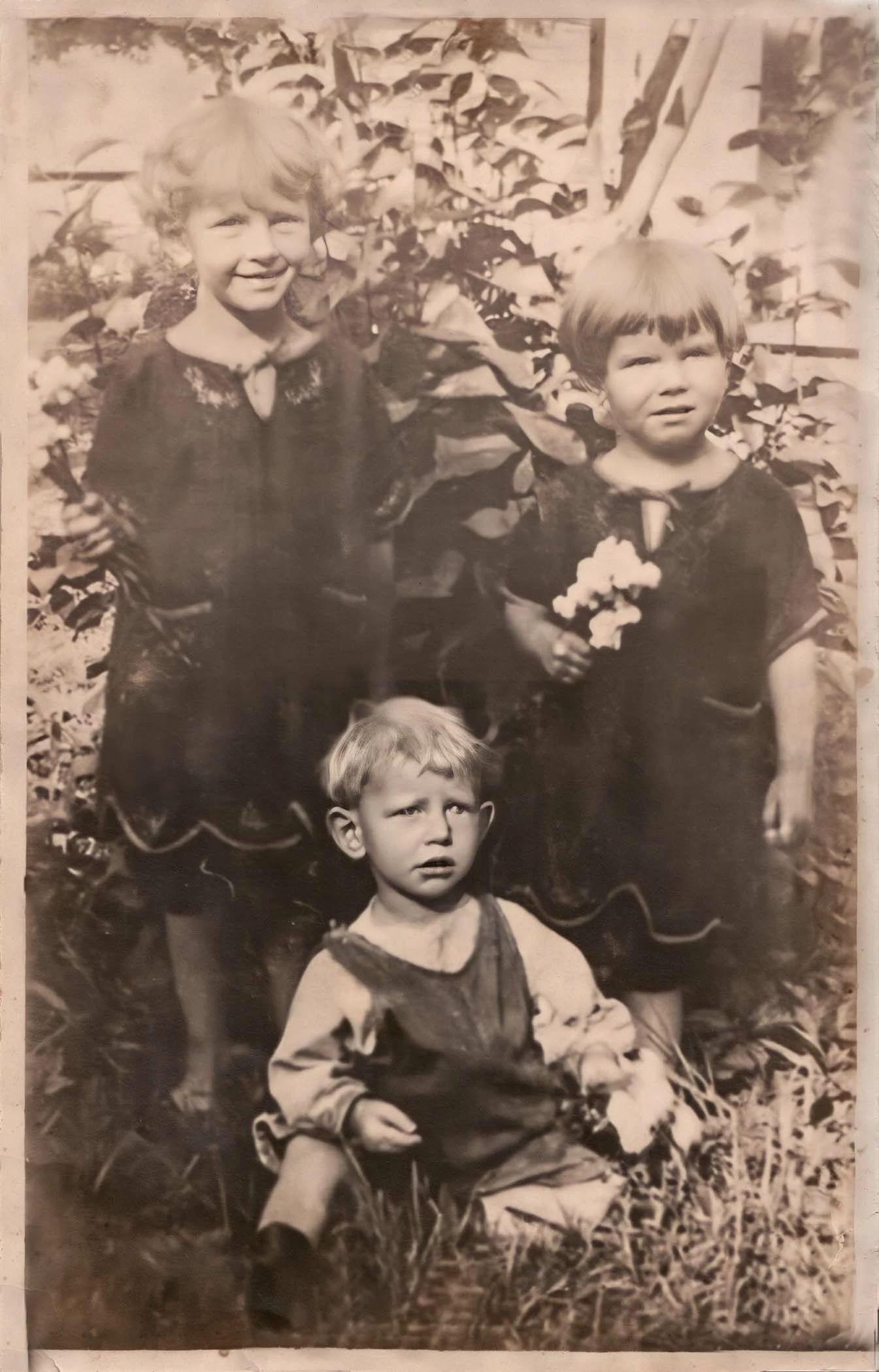
@patjenran Yes I'd use Levels too, I would do it in an 'adjustment layer, that way the Levels adjustment can be localised using a soft edge mask as @D Fosse suggested. With a layer you can also switch it on and off and alter it's opacity to reduce the effect you've created if need be .
You’ve a pleasant task ahead.
I would also be sure to archive a layered original TIFF or PSD file, only flattening resizing and sharpening for specific outputs at which point it's OK to make a Jpeg .
I hope this helps neil barstow, colourmanagement net - adobe forum volunteer - co-author: 'getting colour right' google me "neil barstow colourmanagement" for lots of free articles on colour management Help others by clicking "Correct Answer" if the question is answered. Found the answer elsewhere? Share it here. "Upvote" is for useful posts.
Yes, a Levels adjustment - but the key here is the mask. Use a large soft brush at low opacity to gradually build the adjustment where it's needed at the top and along the edges. Just hit x to paint with black or white in the mask.


 AdChoices