Answered
Use normal layer as mask layer
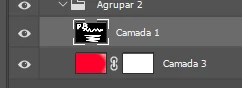
Using the image above, how can I copy the contents of "Camada 1" into the mask of "Camada 3", in order of use the "Camada 1" content as a mask for the other layer?

Using the image above, how can I copy the contents of "Camada 1" into the mask of "Camada 3", in order of use the "Camada 1" content as a mask for the other layer?
Remove the layer mask from Camada 3
Make sure the white on black layer is turned on with nothing obscuring (layers above) and Ctrl click any of the three channels to load it as a selection
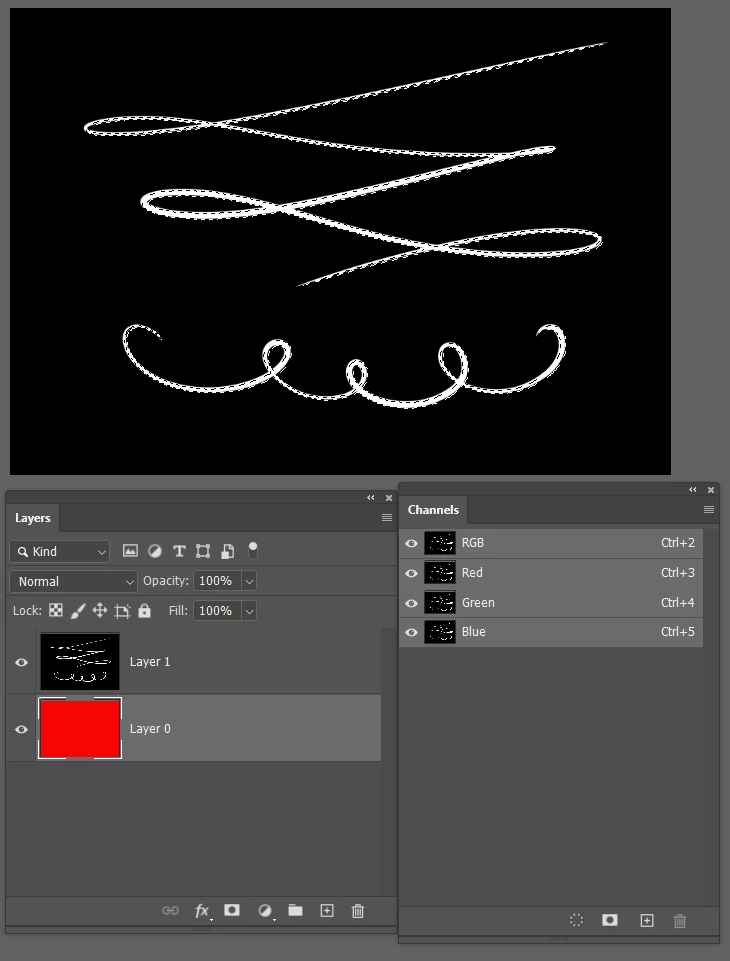
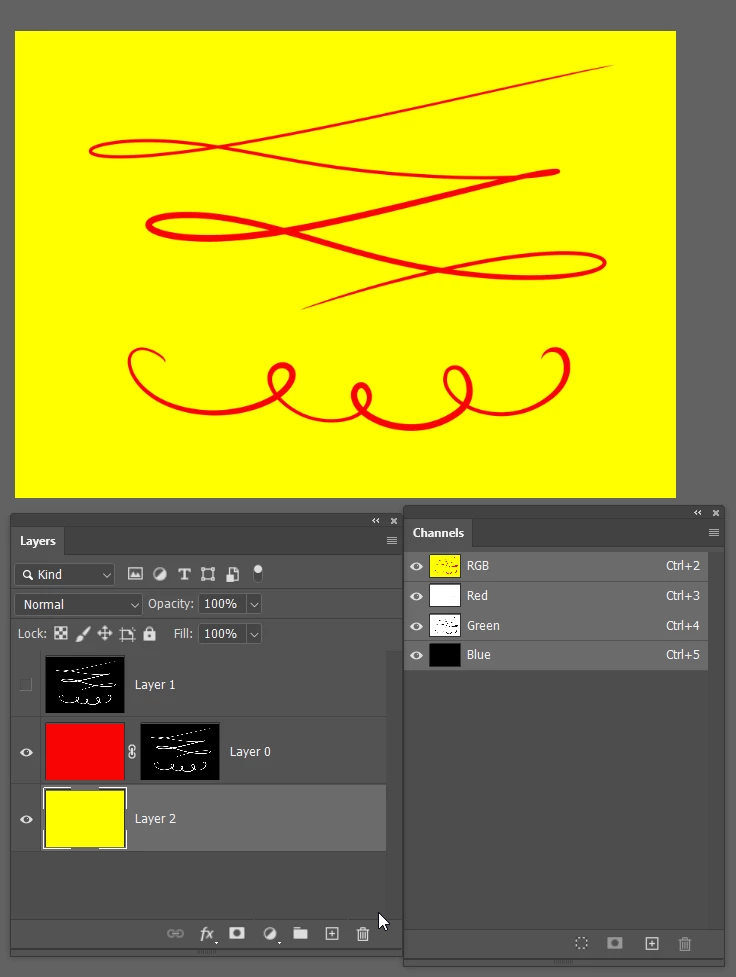
Add a layer mask to Camdan 3. Job done
I have used the yellow layer just to show what is masked
Already have an account? Login
Enter your E-mail address. We'll send you an e-mail with instructions to reset your password.
 AdChoices