

Use script to batch change all smart object layers to a new pattern
Hi All,
This is my first post ever so first I apologize if this topic has already been discussed or reviewed. Secondly I hope I am posting in the correct section of the community. I also have never used the Script tool so this is all new.
Getting to the point.
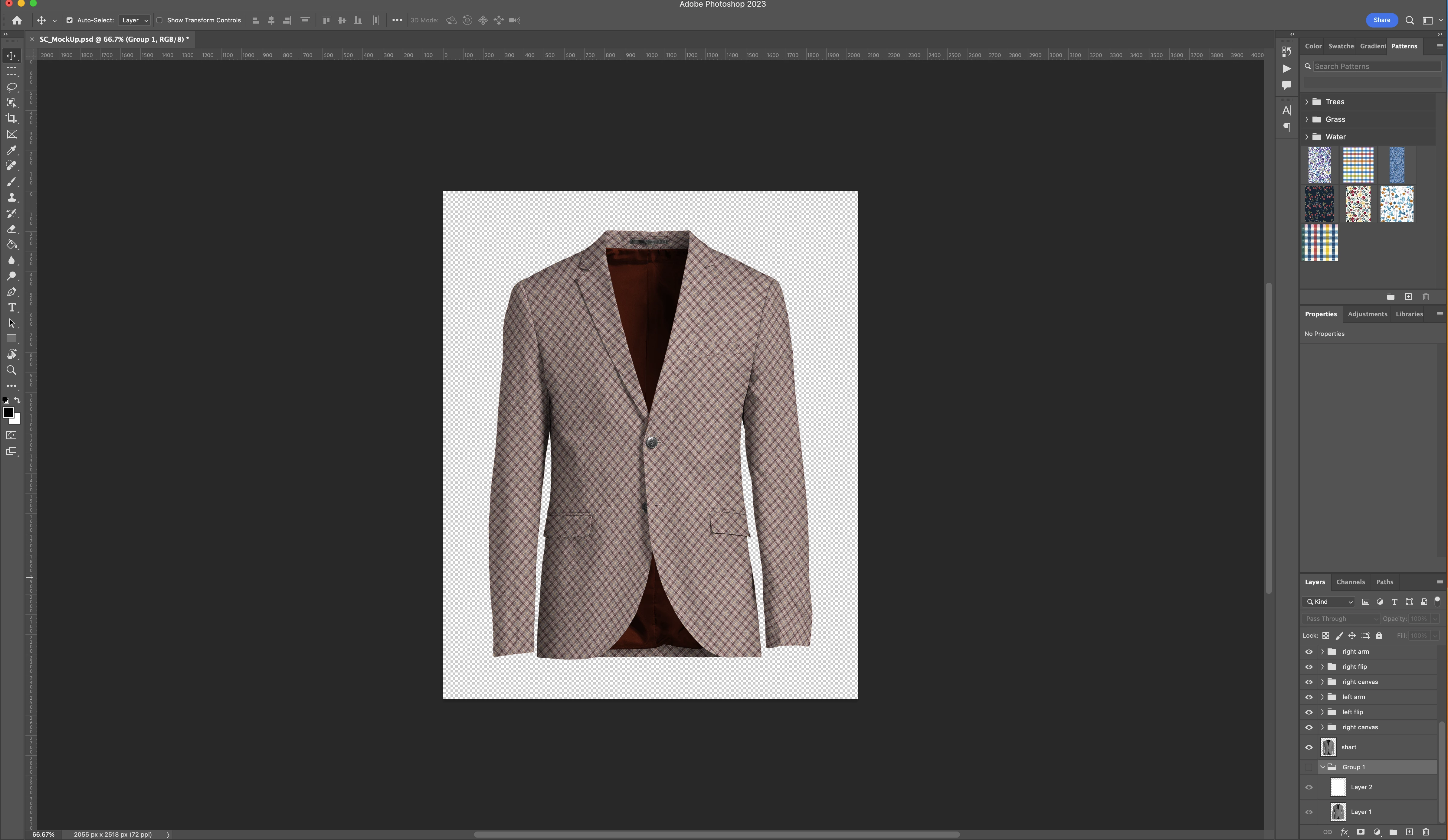
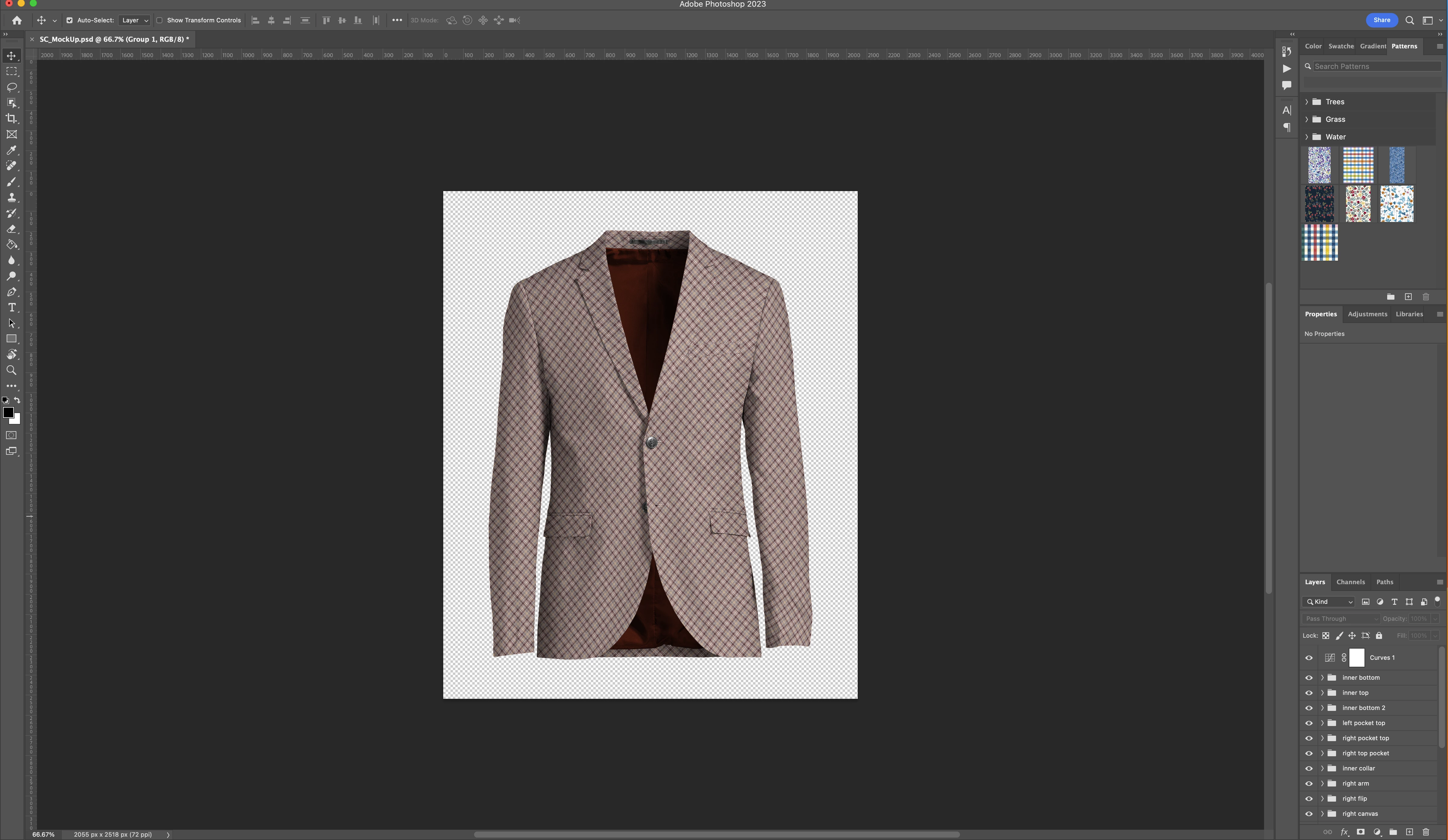
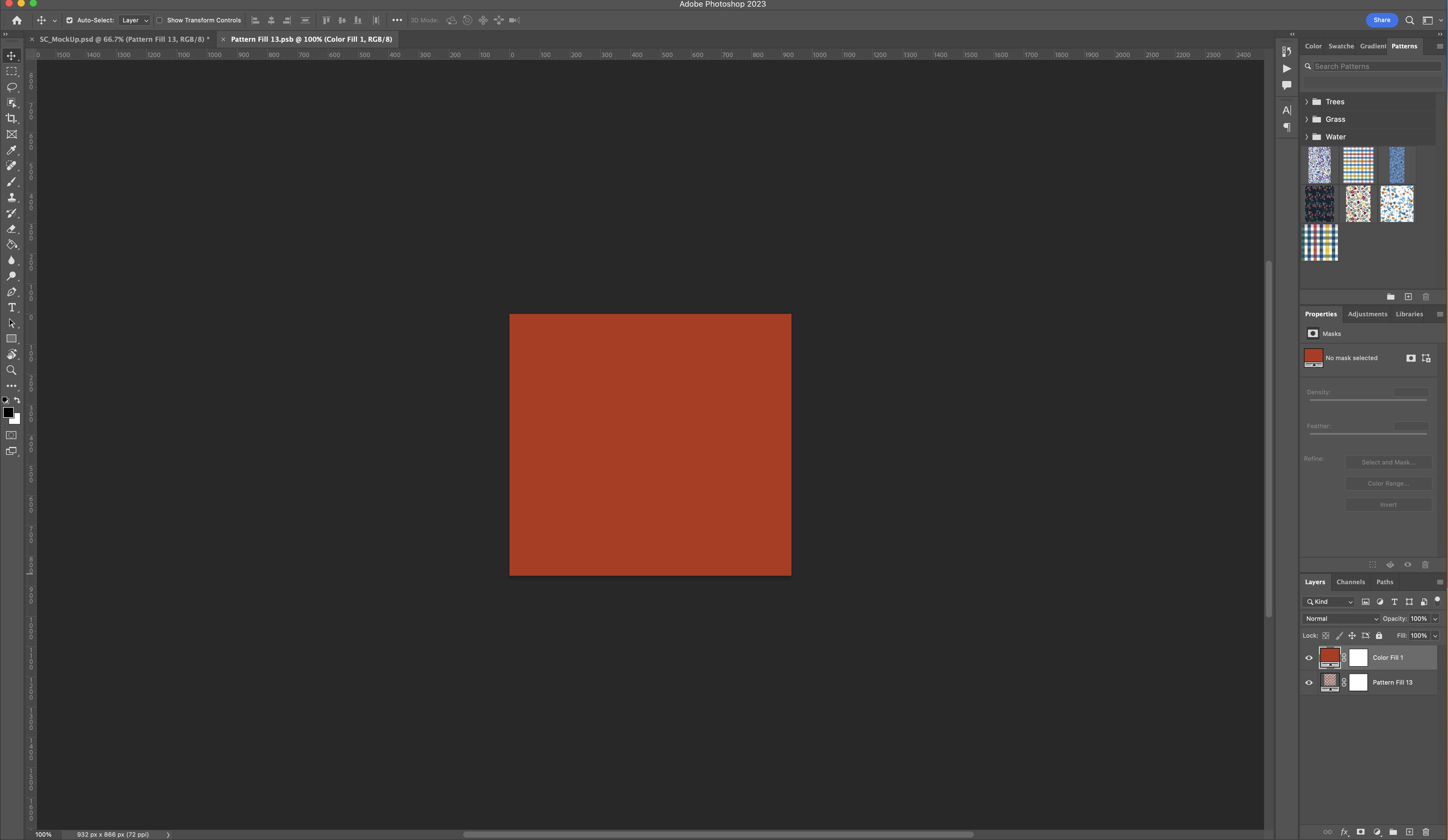
I have a .psd file that is a rendering of a sportcoat/blazer. All portiond of the sportcoat have been turned into masks and linked with a smart object so that new patterns can be applied to the smart objects to adjust the rednering to different fabric patterns.
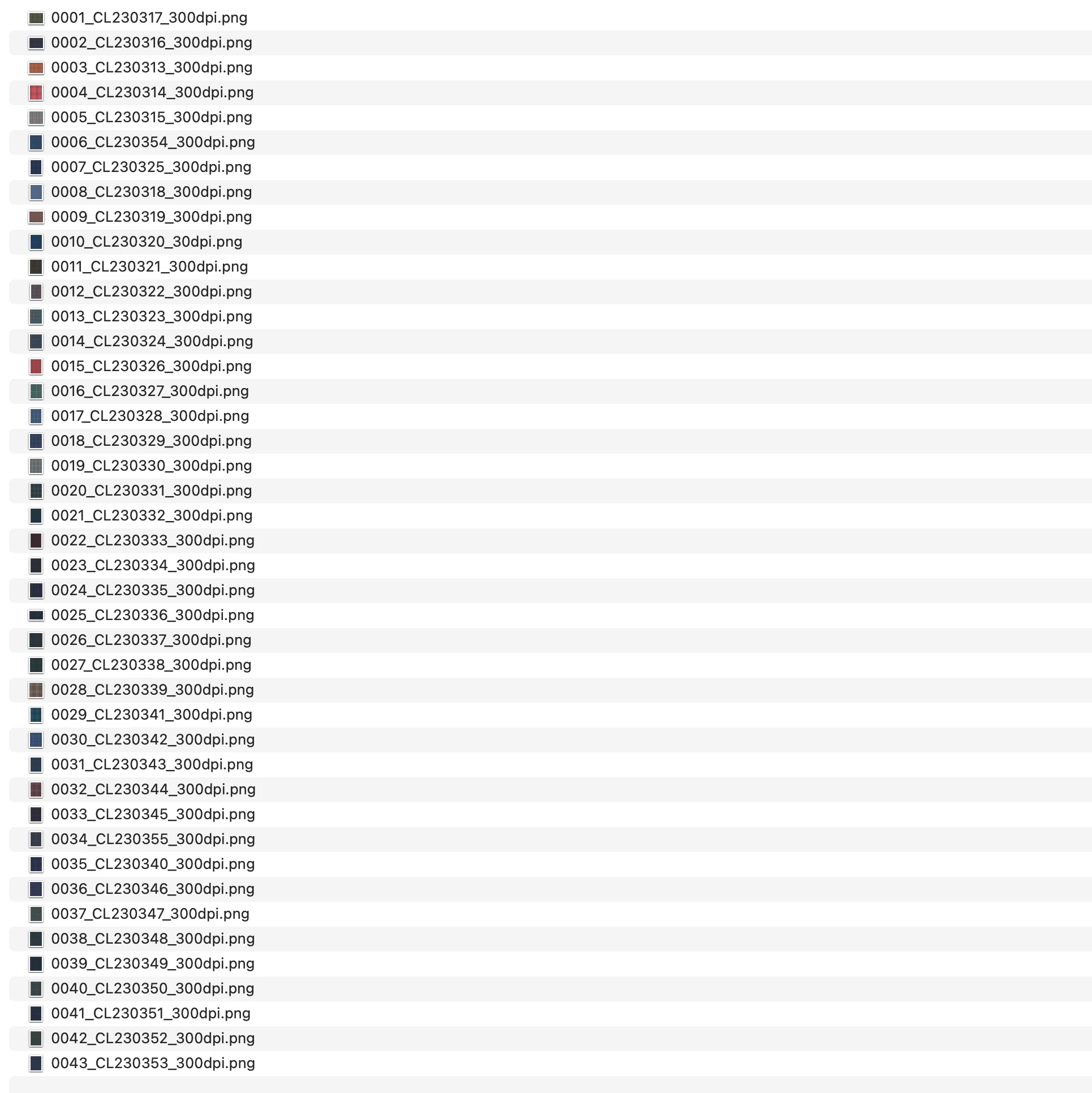
What I am trying to achieve is a workflow to automatically apply new .png patterns I have in a folder and export a .png so that I have an rendering of every fabric.
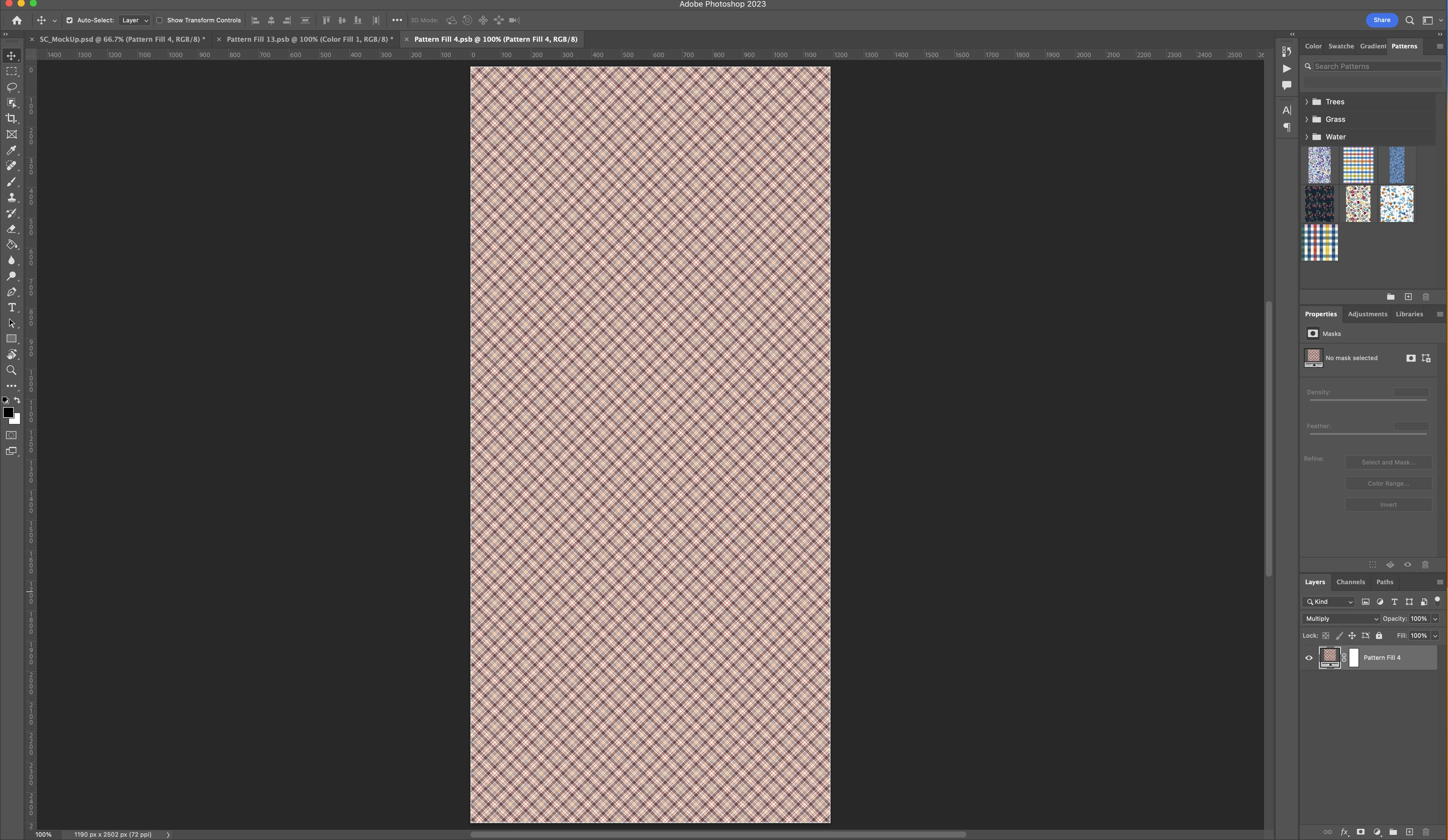
I have attached some screen shots to better understand the file structure.
I am open to ideas or better practices. The end goal is having a realistic as possible rendering of the Jacket made up in every fabric I have.
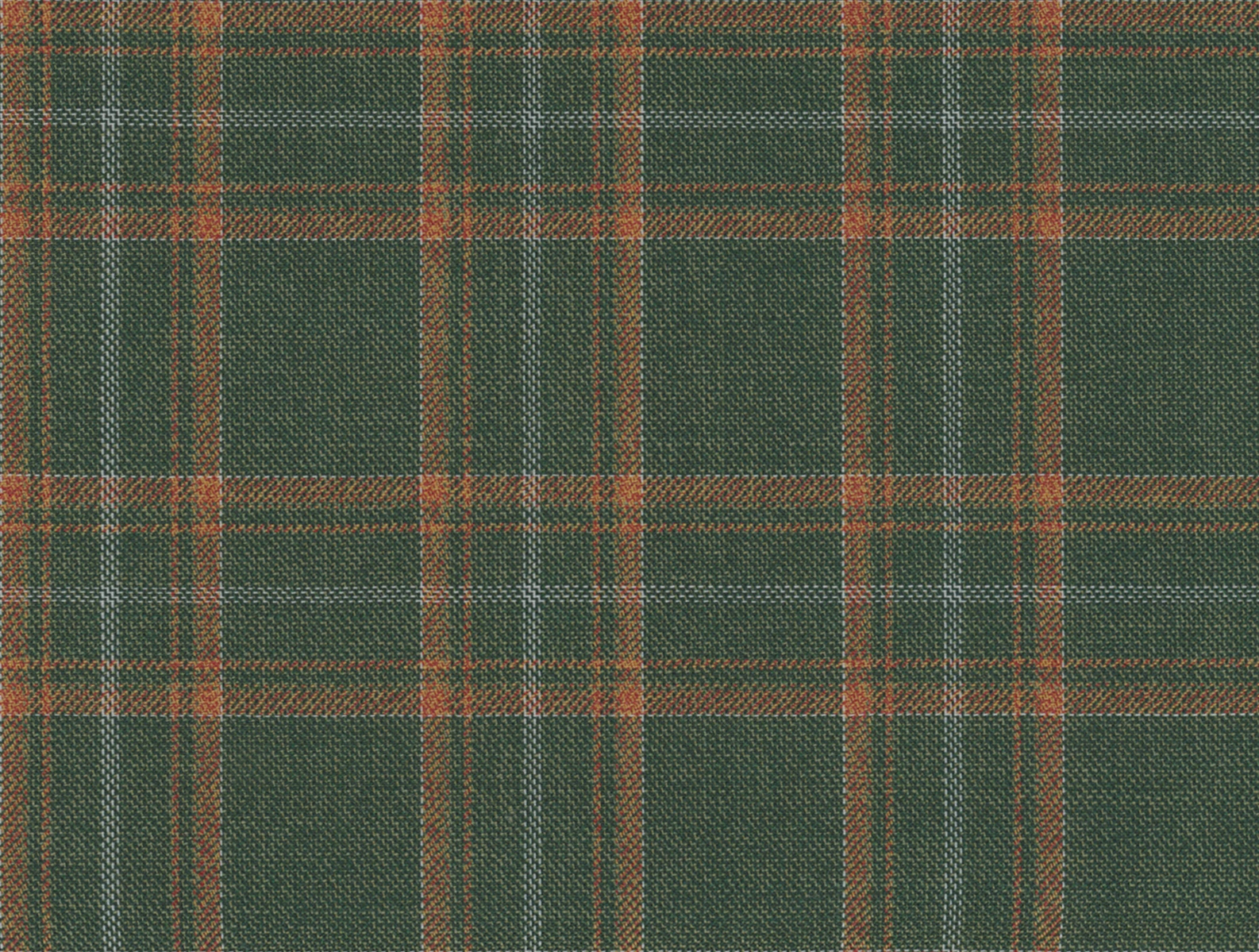
In respect to the fabric patterns I have both large swatches and smaller clips of those swatches I have turned into a tile that will seamlessly repeat.
 AdChoices