
Answered
Using Eyedropper to set points for different areas of skin?
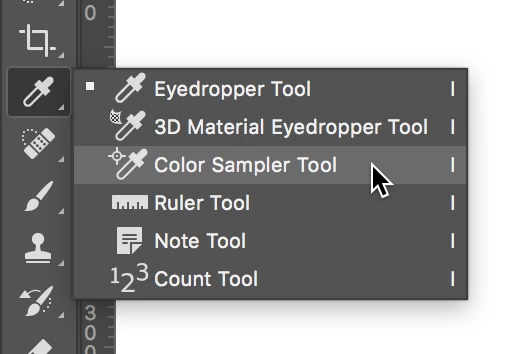
I have an image that is a composite of two different people's faces and I want to match the skin tone together. Using the Info Panel, I want to place a sample point on one area of skin and another sample point on another area so I can use these values to play with the Curves.
1. How do I place a sample point that will stay on the image so I can get the values in the info panel?
Thanks.
 AdChoices