
Using Saved Brushes with Art History
Photoshop CC 2019
I am trying to save a brush I made in photoshop. I understand the steps.
1. Use selective tool to make a selection
2. Edit > Define Brush Preset > Save
3. Then, if I want, I can go into the Brush settings and customize
4. Then if changes were made, I create a new brush, give it a name and save
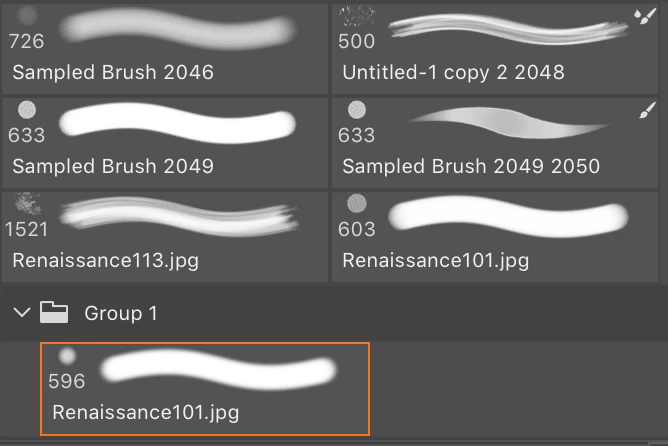
It becomes a new brush and has a 'brush' icon, automatically. If I don't make any customize changes it does not have a brush icon.
I noticed when I want to use the Art History Brush it does not let me use any brush with the brush icon. It defaults back to brush tool when selected automatically and does not stay in art history.
How do I save a customized brush, with customize settings, that does not default to brush tool so I can use it in Art History and if I wanted to as a brush?
[Title renamed by moderator for clarity. Was "Saving Brushes in Photoshop"]
[Question moved to the Photoshop forum. -Mod.]
 AdChoices