



Using Tool Presets
I find using tools presets can be awkward. You need to pull down the preset list then find and select the preset you want to use. If you have unchecked current tool only so you can select any tool's presets from the list or in actions or in scripts. That list of presets can be quite large and finding what you want to use can take some time. Even when you have current tool only checked the presets list can be long. If your a painter you may want to switch between brushes often, quickly and easily in a subset of your brushes for the painting you are doing.
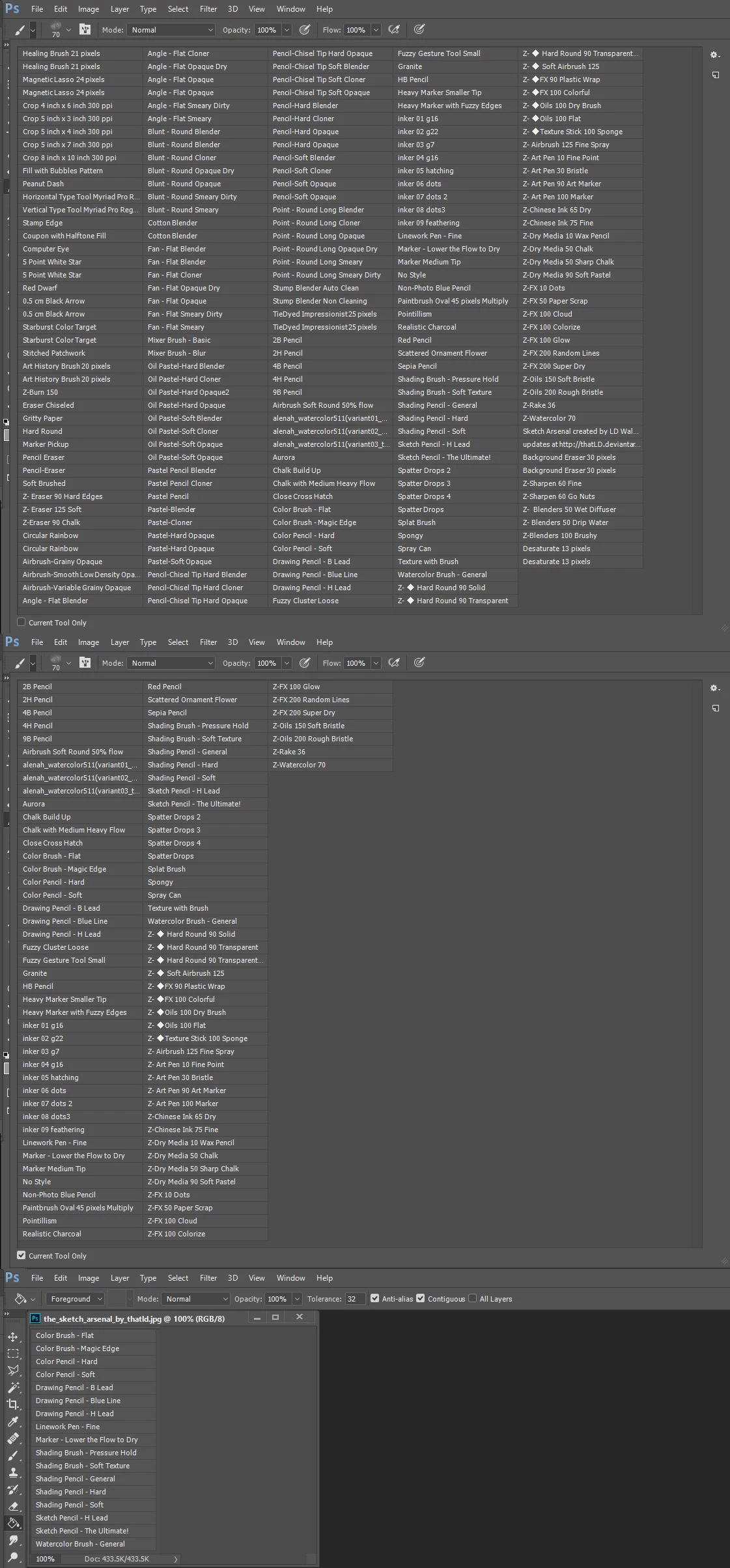
Scripting can help here but because of the way Photoshop works that script can get complex for you most likely do not want to just rotate through big set of brushes. You may want to switch back and forth between brushes in a set of brushes. Actually a really do not know for I'm not a painters but I have seen many make set of brush presets available on the web for others to use. I also see instruction for installing presets. Because I have a programming background I thought I would make and attempt at making it easier to e switch between a tools presets. In my opinion with Adobe Photoshop Alt-Right-click dragging up, down and left,right feature to change brush size and hardness there is no need to address this with presets to do the. Preset should be use for switching between types of brushes.
The script I came up with is designed to be use via shortcut keys. In fact for full function two shortcut keys are required a F(n) Forward shortcut key and a (Shift/Alt/Ctrl)+F(n) Backward shortcut key. You can create a script for each set of tool presets you wish to switch between. However each script will need two shortcut keys and be for a single tool for a set of its presets. The script can be used for other tools besides Photoshop's paint brush tool.
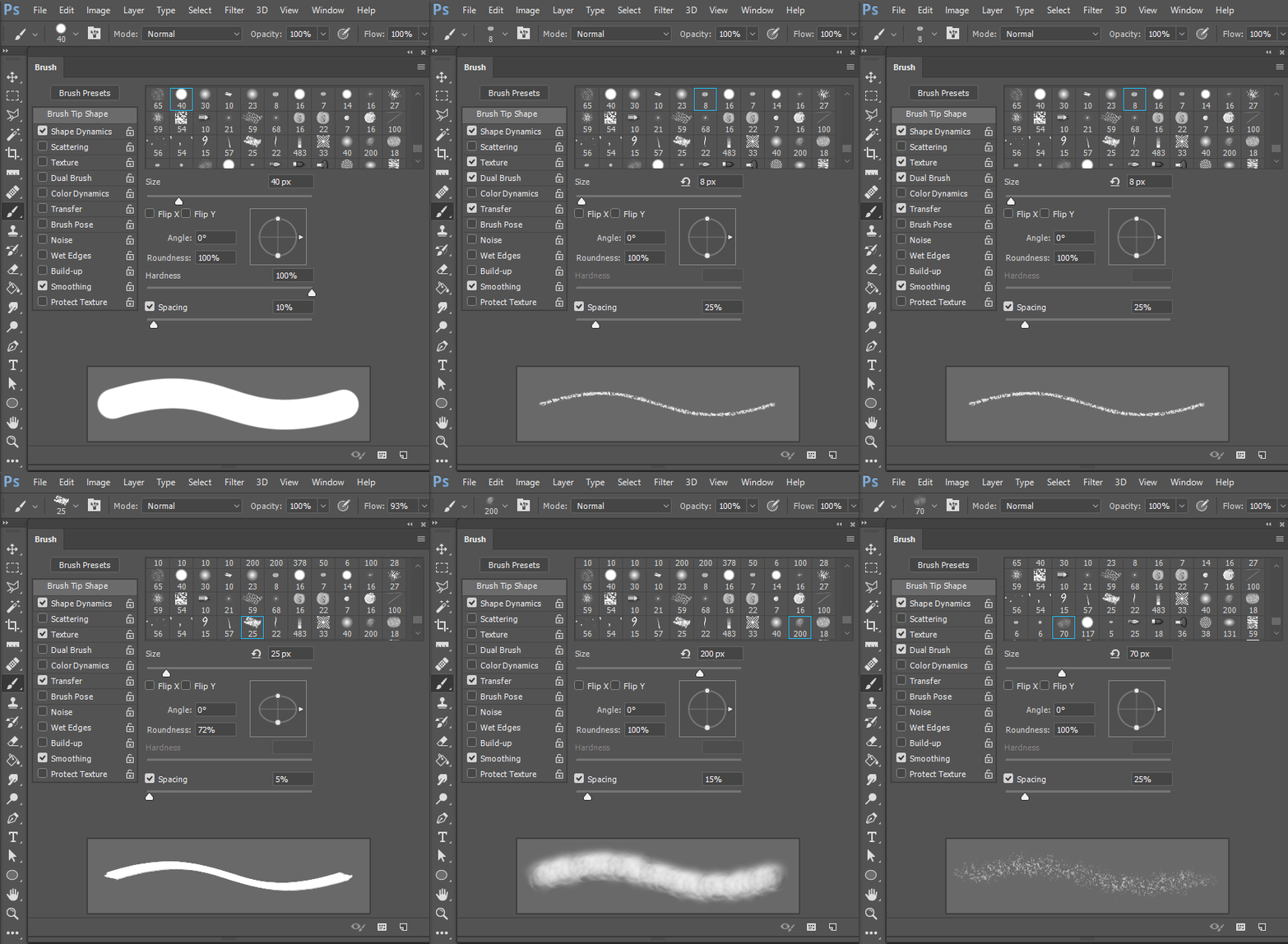
If the tool is Photoshop Paint Brush tool Photoshop will provide visual feedback via the tool option bar brush preview and also in the Photoshop Brush palette. You can Right click the fowling link and use save as to download the script..
http://www.mouseprints.net/old/dpr/CycleBrushes.jsx
 AdChoices