
using top layer name in save as for web and generate file name
I have a T-Shirt mockup file with 3 or 4 different templates (Style) in 1 PSD file.
I load my design to templates and after resize it (depend on template) and move them to right position, then using Actions for make JPG files for my web-store.
I have 3-4 templates and each template have 6 colors.
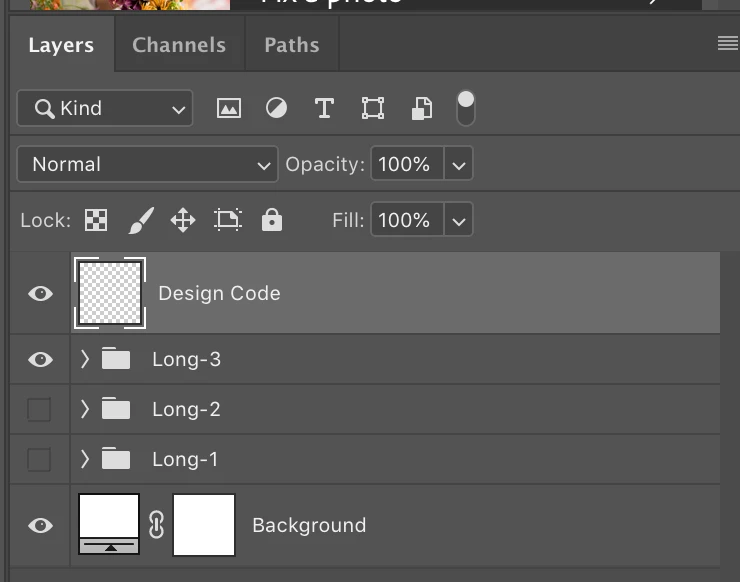
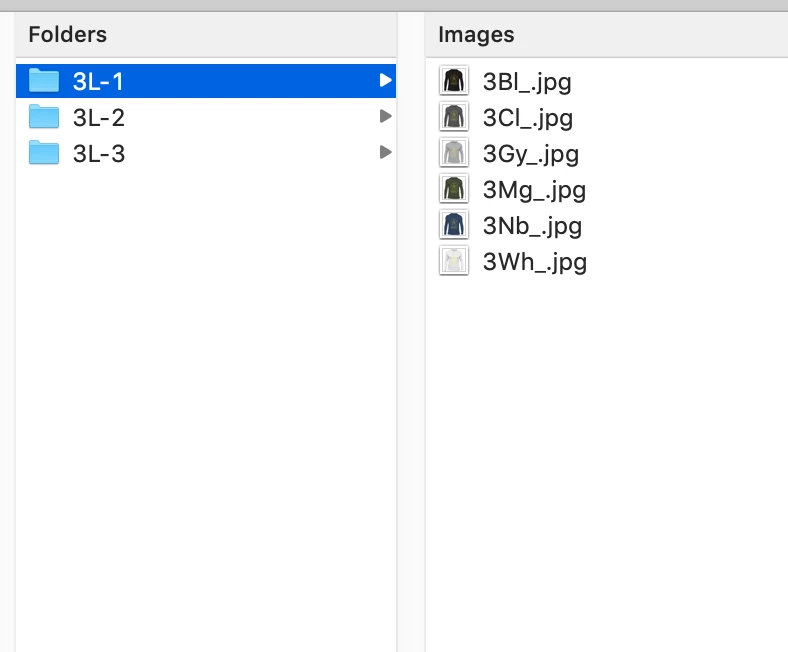
At the moment, I made 4 folders (like 3L-1, 3L-2, 3L-3 ,...).
By Using Actions, in each folder, save files by these name "3Wh_.jpg", "3Gr_.jpg", "3Bl_.jpg", "3Mg_.jpg", "3Nb_.jpg" and "3Cl_.jpg" through Save for Web (Legacy). (the alphabets indicate colors like Wh=White)
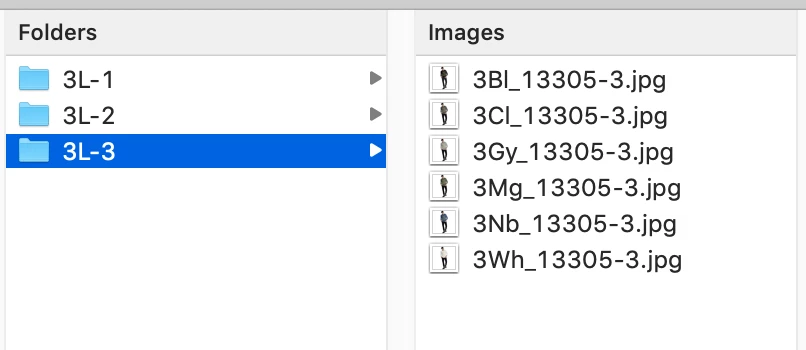
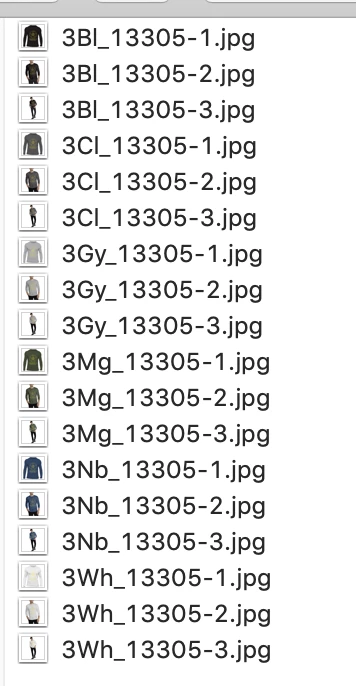
After this step and making JPG files, then I rename them and add "Design code" and template number to end of all files. (for example: the files for design#13305 will be like these 3Bl_13305-1.jpg, 3Bl_13305-2.jpg & ...)
and as the last step, moving all files to one folder and then go for next design and make JPG files again.
At the end upload pictures.
my question is:
I heard that can do these steps easier in PhotoShop by using script but don't know too much about Java Scripts.
I add a blank layer as top layer and write "Design code" as the layer's name.
I want to use this layer's name in filename when making JPG files by Save for web. (the filename template will be like this 3Wh_LayerName-1.jpg, 3Wh_LayerName-2.jpg , ..., 3Bl_LayerName-4.jpg & .... )
Can anybody help and guide me to do this ?
Thanks
P.S: I'm using PhotoShop CC 20 on Mac system.
 AdChoices