AES STUDIOS
Participant
February 15, 2017
Answered

Vanishing Point filter has no "Export to After Effects" options

  • February 15, 2017
  • 2 replies
  • 5047 views

Basically, I am trying to follow along this tutorial: After Effects Tutorial  Vanishing Point 3D - YouTube

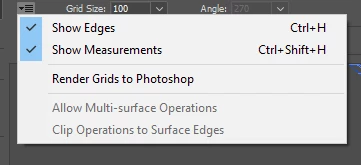
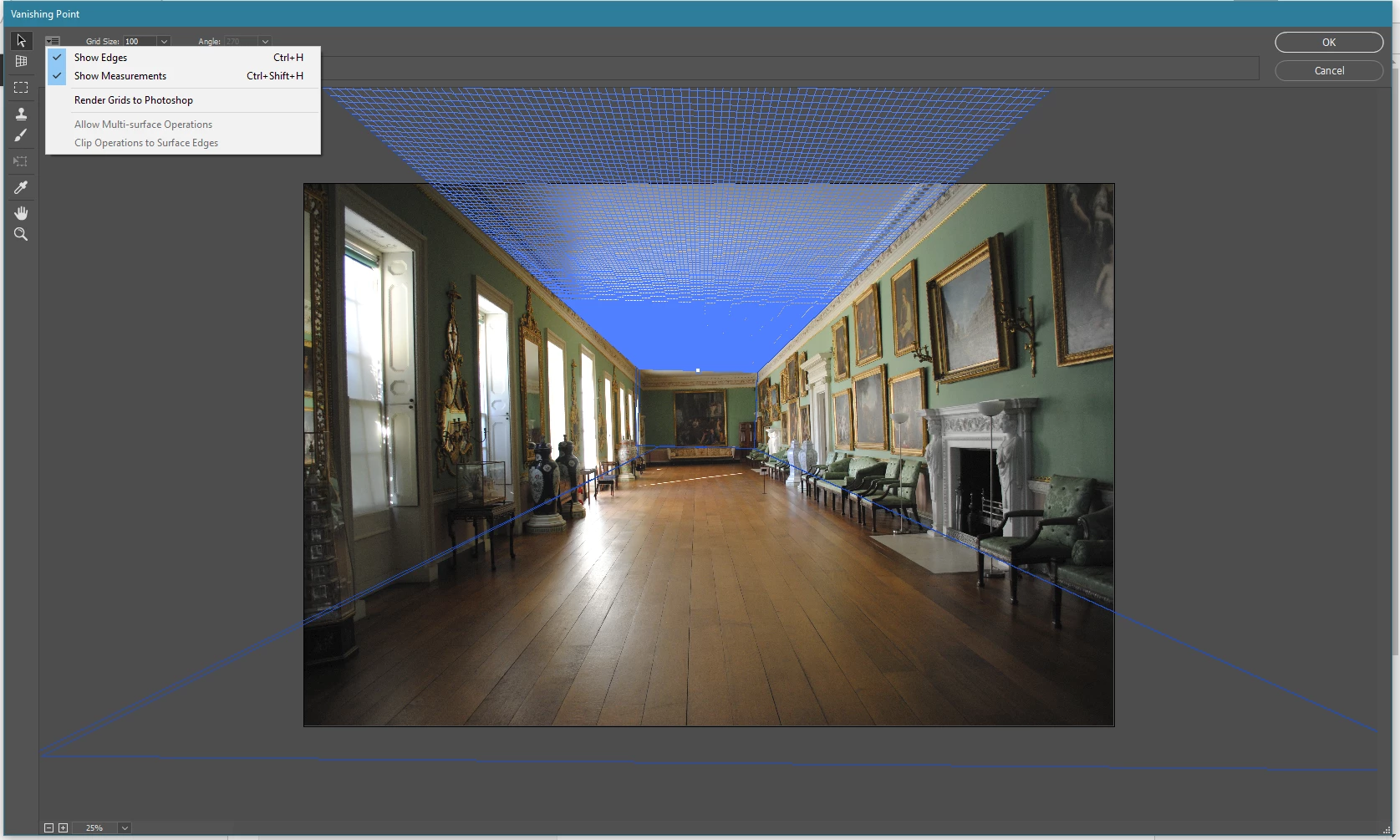
But the option to export to after effects just isn't there. I have already tried resetting all tools and preferences, with no results. Pressing ctrl-e allows me to export to dxf, oddly enough, but this isn't what I want.

Pictures:
This topic has been closed for replies.
Correct answer Sahil.Chawla

Hi Aes studio,

Make sure that you are clicking on the four corners of a perspective plane or object in the image to create an editing plane.

Note: Your grid should look blue, if it looks yellow then export to afters effects option will be grayed out.

Regards,

Sahil

2 replies

Inspiring
September 2, 2021

The Perspective tool in the Vanishing Point filter is quite picky (particuliar) and difficult. If any drawn plane is red or does not show grid lines when selected, redraw it. If any layers are hidden or locked, you may need to unhide and unlock or remove them.

Sahil.Chawla
Adobe Employee
Sahil.ChawlaCorrect answer
Adobe Employee
February 22, 2017

Hi Aes studio,

Make sure that you are clicking on the four corners of a perspective plane or object in the image to create an editing plane.

Note: Your grid should look blue, if it looks yellow then export to afters effects option will be grayed out.

Regards,

Sahil

Participant
June 28, 2021

when i click the eport to after effects option it shows "the operation could not be completed"

please suggest me a way as soon as possible


Participant
June 28, 2021

here is my attachment of my error