Participant
December 18, 2020
Question

Vector Mask and some shapes are adding mystery rectangles

  • December 18, 2020
  • 1 reply
  • 332 views

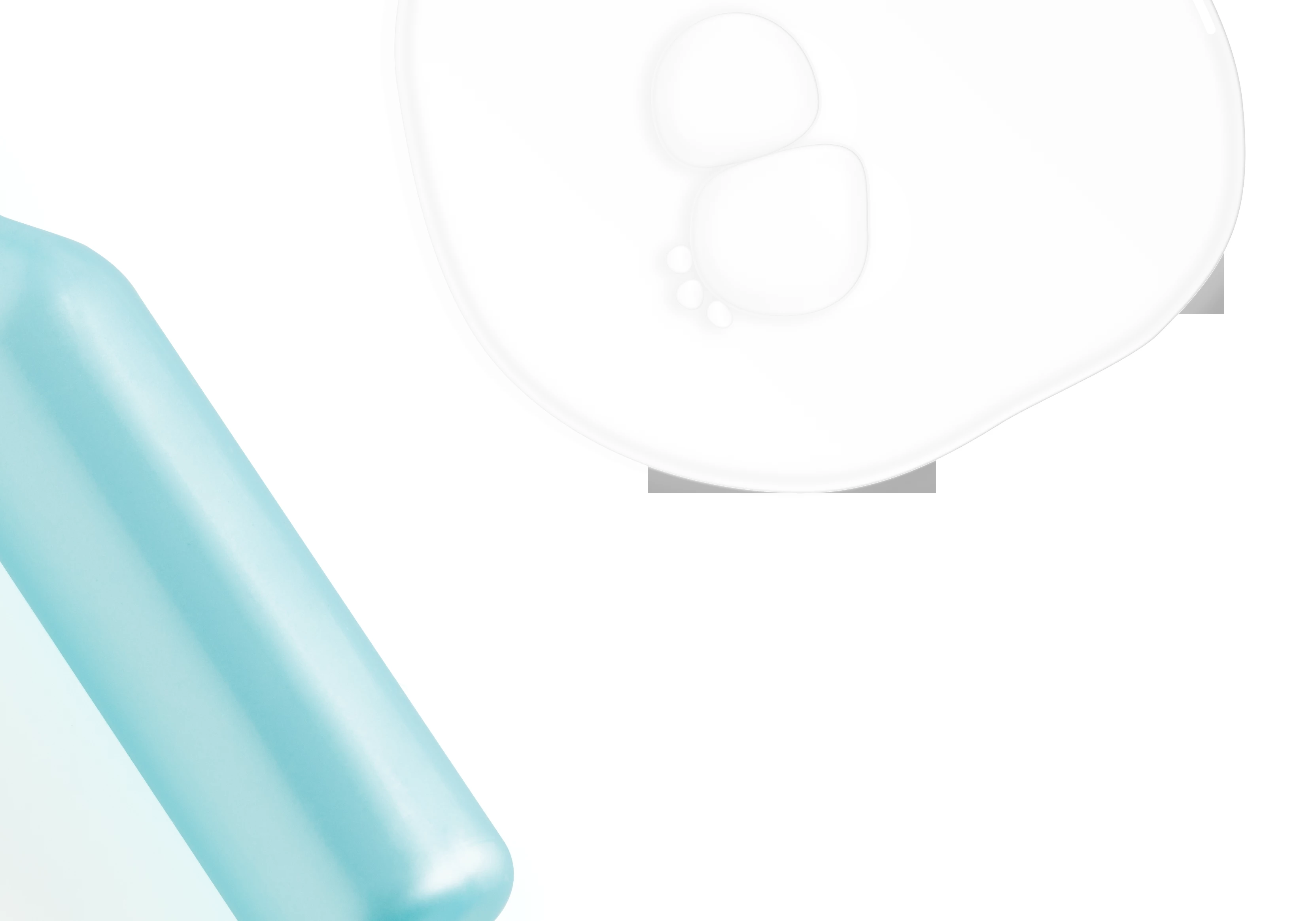
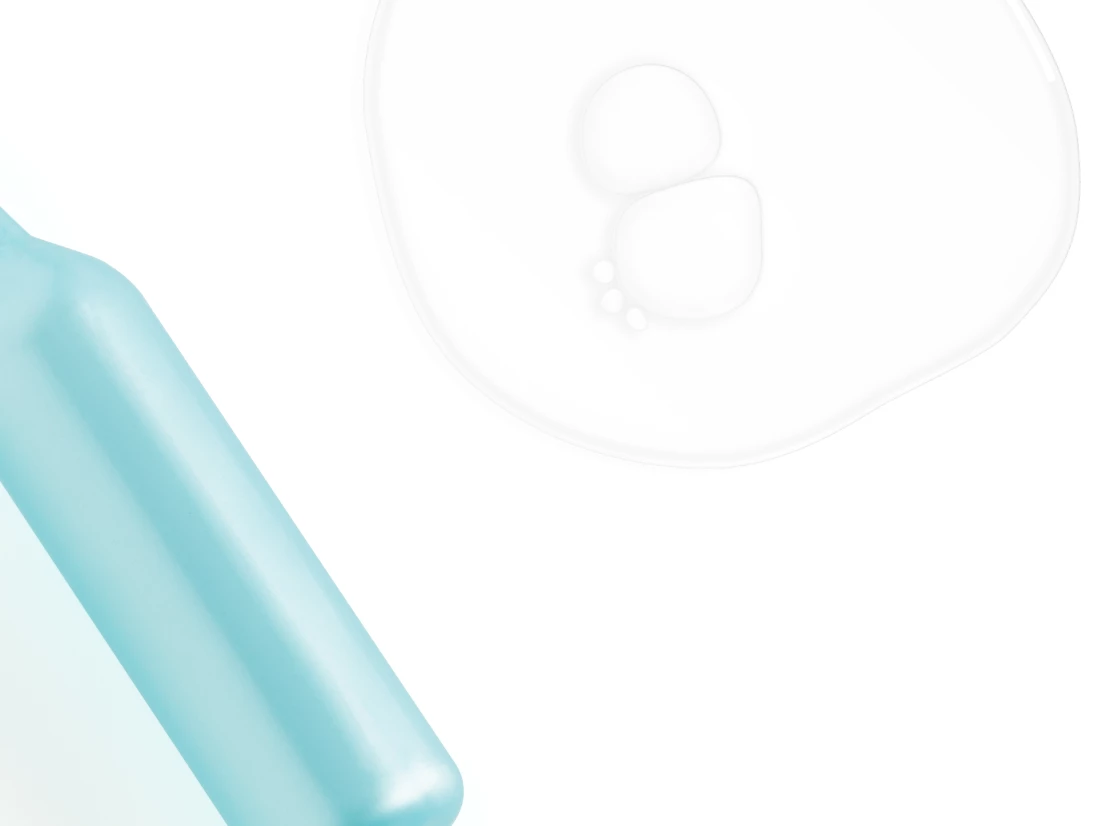
When I create a vector mask or we I create some vector shapes, I have strange rectangles that appear and disappear as I zoom in and out. The problem is the rectangles make their way to the final photograph or image. Here is an example with and without the strange rectangles. 
This topic has been closed for replies.

1 reply

Omar.Fathy
Community Expert
Community Expert
December 18, 2020

Which version of  Ps you are working with? What is your PC Specifications?
It apperas in the final output when you save your image?
If not, check your Graphic Processor and try to disable the Use Graphic rocessor from Edit>Preferences>Performance and see if it is stil exist.

Participant
December 18, 2020

Yes the rectangles are appearing in the final image. I have to rasterize the shape layers in order for things to work. Or I have to rasterize the Vector Mask into a layer mask. 


I am using Photoshop 22.1 on an iMac (2019) running MacOS 10.15.7. I've had the same issue with my other iMac (2017) at home which is a 2017. 

I just tried disabling the Graphics Processer, reboot, and no change. 

Participant
December 18, 2020

 This might bee a better view of what I am seeing.