Question
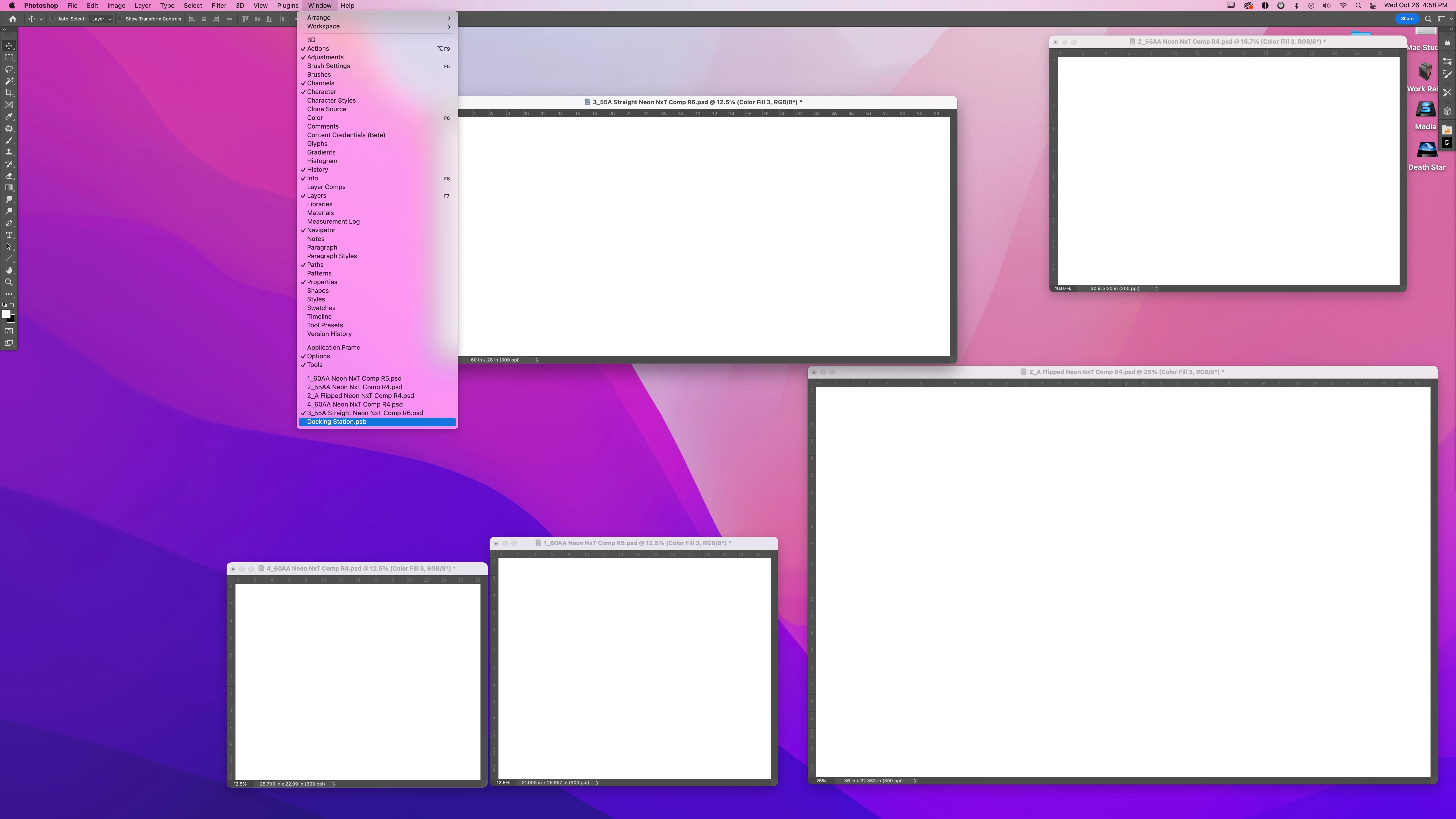
Version 24.0.0 Smart Object PSBs open but don't display.
While working on complex compositions, with smart objects, sometimes the actual image window does not display. The PSB opens, and all of the layers are shown in the layers pallet, but the window itself is nowhere to be found. I have attached a screen grab, to show the PSB in the image list, but oyu can clearly see that you can not see the image window. (I have whited out the images due to Non-Disclosure Agreement.) Also with the open PSBs from smart objects, when they do display, sometimes the Save dialog box disapears as well. These problems seem to happen when multiple files are open.
Mac Studio - M1 Max
32GB ram.
MacOS Monterey 12.6
Photoshop 24.0.0
600+ gigs of scratch disc on main drive. 6T scratch on additional raid drive.
 AdChoices