
Answered
Visible Guidelines Affecting Brushstrokes
Hi,
Mac OS 10 PS 2018 Huion Kamvas
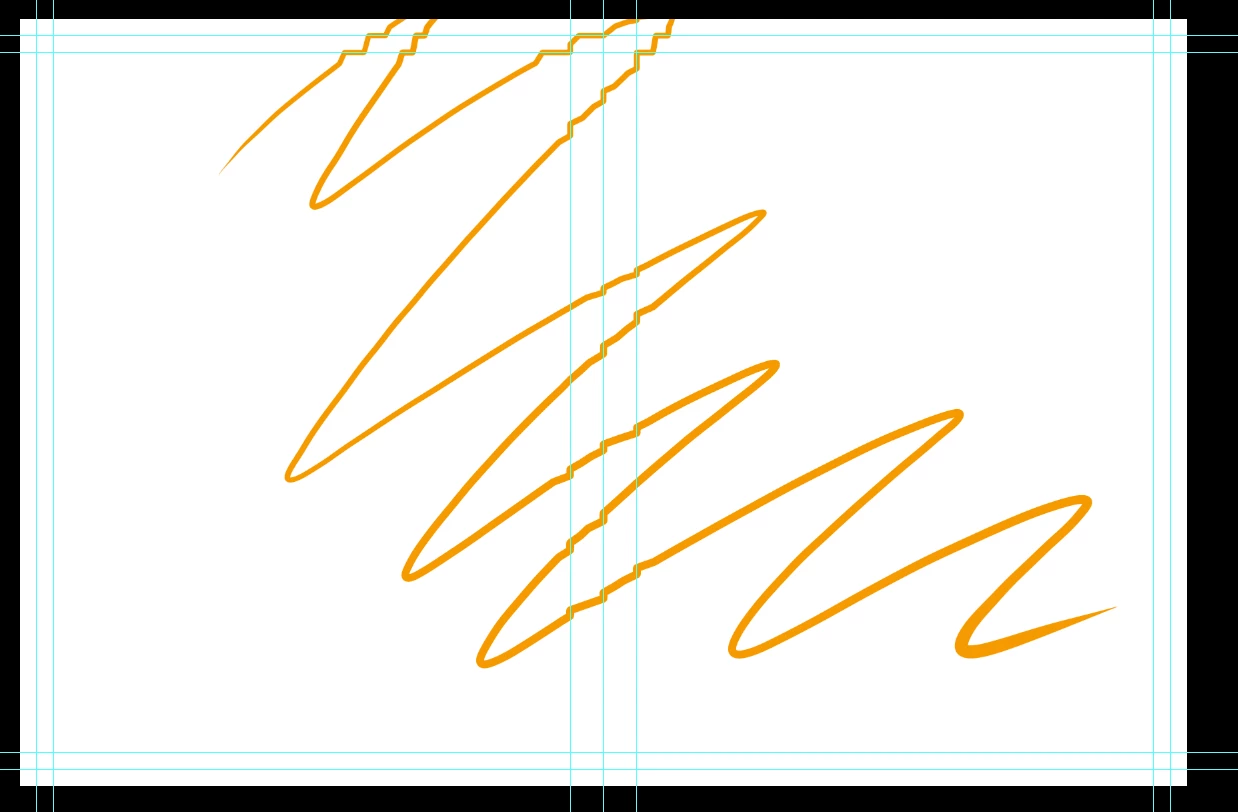
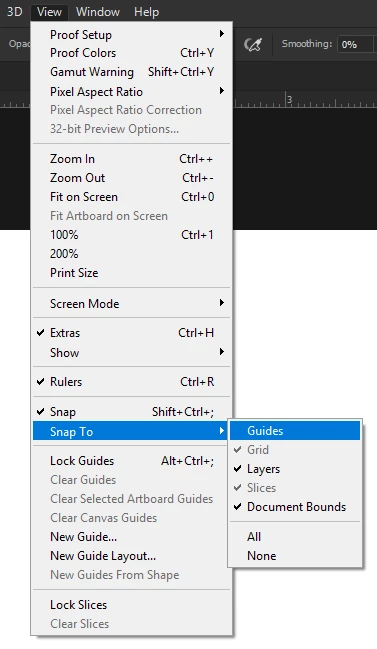
I looked around for this problem but seems like it's only me. I have several guidelines marking out print lines/etc on a canvas I'm working on, and whenever I draw through the guidelines they make my stroke jagged. If I hide the guidelines then I don't have this problem, but then I'm turning them on and off and that's just a pain.
Do the guidelines always affect brushstrokes this way? Seems like they're just supposed to be guides, not act like physical bumps on a page. 😕😕
Any suggestions?
Thanks!
EDIT: I added a screenshot to show what I mean:
 AdChoices