
Question
Wacom - Double lines
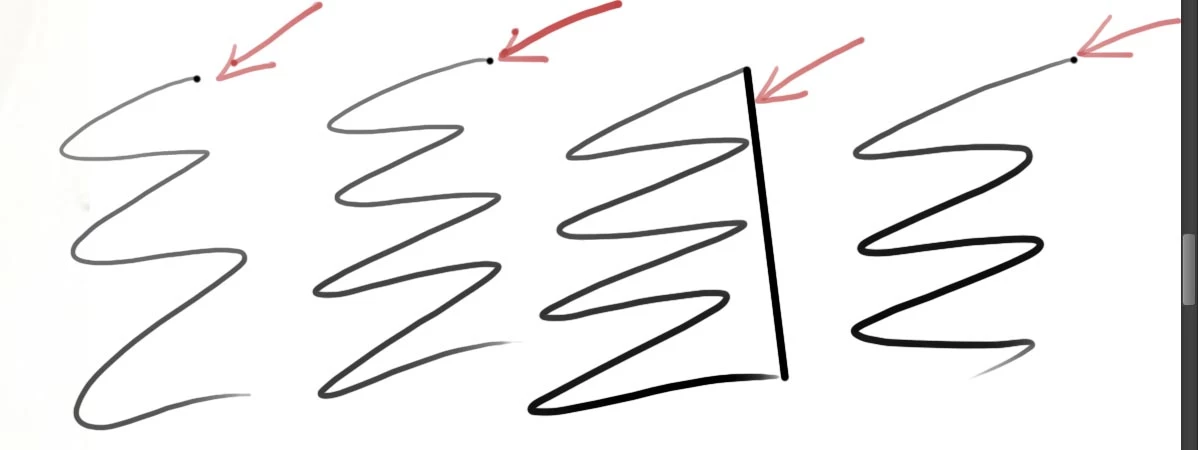
Hi everyone, so after spending the entire day trying to get my Wacom to work on Photoshop(turns out I just needed to download the latest drivers from wacom), anyway...I have a new problem, and i tried to google search for solutions...but couldn't find anything. so my latest problem is that whenever i draw a line on Photoshop, i get a second dot or line automatically. You can see the picture, its point/lines that i have marked with arrow. You can see some of my arrows have them to. Any suggestions?I definitely need the help. I am using CS6
 AdChoices