ashjan2000
Participant
January 1, 2024
Answered

Wacom Intuos M - Photoshop Brush Outline Not Showing The Right Size When Using Pen (Windows 10)

  • January 1, 2024
  • 1 reply
  • 436 views

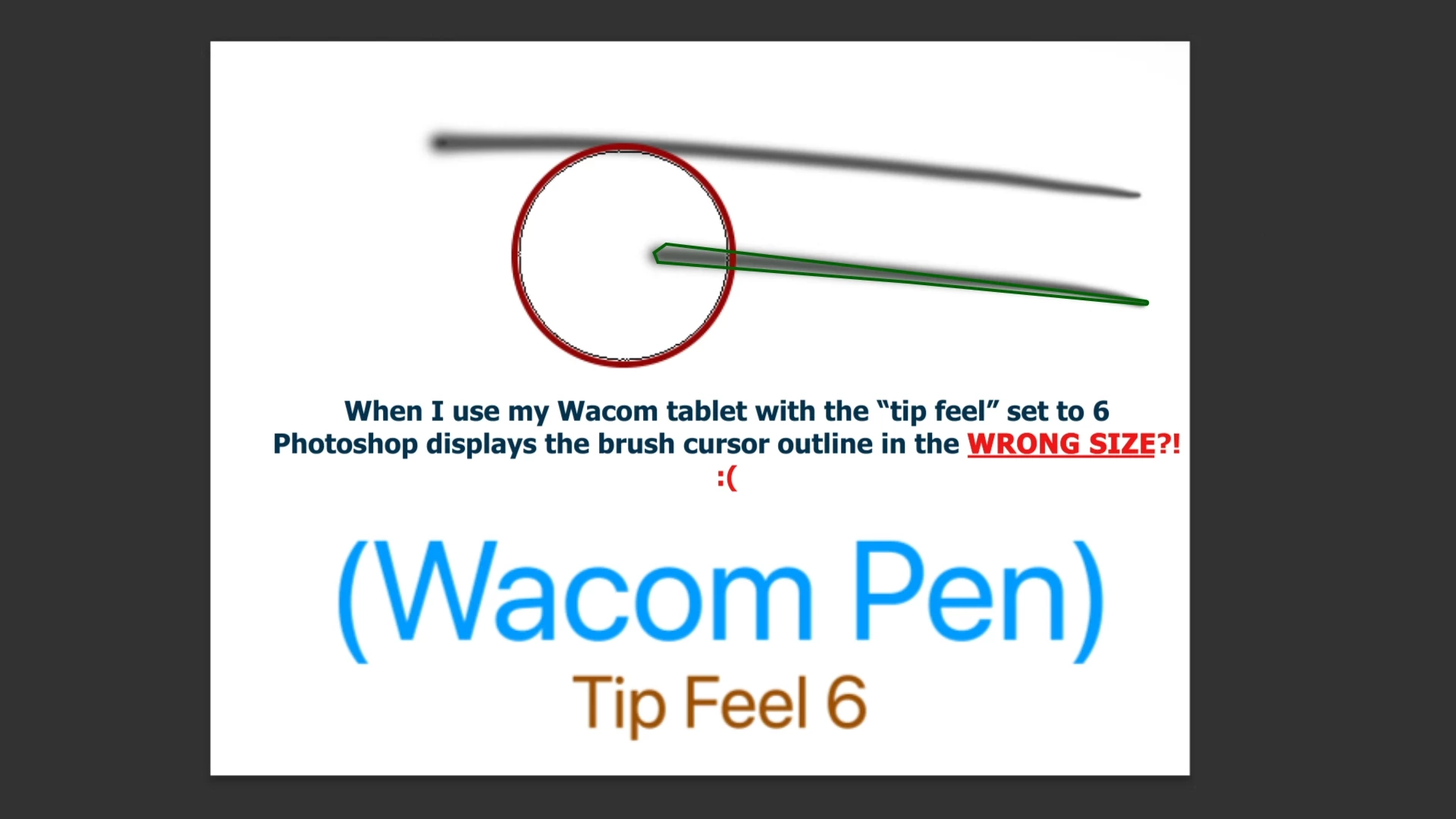
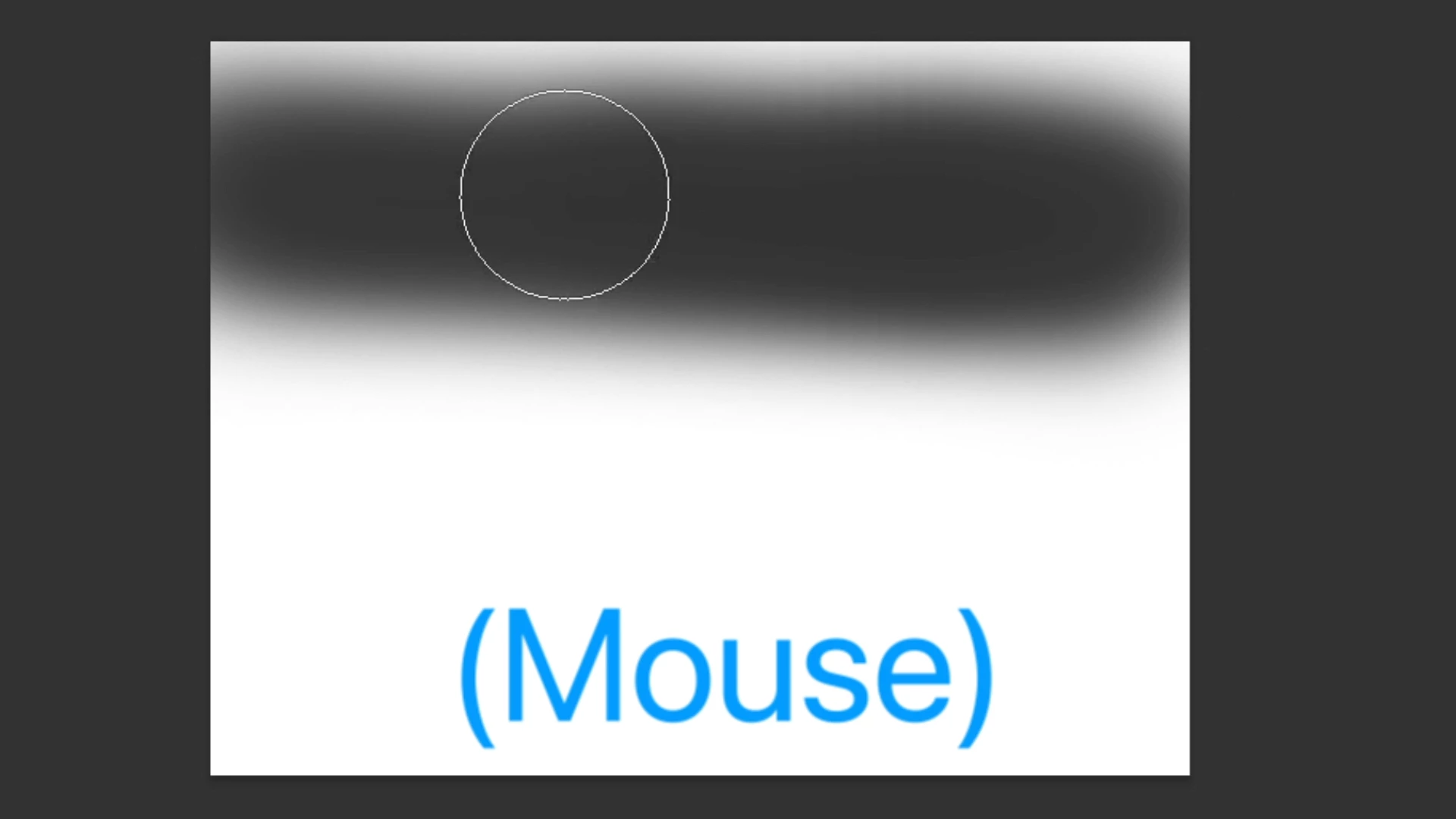
Hi, I am experiencing issues with displaying the correct brush outline when using the Wacom pen in Photoshop.

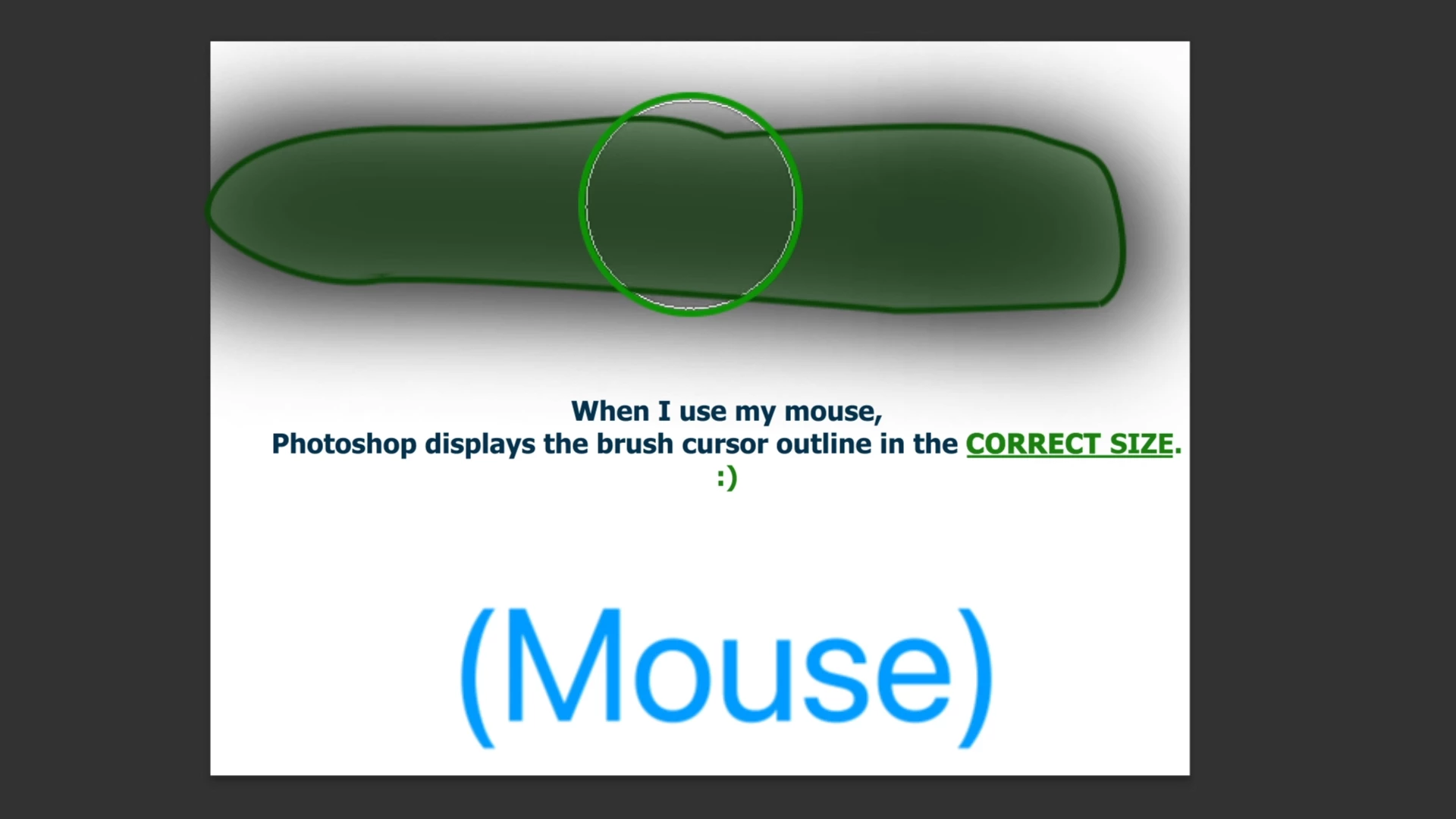
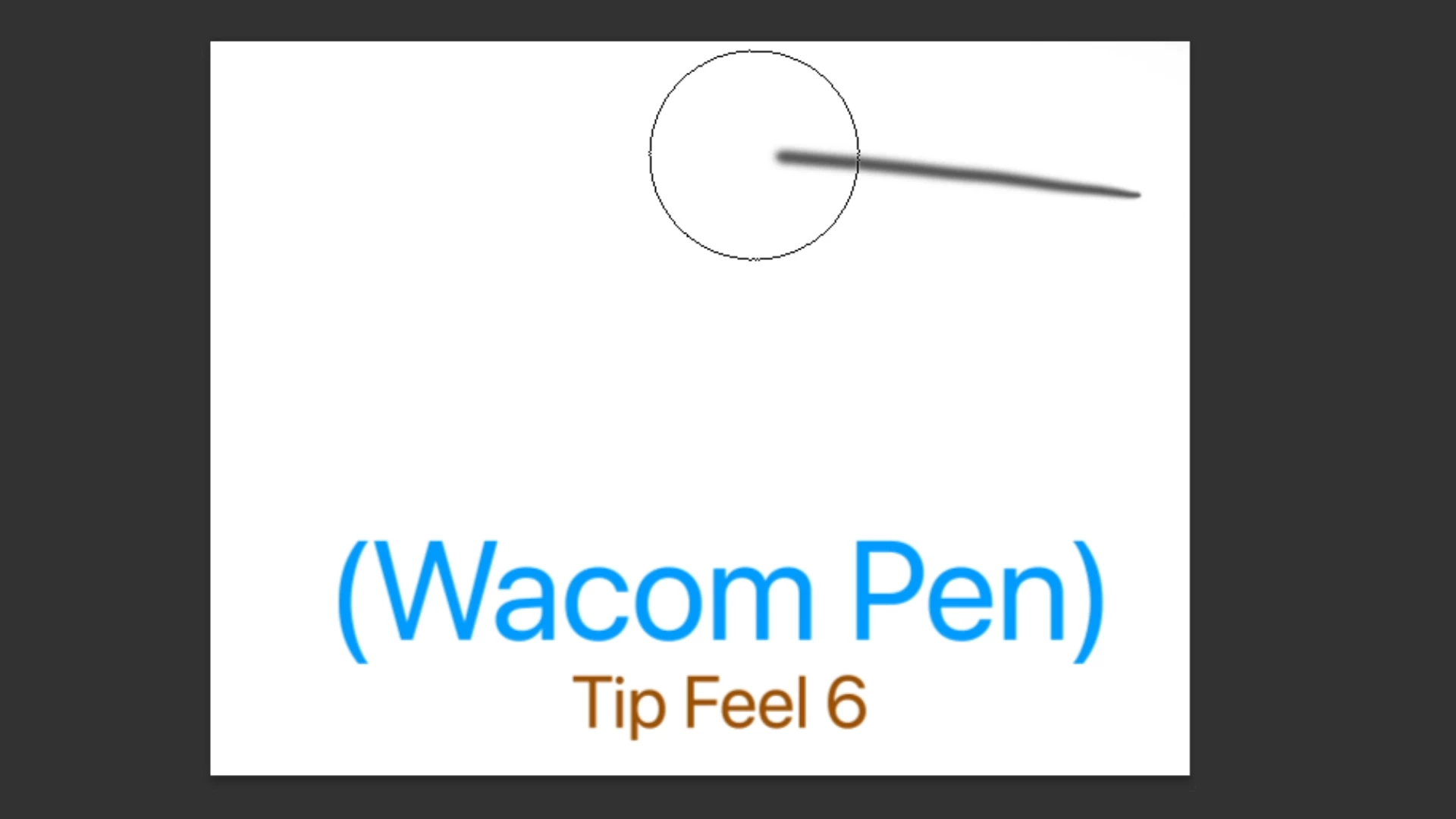
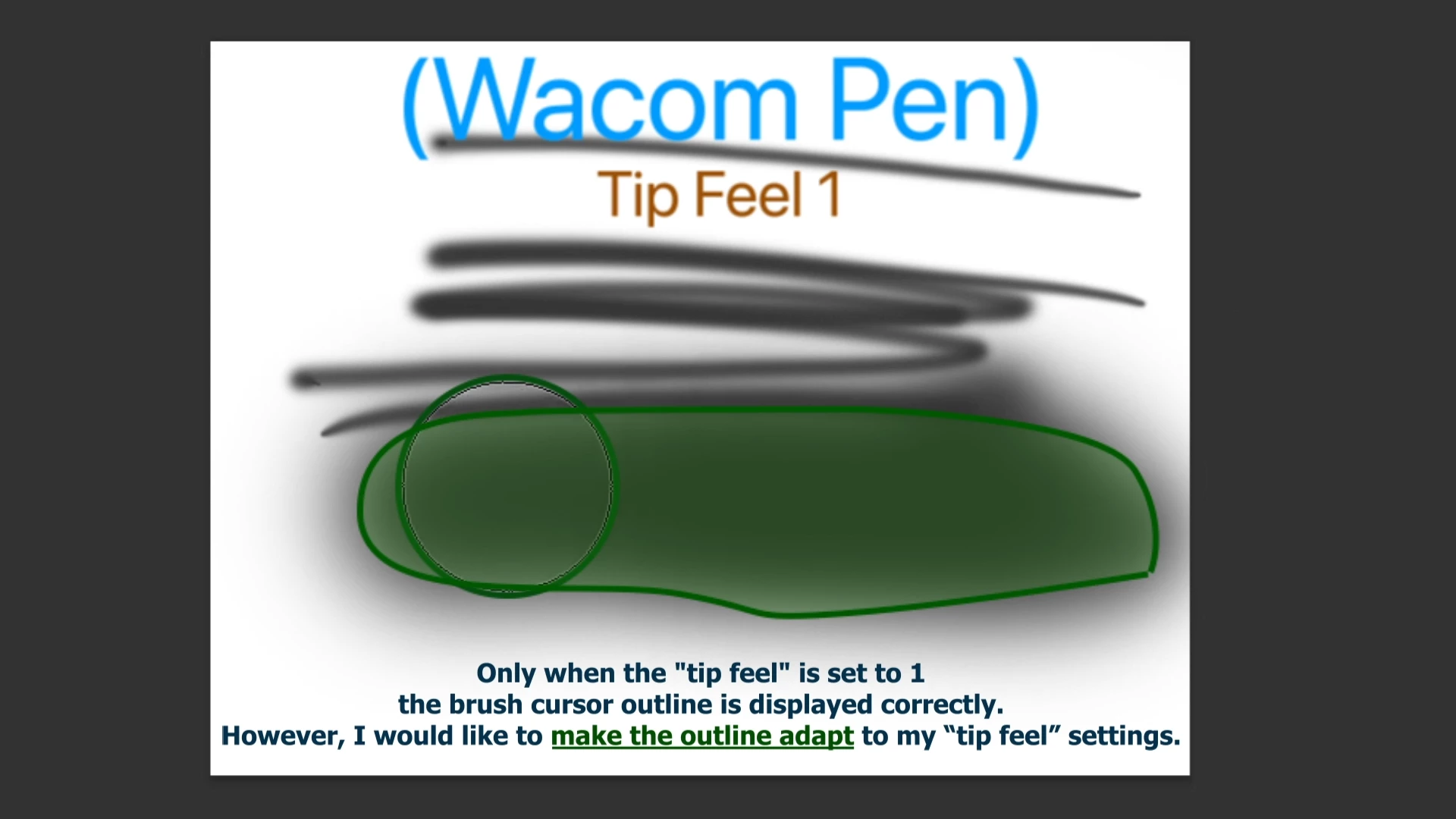
The size appears as normal when using a mouse or with the pen set to Tip Feel 1. However, it doesn't adjust to the correct size when I increase the Tip Feel settings. I hope I hope you are able to provide some assistance.


I use:

MSI 63VR Stealth Pro (Windows 10)

Photoshop

Wacom Intuos Medium (Have updated the drivers)


Here is some pictures of my problem:
This topic has been closed for replies.
Correct answer Trevor.Dennis

BTW Thanks for the screen shots.  They nearly always make things easier to understand.

1 reply

Trevor.Dennis
Community Expert
Community Expert
January 1, 2024

Is 'Tip Feel' an expression from the Wacom driver?


At the moment, it looks like you are seeing exactly what you'd expect to see with a Pressure Affects Size preset and a Full Size cursor.  The cursor indicates the size of the stroke when full pressure is applied, but when the pressure is light, the stroke is much smaller but the cursor remains at the same size.  Am I missing something?

Can you give me a heads up on where Tip Feel comes from?

Trevor.Dennis
Community Expert
Trevor.DennisCommunity ExpertCorrect answer
Community Expert
January 1, 2024

BTW Thanks for the screen shots.  They nearly always make things easier to understand.