
Wacom pen loses sensitivity and goes nuts the more I paint in CS6
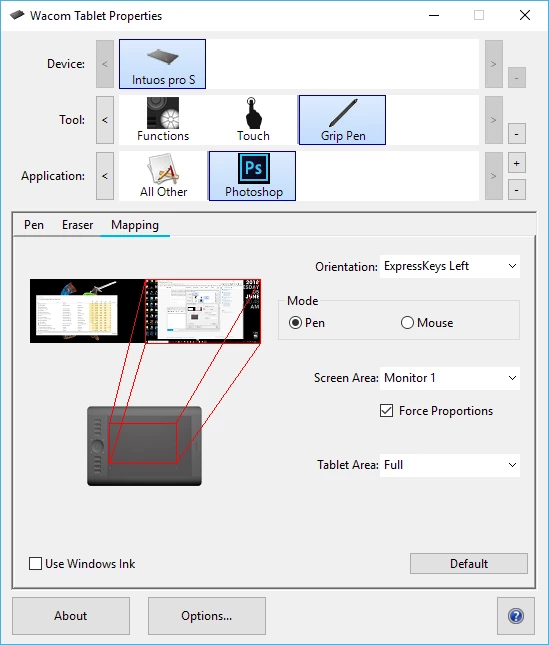
For some reason this wasn't happening the other day but today I just noticed it. After I paint several brush strokes and undo some, something strange happens. The strokes will sometimes lose sensitivity and just be hard strokes. Also a little "Ctrl" HUD will pop up next to my pen cursor when I press the undo button I mapped to the pen ("Ctrl+z") but it's several seconds behind so I just see a "Ctrl" box floating around the canvas by itself repeating the motion of the strokes I did earlier. Also a little grey dot is occasionally left behind where my Wacom pen touches the canvas and it will remain there for 10-15 seconds in the location I touched the pen to before disappearing. The grey dot will remain visible on the top of the screen even if I pop up another window like the Chrome browser. I also can't press any of the drop down menus anymore with my pen--for instance, when I try to open up my brush menu with the pen it immediately closes it. I don't know what's going on but none of this crazy stuff happens until I paint for a few strokes and then undo a couple.
 AdChoices