
Participant
May 10, 2024
Question

Want to creat a transparent gif in photoshop

  • May 10, 2024
  • 1 reply
  • 239 views

Hi, I created a gif from several layers all transparent:
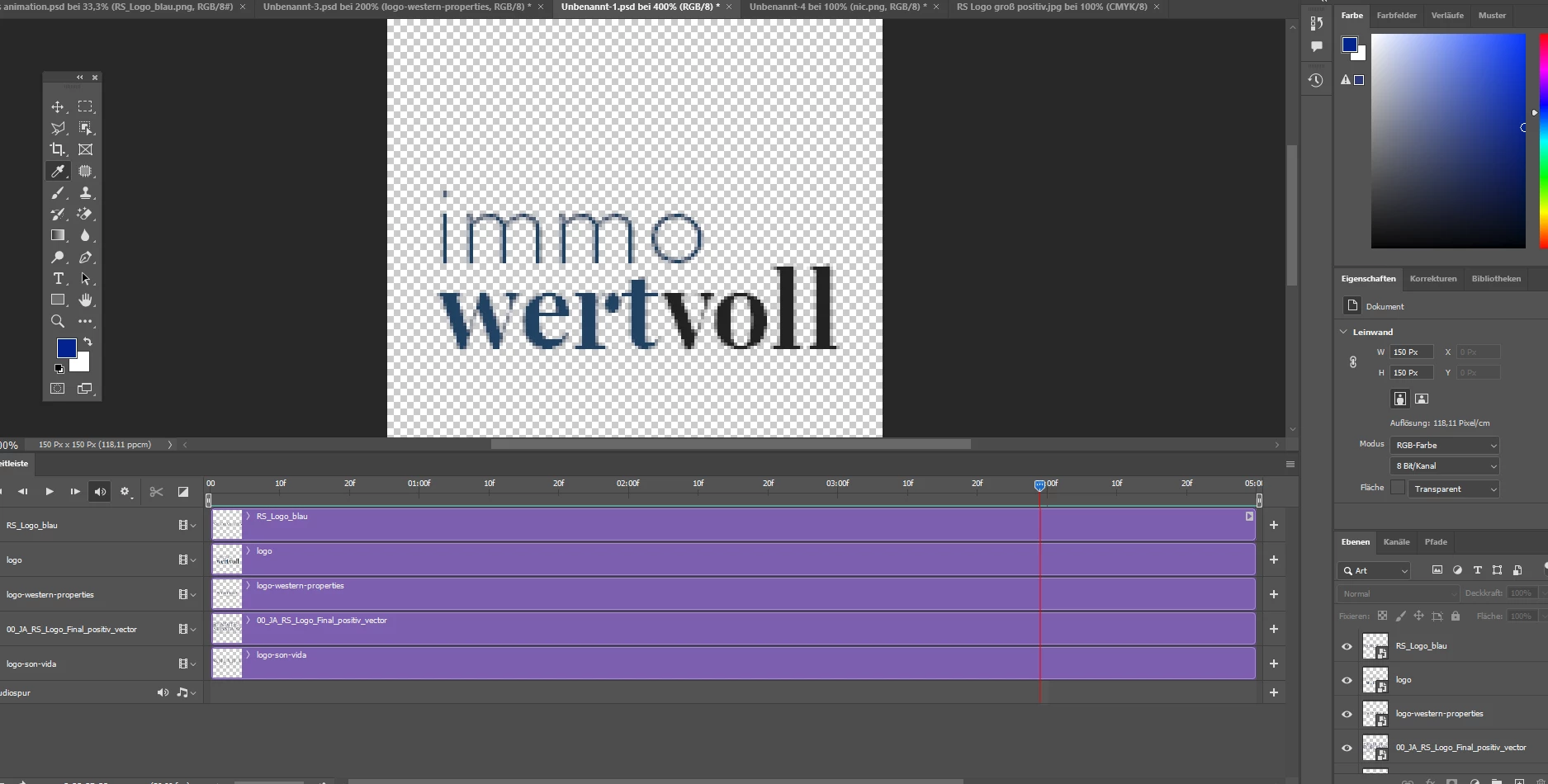


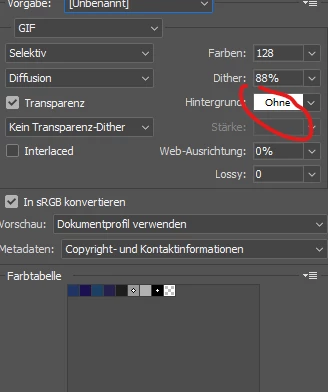
Now, when i wnat to export, i use Gif 128 Dithering but it does not let me export without background. When i choose "without" background, the colours disappear. Ist there a solution to this? I guess an easy one, but found nothing here. Please help!


This topic has been closed for replies.

1 reply

Myra Ferguson
Community Expert
Community Expert
May 10, 2024

In the Save for Web dialog that appears after you go to File > Export > Save for Web (Legacy)..., you can modify the Color Table to add or remove colors that aren't appearing in your animated GIF. Here's a video at the part that might help:

https://youtu.be/v6P3q5jrano?si=Nem4aLnvRRIoOqQy&t=388