Participant
March 13, 2021
Question

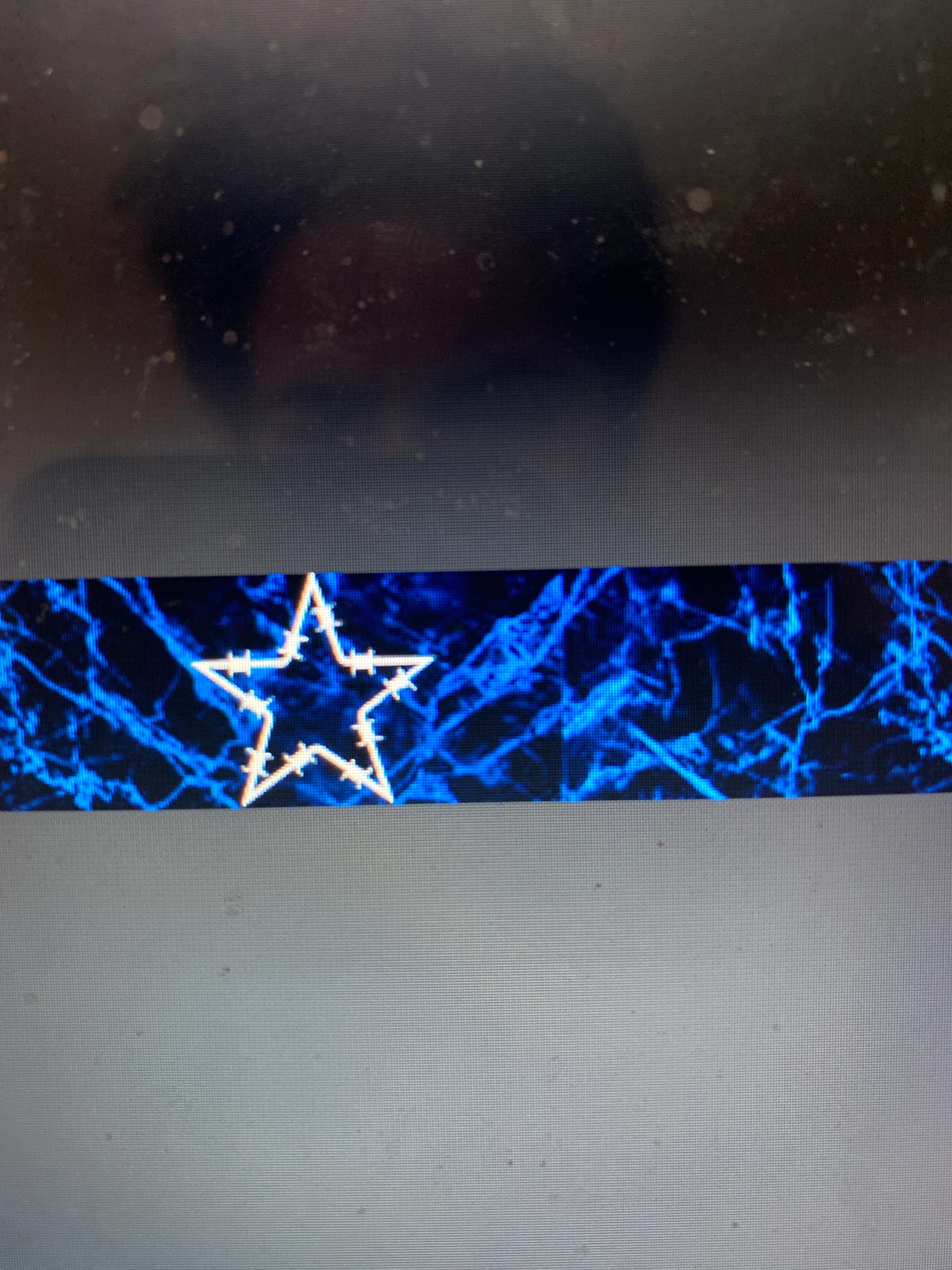
Wanting to create patterns with marble, coming out with squares.
  • March 13, 2021
  • 2 replies
  • 147 views

I'm trying to make a rectangle shape with a marble backround. Notice the line that makes the marble not seemless When I make the pattern with blending options and go to my marble pattern lines appear midway through the rectangle making the pattern have lines going through it. Is this because my original pattern when created was made on a smaller Pixel'd backround? Help please I'll attach an image.

This topic has been closed for replies.

2 replies

Bojan Živković11378569
Community Expert
Community Expert
March 13, 2021

If I can understand your question correctly then your guess is half correct: line appears because pattern is saved with line or with one pixel anti aliased. You can re-create pattern without that line/problem.


Create new blank document with pattern dimensions then apply pattern. To figure out original pattern dimensions hover mouse over it in Window > Patterns.


Set canvas to white (you may also want to set Preferences > Interface > Standard Screen Mode > Border > None) or zoom in to see if line/problem exist. Shrink document for one or two pixels or use some of the retouching tools to fix problem then save pattern.

Trevor.Dennis
Community Expert
Community Expert
March 13, 2021

I'm a bit confused about exactly what tools you are using, and how you are using them. 

Where is the marble pattern coming from?

Are you trying to use the seamless pattern tool, or seamless texture tool, or what?