
Answered
Warm photos throughout windows.
Any suggestions on how to fix this? I have no clue.
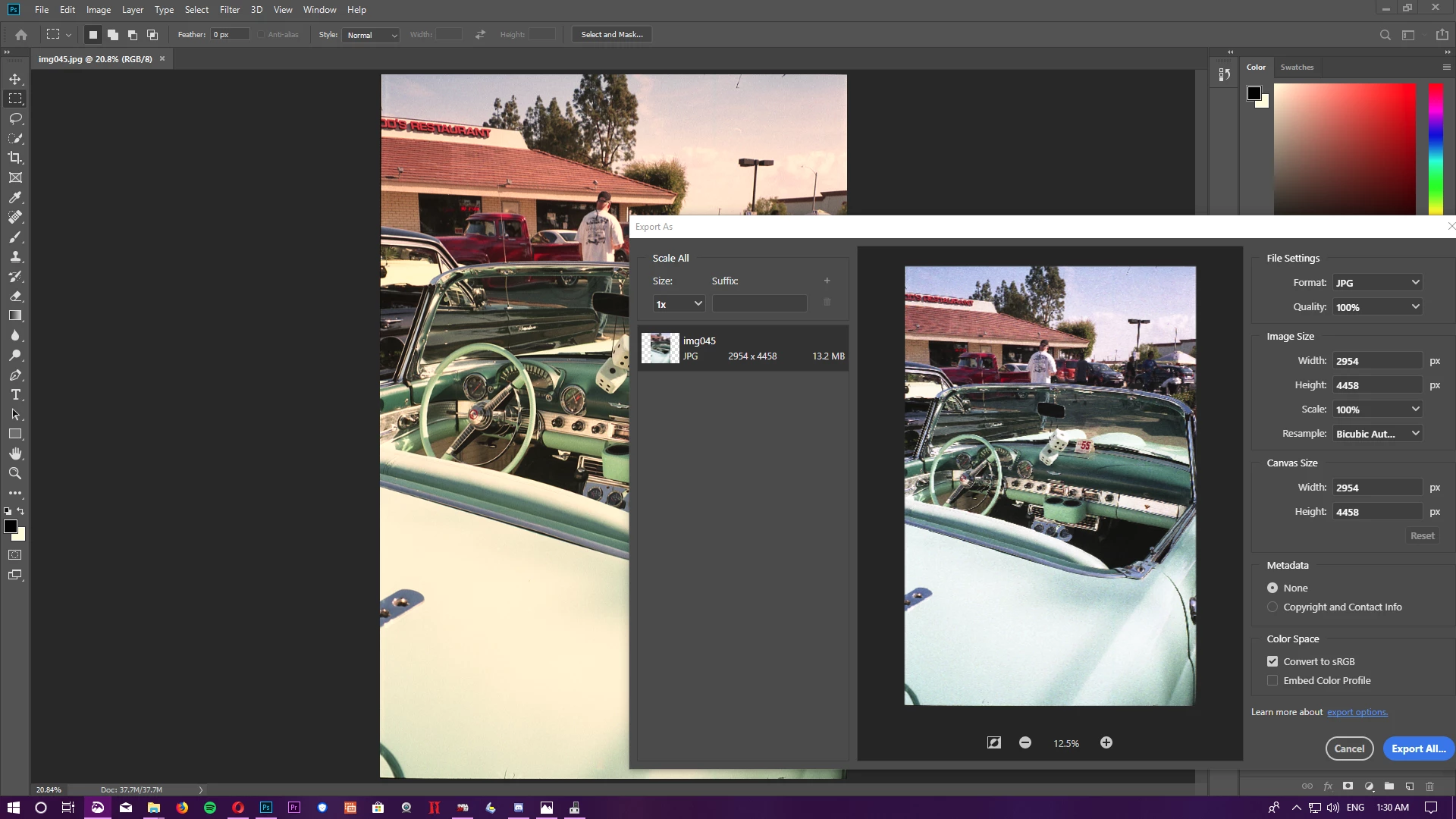

Any suggestions on how to fix this? I have no clue.
That's a broken monitor profile. Note the creamy white in the color picker.
Export has color management turned off by default (so is unaffected by a bad profile). Checking "embed profile" turns it on, and then you'll see the warm white point there too.
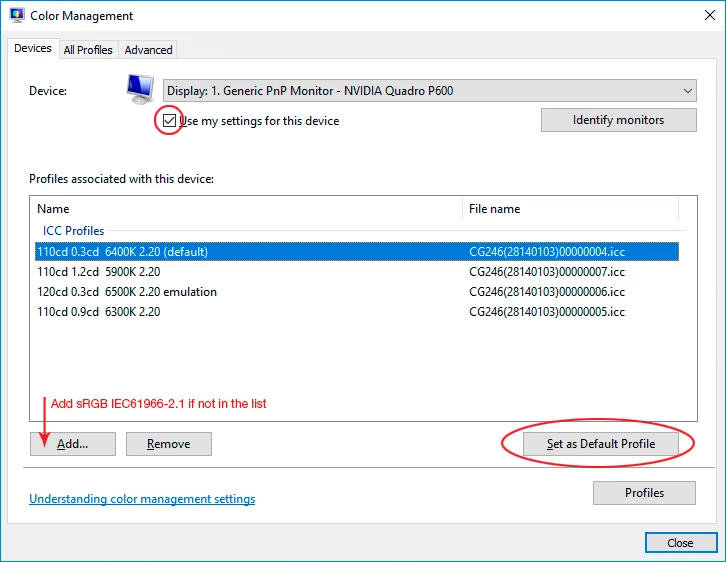
The fix is to make a new monitor profile with a calibrator, but until then use sRGB IEC61966-2.1. It won't be entirely accurate, but better than a broken profile. Relaunch Photoshop when done, so that it can load the new profile at startup.
Already have an account? Login
Enter your E-mail address. We'll send you an e-mail with instructions to reset your password.
 AdChoices