
Legend
March 16, 2024
Question

Watercolor not working any more

  • March 16, 2024
  • 1 reply
  • 407 views

Suddently Adobe's Watercolor Action is not working. I get messages as shown here and these two messages take turns to come forward - nothing else happens. I have discarded the old action and downloaded it again. It has always worked flawlessly - until now.
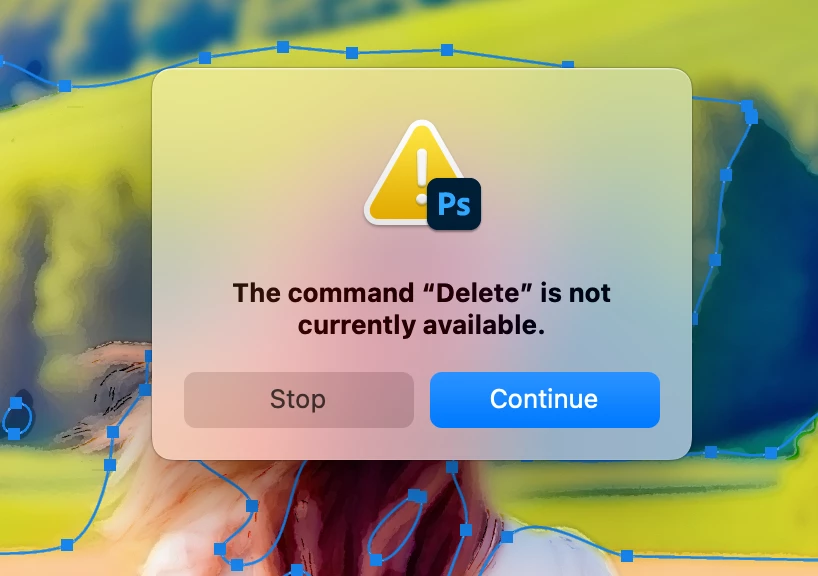
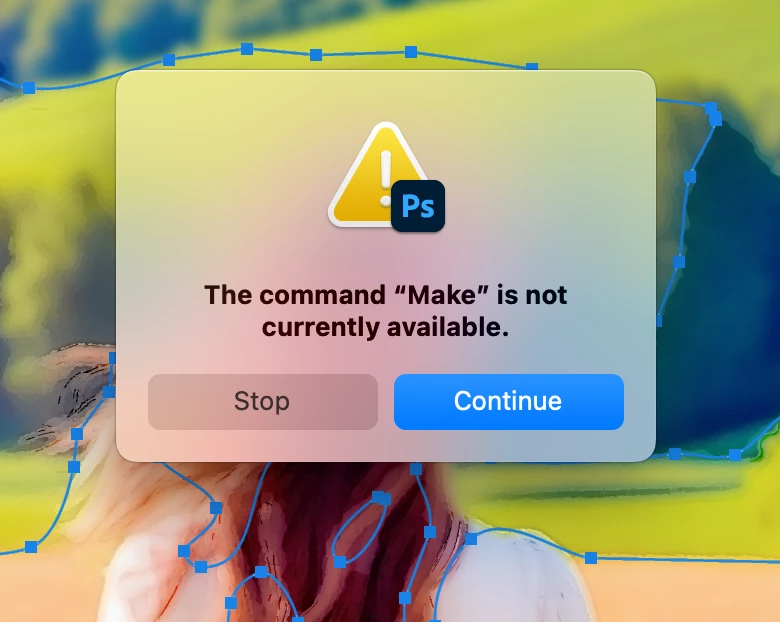
  

Is it not compatible with the new macOS? 

This topic has been closed for replies.

1 reply

c.pfaffenbichler
Community Expert
Community Expert
March 17, 2024

Could you please post screenshots taken at View > 100% with the pertinent Panels (Toolbar, Layers, Paths, Actions with the expanded Action, Options Bar, …) visible? 

And I do not mean snippets but proper complete screensshots


Actions perform tasks in a certain order; if the task is, for example, selecting a Layer of a certain name and no such Layer exists there is a problem naturally. 

In this case it’s aparrently about creating something but what you have not let know; so depending on what it is (Selection, Layer, Channel, Path, …) and the actual file this may not be possible and this is not necessarily a problem of the Action at all but with the image. 

Legend
March 17, 2024

Thanks a lot for reply, but I have used Adobe Watercolor Action many times before, but suddenly it doesn't work anymore. I have also tried with more pictures. It doesn't behave as it usually does and keeps getting messages that 'make' is not currently available.

c.pfaffenbichler
Community Expert
Community Expert
March 18, 2024

I asked for meaningful screenshots.