
Known Participant
May 26, 2022
Answered

Weird colors

  • May 26, 2022
  • 3 replies
  • 674 views

Hi, anyone knows why my my colors look weird and uneven when I paint or when I use the bucket tool? It doesen't matter what color bit mode I use. That happens even without any filters applied and it's more noticeable when I turn the opacity down. Here is a screenshot, it is barely visible but you can see it if you look closely:
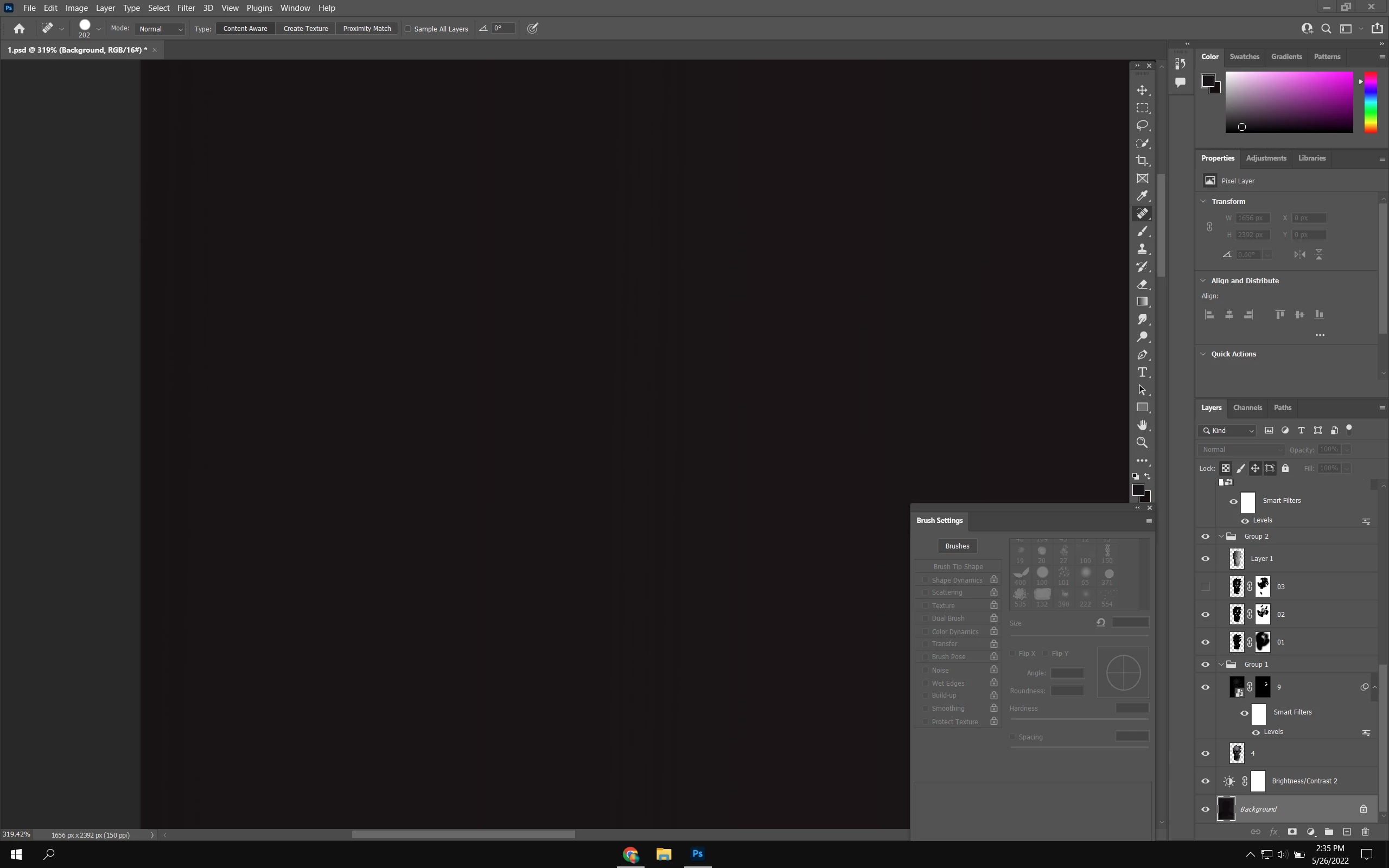
Also I don't recall having this problem before.
This topic has been closed for replies.
Correct answer D Fosse

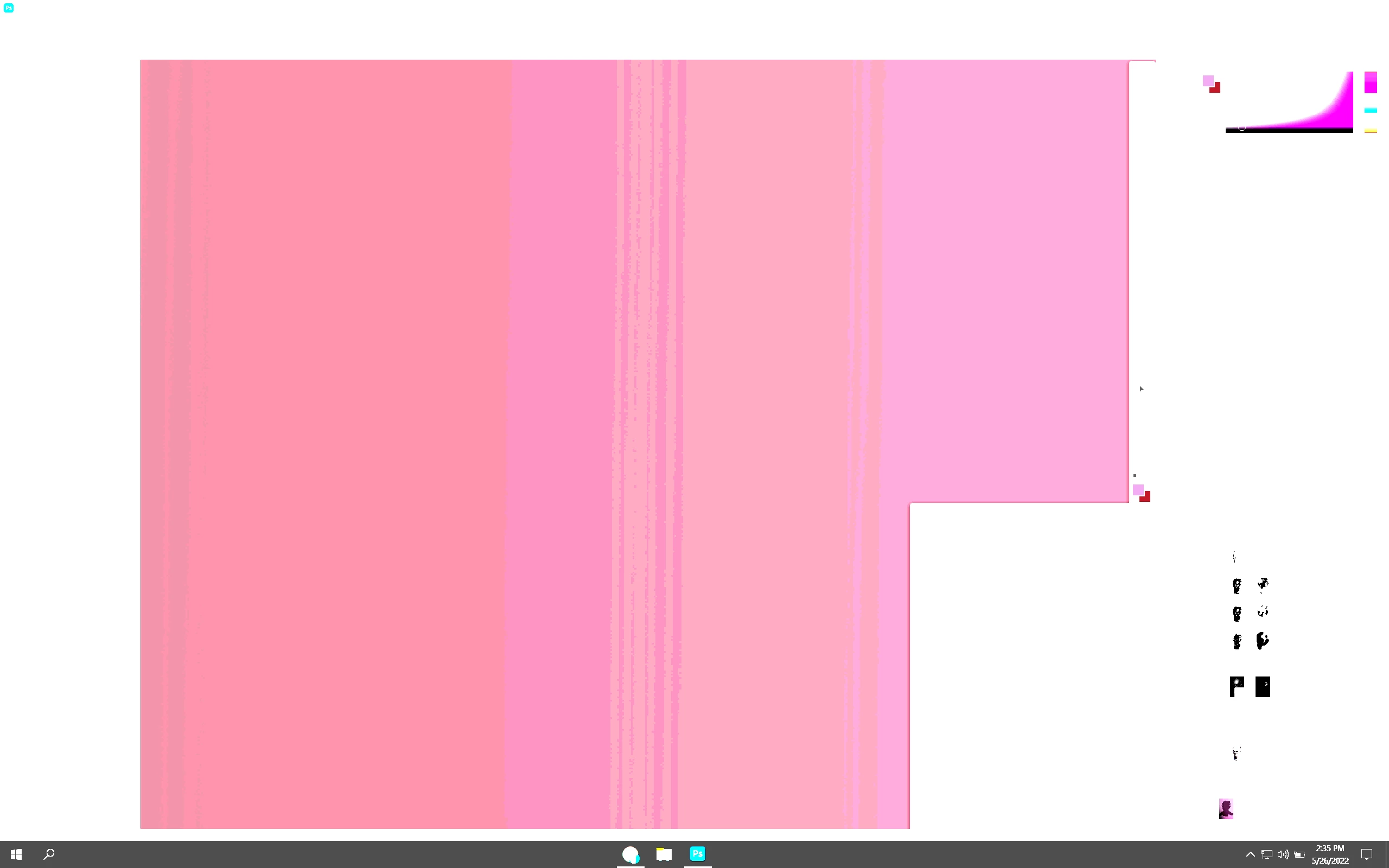
Do you mean this?


Looks like standard 8-bit display banding to me. Even if your file is 16 bit, your display is not. Unless you have an (expensive) 10 bit capable display, the display pipeline is 8 bit (or often 6 bit + dithering).


In short, in a 16 bit file, any banding you see is in your display system.


(You can also see this if you zoom out to 66.67% or lower, in which case Photoshop will reduce blending/adjustment previews to 8 bit depth. But that doesn't apply here.)


EDIT cross-post

3 replies

c.pfaffenbichler
Community Expert
Community Expert
May 26, 2022

What are the Brush Settings? 

Is »Noise« checked? It might alleviate the issue somewhat (edit: for the Brush Tool). 

D Fosse
Community Expert
D FosseCommunity ExpertCorrect answer
Community Expert
May 26, 2022

Do you mean this?


Looks like standard 8-bit display banding to me. Even if your file is 16 bit, your display is not. Unless you have an (expensive) 10 bit capable display, the display pipeline is 8 bit (or often 6 bit + dithering).


In short, in a 16 bit file, any banding you see is in your display system.


(You can also see this if you zoom out to 66.67% or lower, in which case Photoshop will reduce blending/adjustment previews to 8 bit depth. But that doesn't apply here.)


EDIT cross-post

davescm
Community Expert
Community Expert
May 26, 2022

Hi

By downloading your screenshot and adding a curves layer I see some banding across the screen. You are working in 16 bits/channel so this is unlikely to be in your image but merely the effect of using an 8 bit/channel display chain.

If you want to share an actual 16-bit  image file where you see the effect (rather than a screenshot) I can check it for you.

Dave

ValeriuAuthor
Known Participant
May 26, 2022

Thank you for your reply, here is ann image in 16 bit, I i think

davescm
Community Expert
Community Expert
May 26, 2022

Hi

No that is not 16 bit - can you attach as a TIFF or PSD using the attachment link under the posting box


Dave