Weird Photoshop Exported png behavior
Hi!
I exported a transparent border ing .png from photoshop to use it in this animation website (photomosh.com).
When I upload the image, I get this weird behavior where it loads the whole image instead of just the border. You can check the print screens.
The original image:
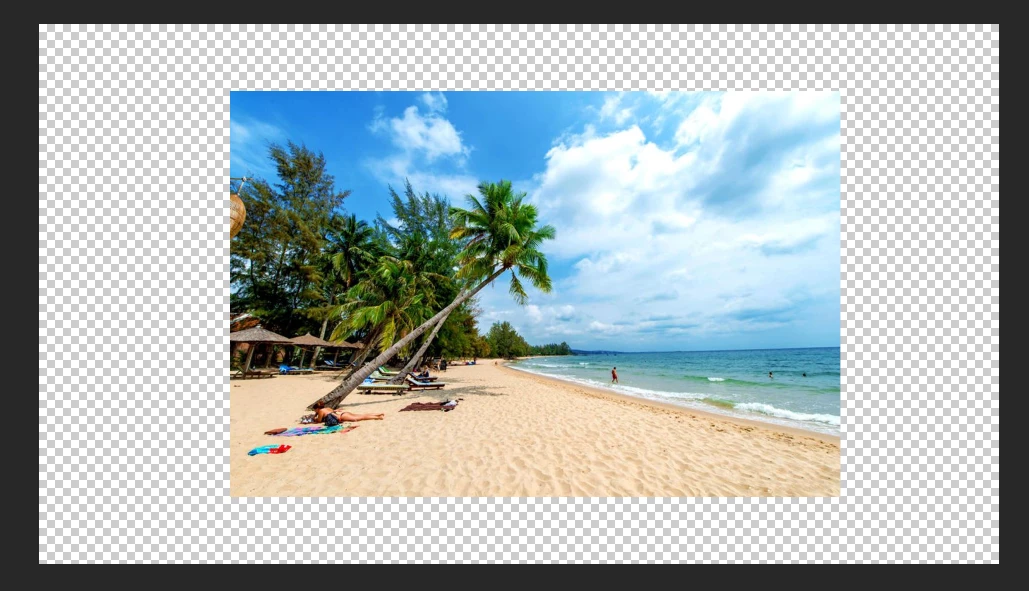
I cropped an area to make a border using the select tool:
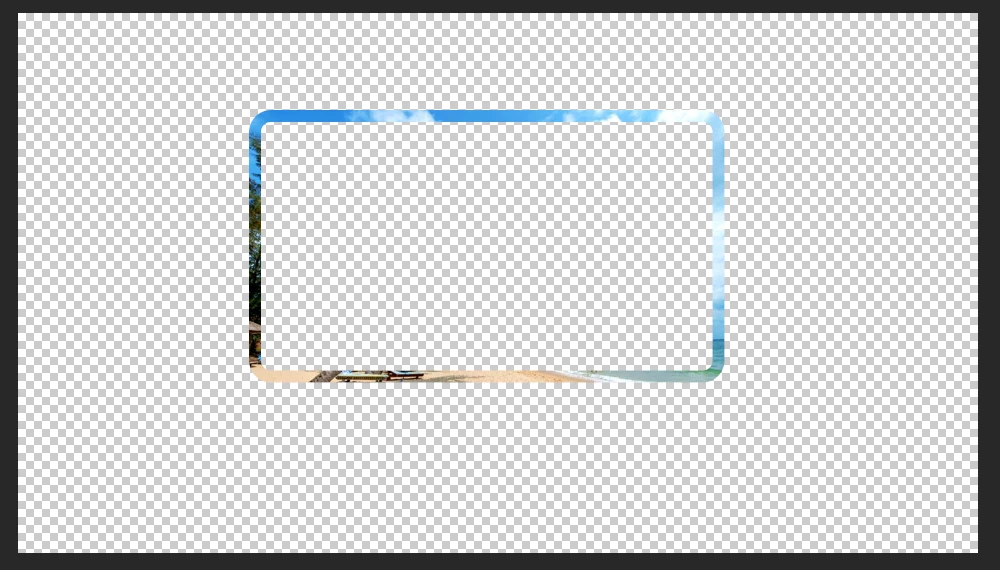
Then I selected the area of the border and coppied to a new file:
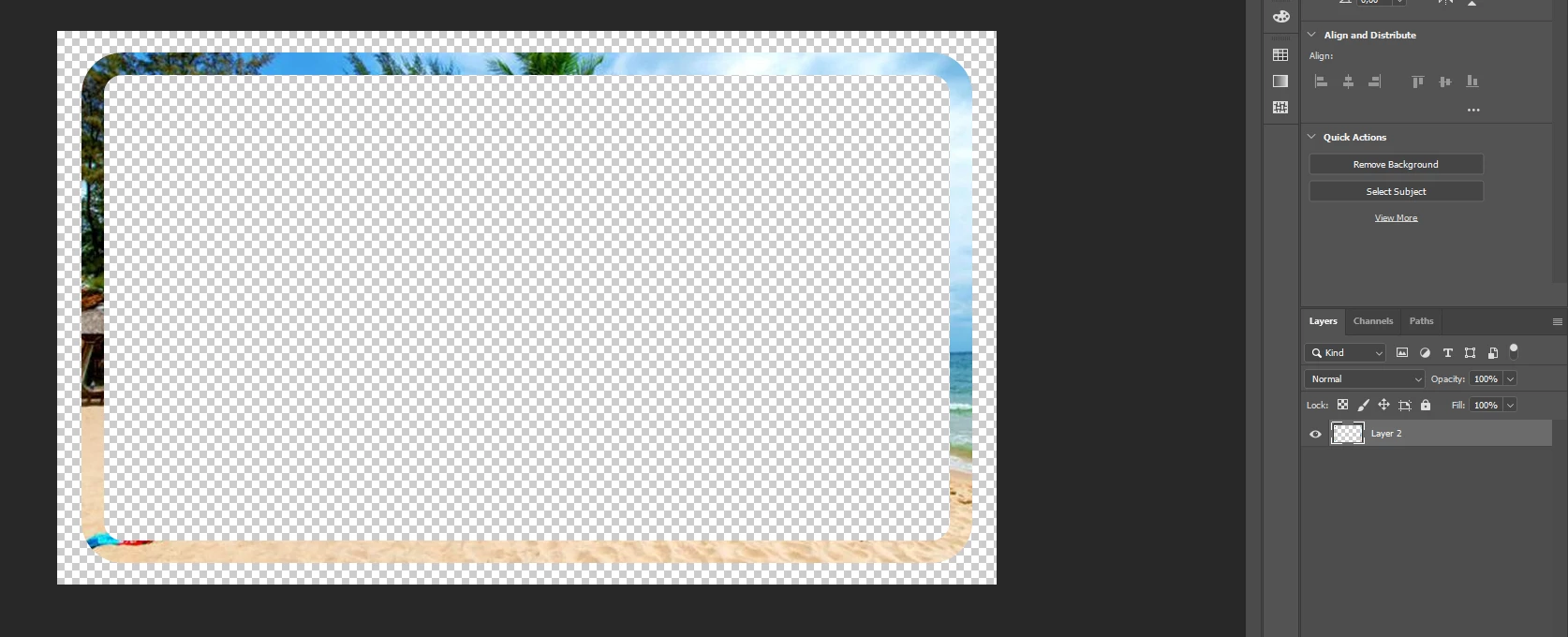
I expanded the canvas a bit and notice that it only have one layer without any effect. Just the cropped image.
I export it using ctrl + alt + shift + w as a transparent png
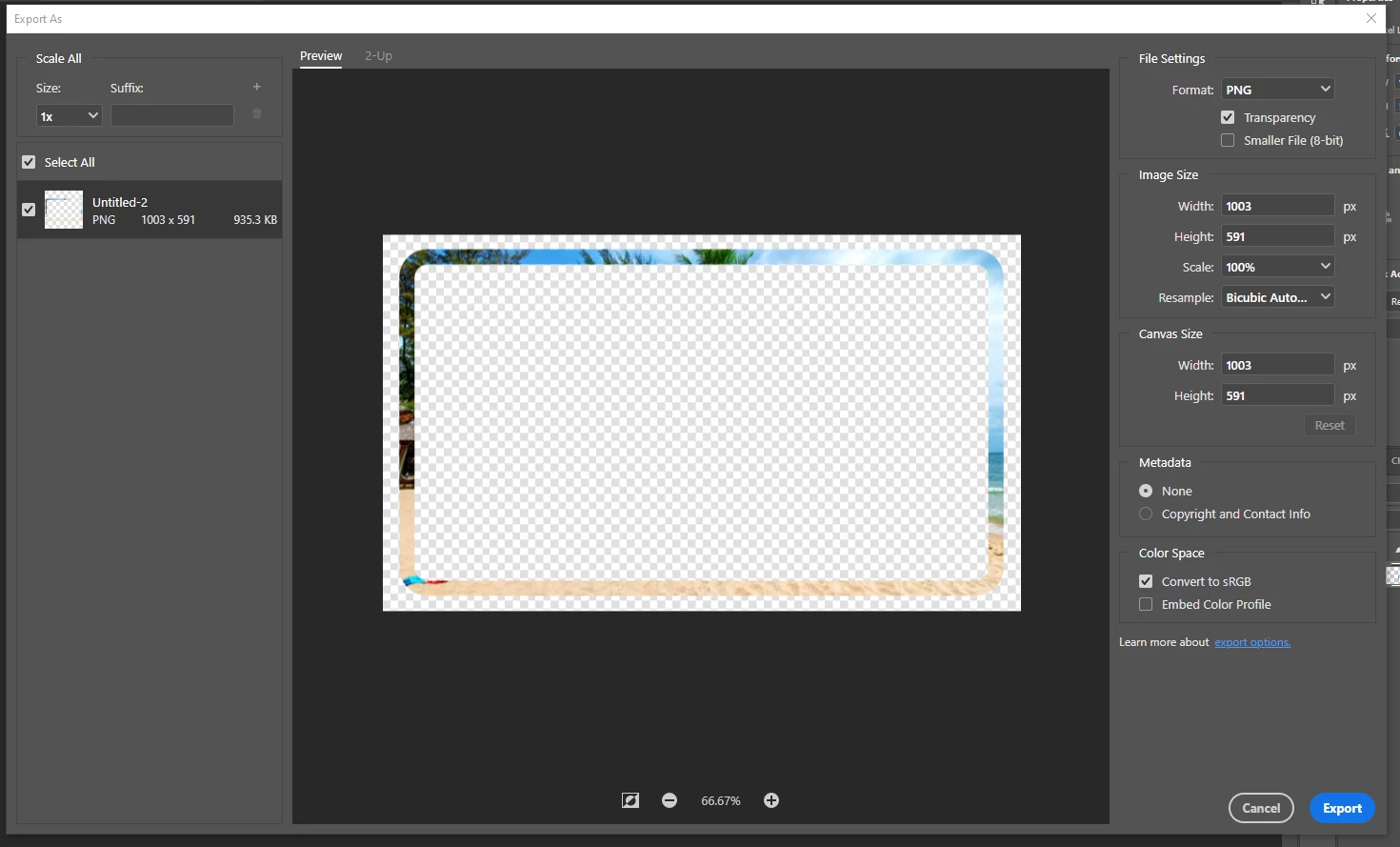
When I upload the exported png to the photomosh website, I get this:
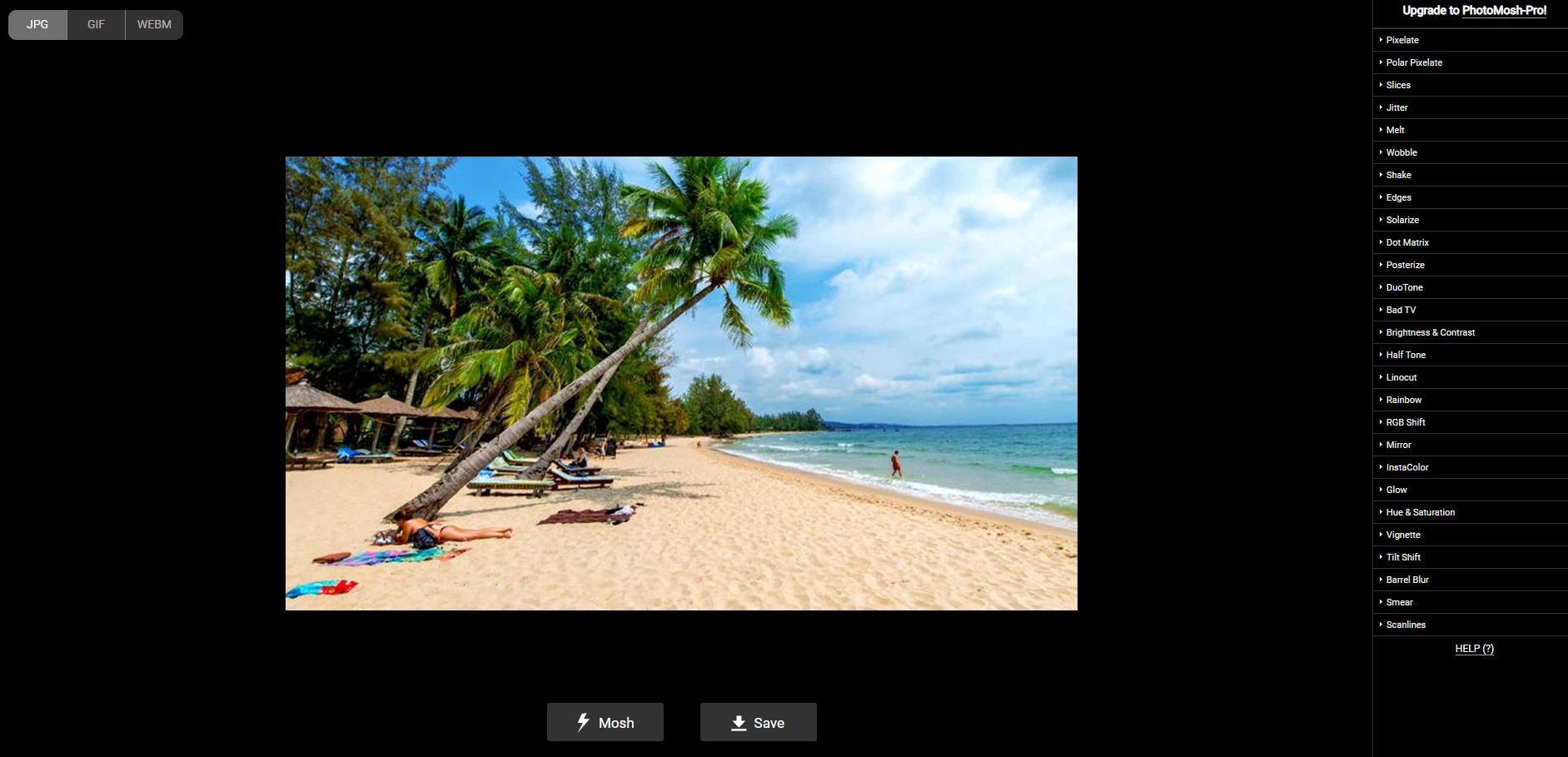
I don't know how it gets the original image. It shouldn't.
I imported the same image into Adobe XD
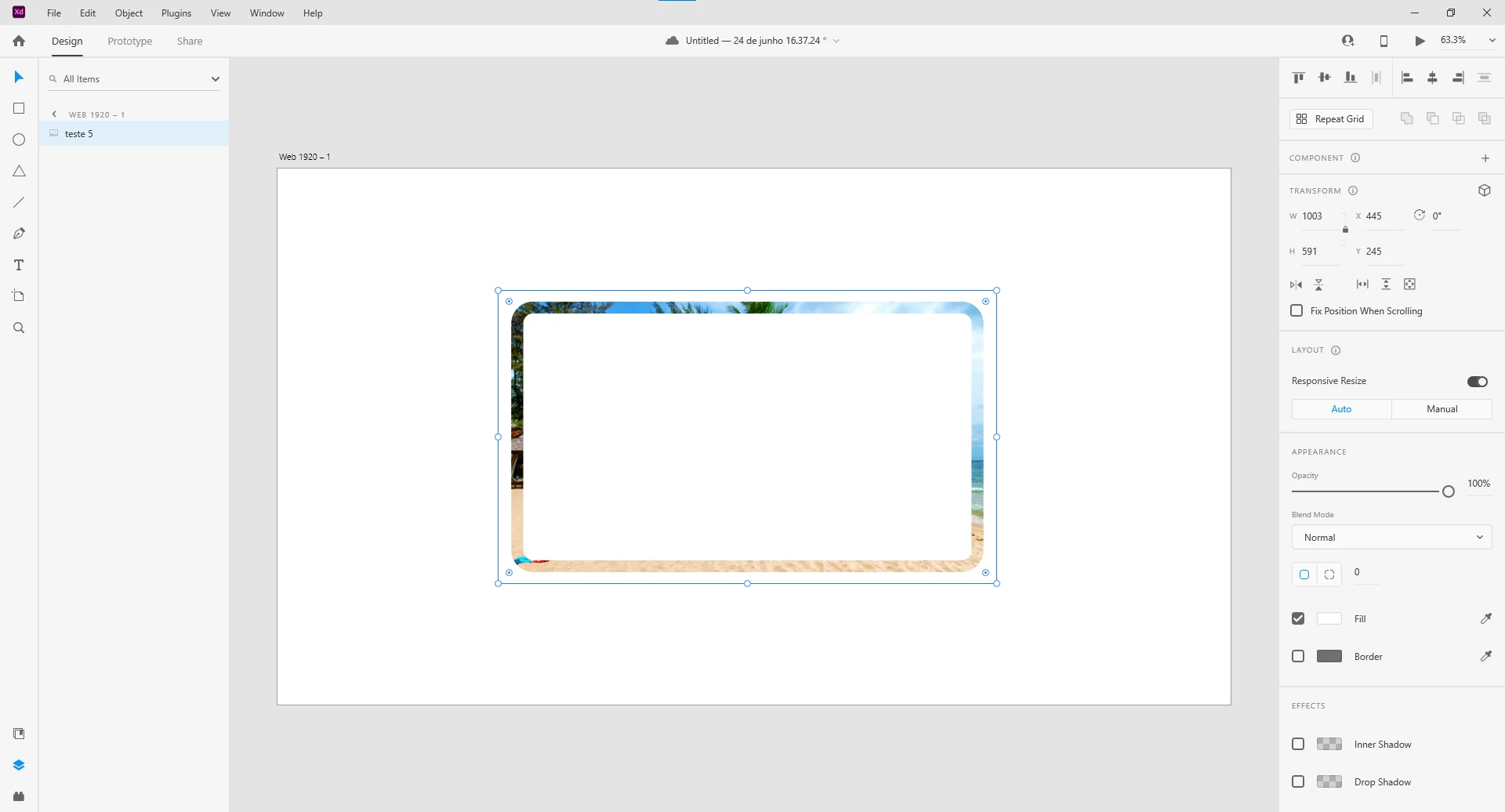
And exported using ctrl + e. When I upload to the photomosh website, I get the desired result:
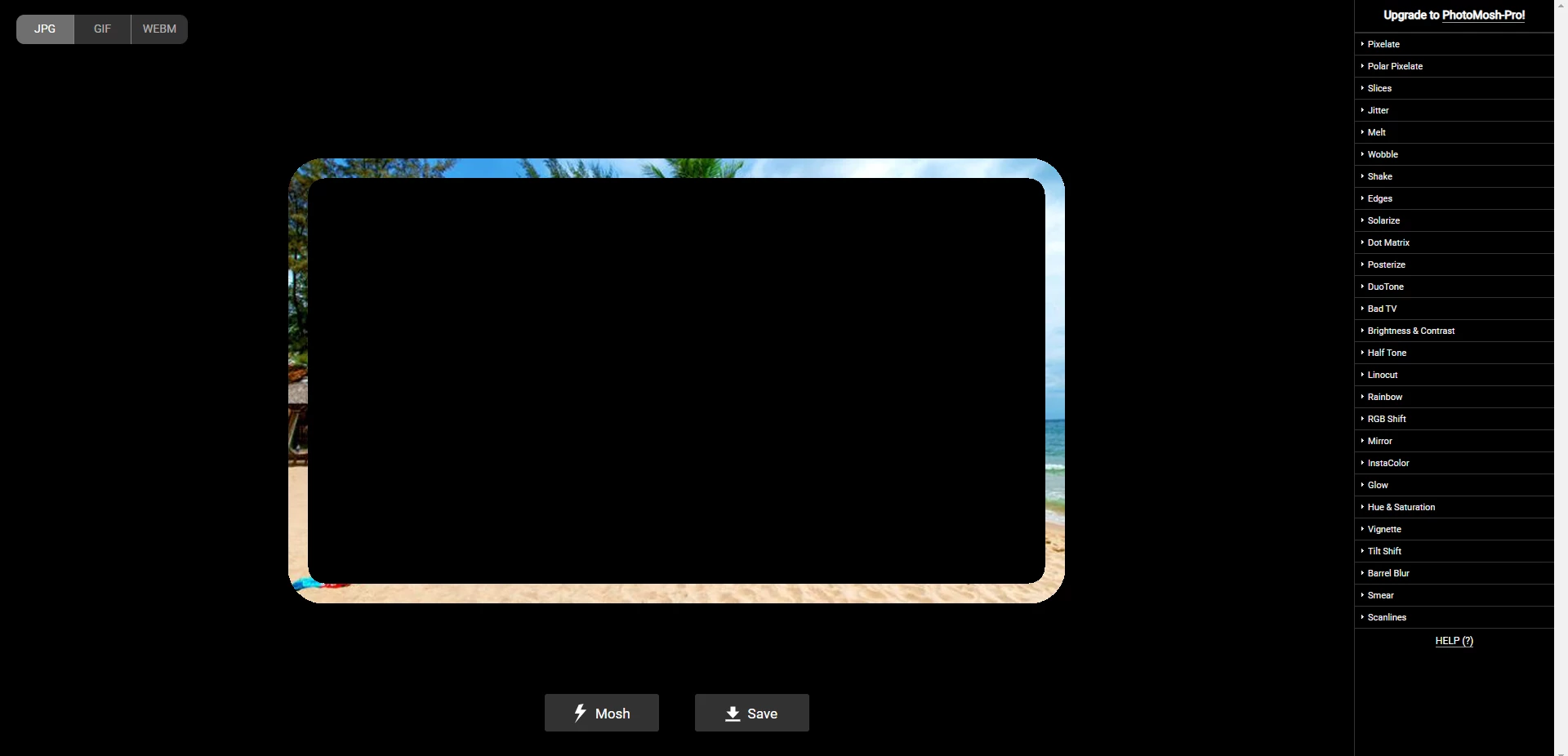
It seems that photoshop exports the png with the original image. I don't understand.
Can someone explain why the png behaves like this?
 AdChoices