
Answered
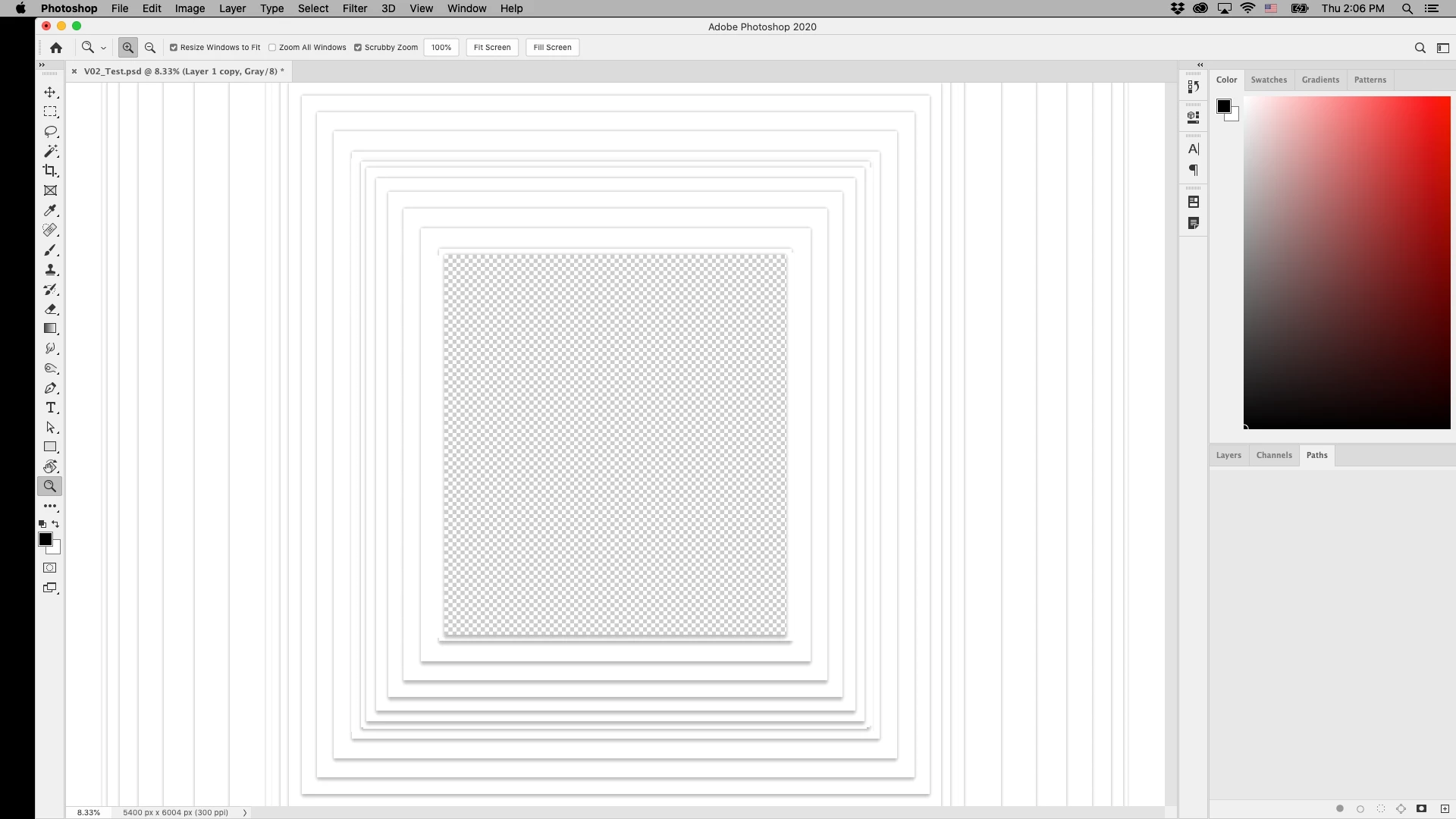
Weird Photoshop Glitch
Anybody else having this problem? Restarting the app doesn't solve it, Reinstalling the app doesn't solve it, what's goin' on here!?!?!

Anybody else having this problem? Restarting the app doesn't solve it, Reinstalling the app doesn't solve it, what's goin' on here!?!?!
It looks like a GPU issue.
First go to Preferences Performance and uncheck "Use Graphics Processor" then close and restart Photoshop.
If that solves it - recheck "Use Graphics Processor" go to advanced and retry each of the drawing modes Basic, Normal and Advanced. You will need to close and restart after each.
Dave
Already have an account? Login
Enter your E-mail address. We'll send you an e-mail with instructions to reset your password.
 AdChoices