
Heirloom Bob
Inspiring
May 9, 2024
Answered

Whacked Color

  • May 9, 2024
  • 1 reply
  • 264 views

I launch a new document in PS, 1200 x 630 and transparent background and this is what appears on one monitor:
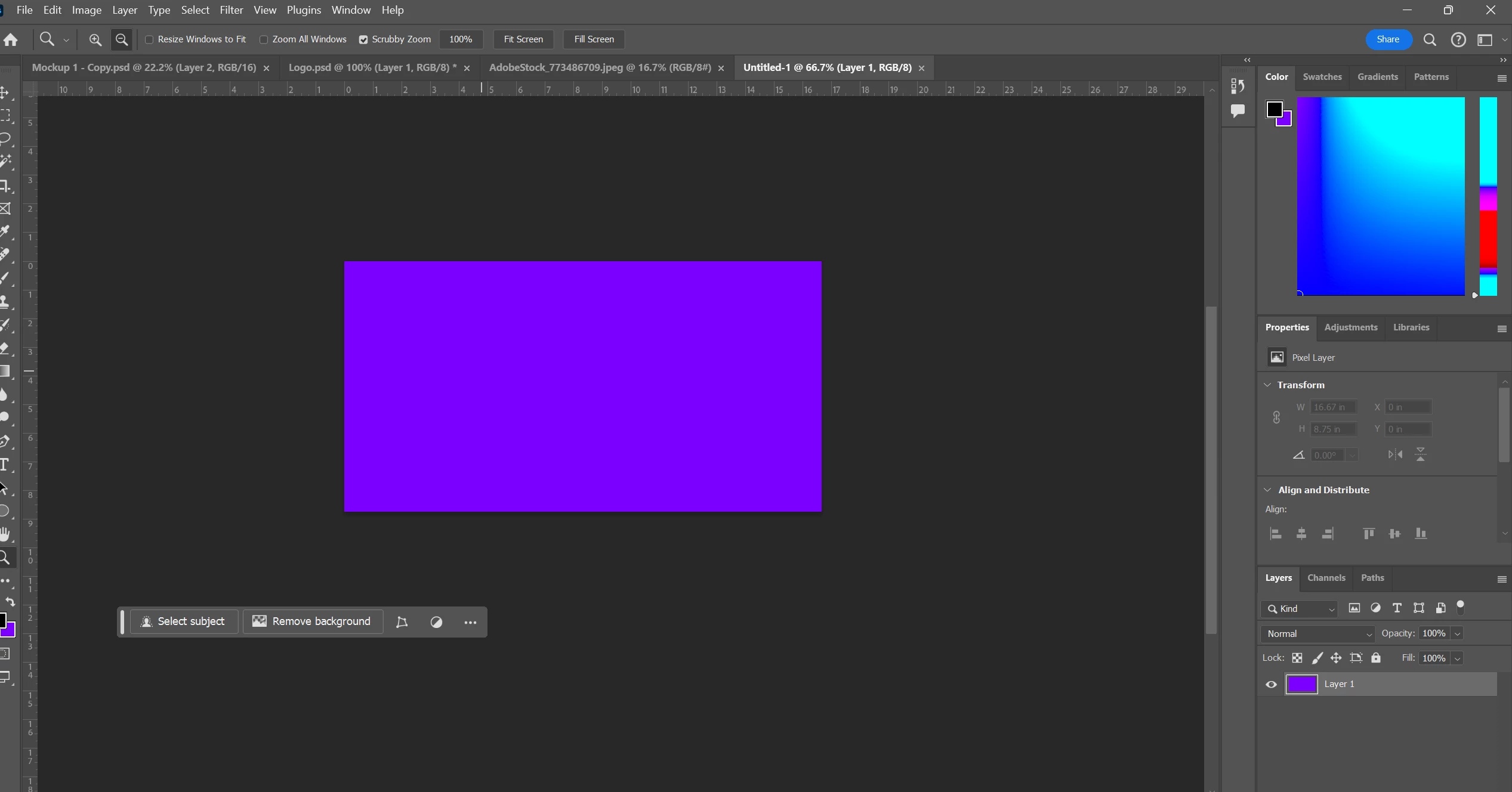
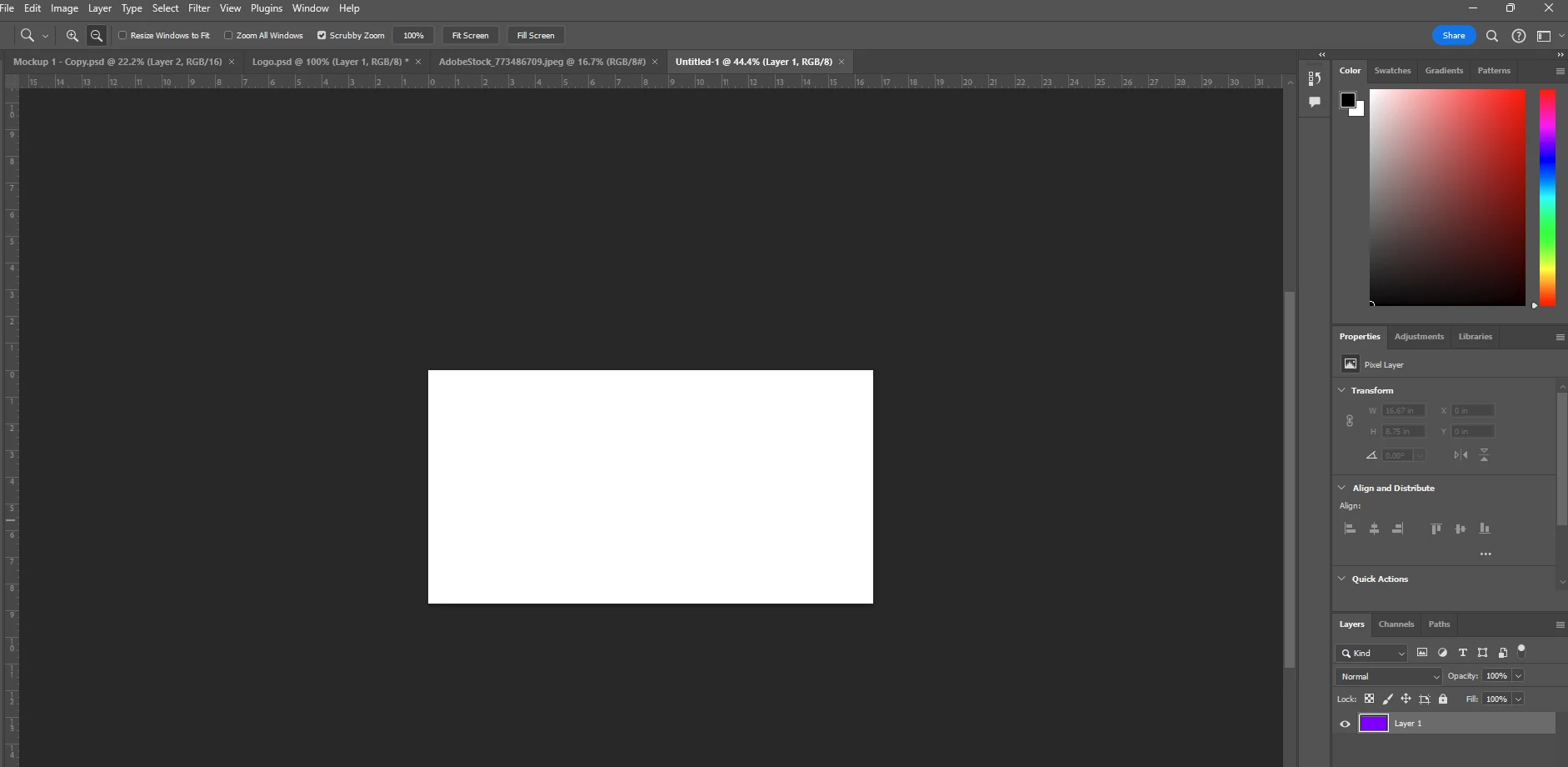
However if I move it to my other monitor, it appears as it should. Any idea why? Note also, the layer on the second monitor shows the purple but not on the image itself.
 

This topic has been closed for replies.
Correct answer Heirloom Bob

I did a complete shutdown and restart and all appears fine.

1 reply

D Fosse
Community Expert
Community Expert
May 9, 2024

Just this one file, or all of them?


This is either a GPU bug, or a totally broken monitor profile for that monitor. To test the first, disable the GPU in preferences.

Heirloom Bob
Heirloom BobAuthorCorrect answer
Inspiring
May 9, 2024

I did a complete shutdown and restart and all appears fine.