
What does Photoshop download in the background? (macOS)
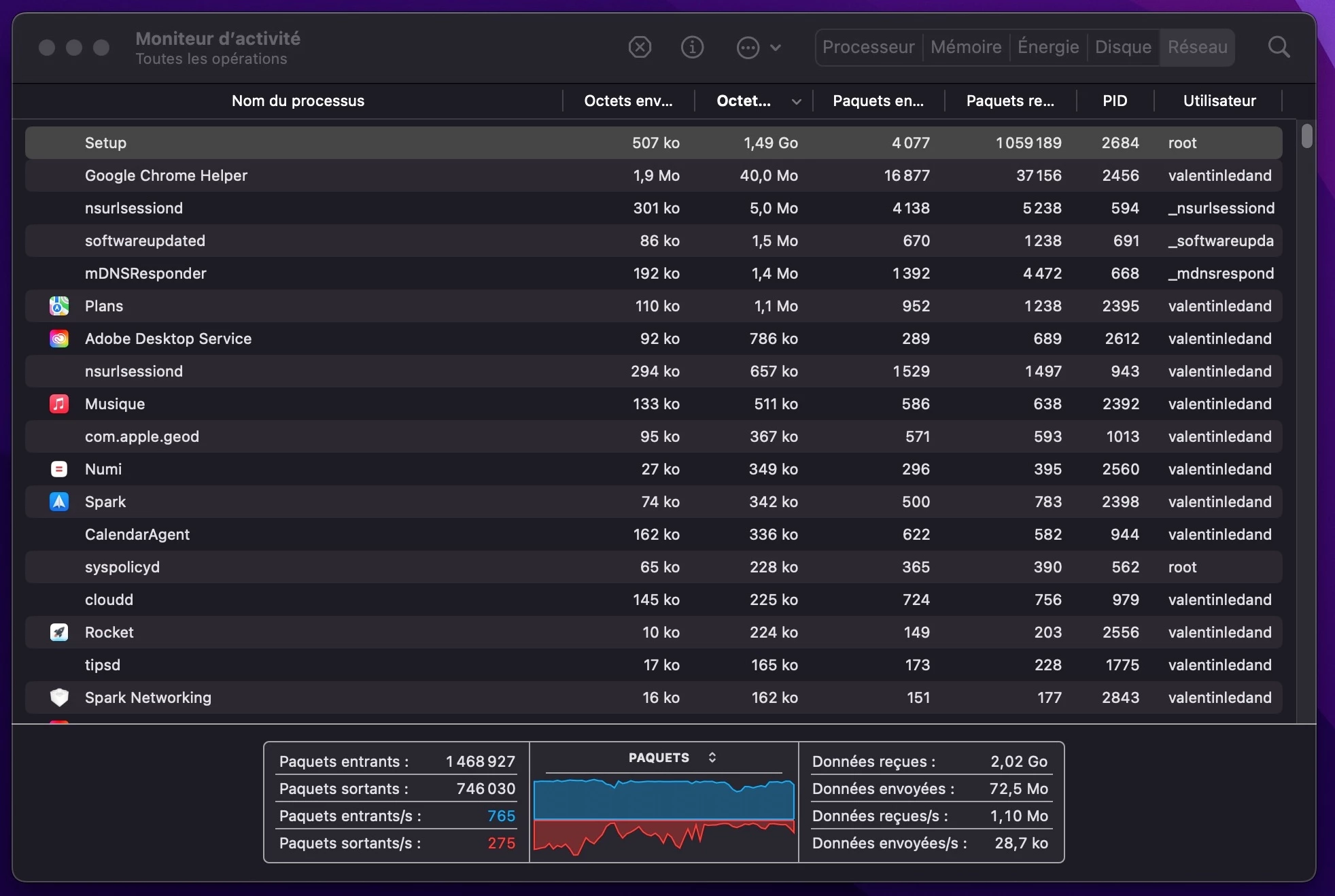
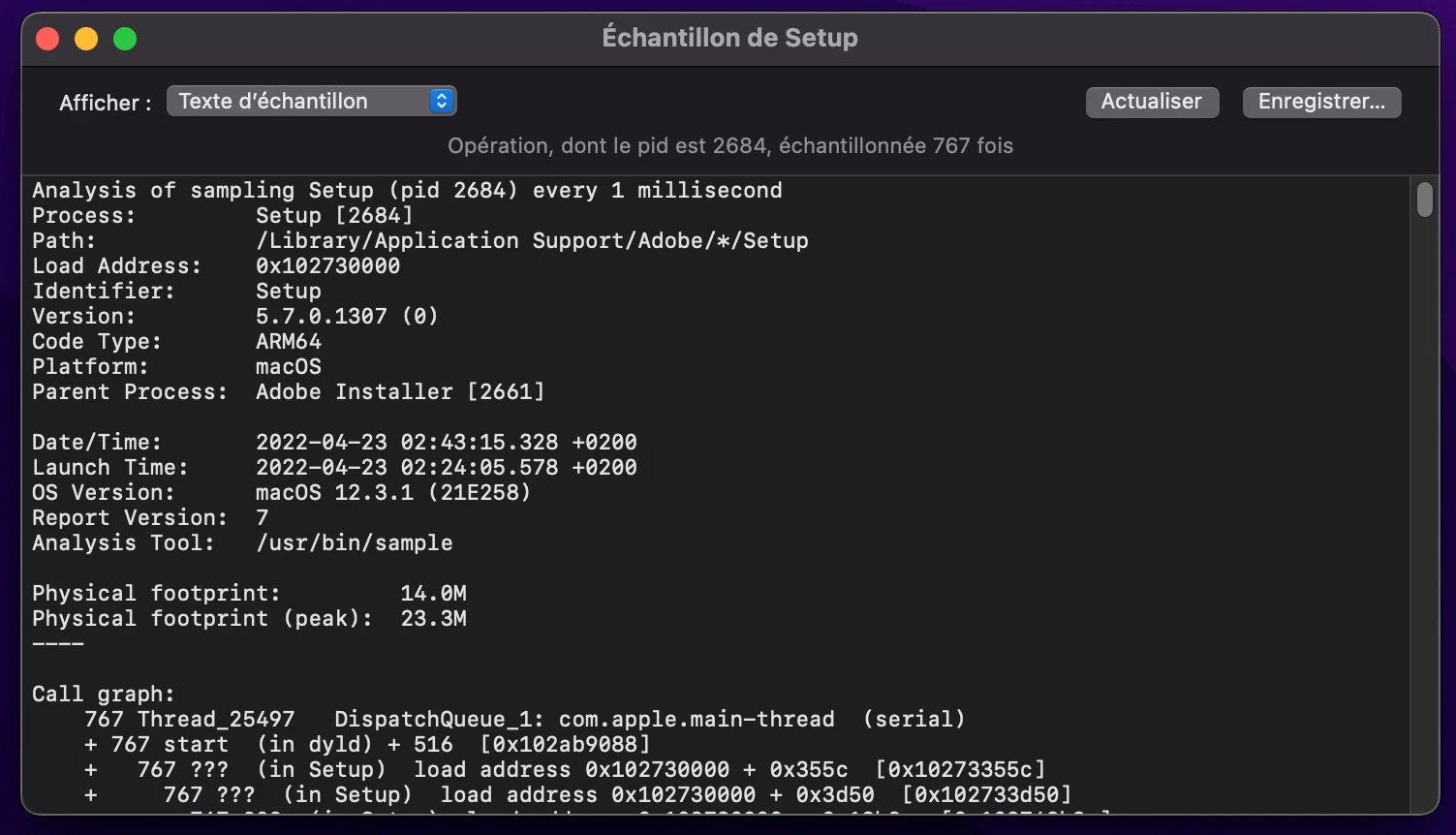
Sometimes I feel that my internet is slow, especially when I start my computer. When I look at the processes, I can see that a "Setup" process is taking all my bandwith.
When I take a closer look, I can see that behind this process, there is Adobe downloading gigabytes and gigabytes of data.
All my apps (I have only Photoshop) are up to date, Creative Cloud is up to date, Camera Raw is up to date, everything is up to date, the automatic updates are disabled and I have no data in the cloud. So what [removed by moderator] is Adobe downloading???
I mean this is not just few megabytes, this is several gigabytes! Sometimes Adobe is downloading like 5Gb in the background which is more than the size of Photoshop itself!!
This is super annoying, especially when you have a slow internet bandwith, and even more when Adobe starts to download in the background without asking you first, and even more when you don't have any idea of what it is actually downloading.
 AdChoices