Answered
What has happen to my Photoshop for Windows?
Hi, the latest version of Photoshop for Windows just started doing this (see image attached). Can anyon tell me how to return it to normal? TIA.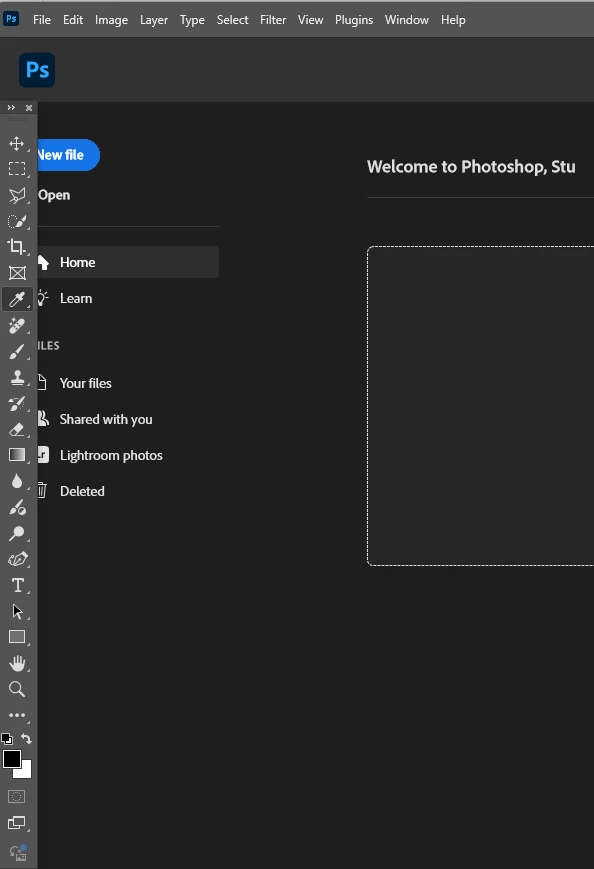

Hi, the latest version of Photoshop for Windows just started doing this (see image attached). Can anyon tell me how to return it to normal? TIA.
This is not how Photoshop should look. Both my home page and toolbar are open at the same time. See image attached.
Thanks for you help. I just reset my workspace and that took care of the problem.
Already have an account? Login
Enter your E-mail address. We'll send you an e-mail with instructions to reset your password.
 AdChoices