
Participating Frequently
January 7, 2020
Answered

WHAT IS GOING ON WITH PHOTOSHOP!?!?!

  • January 7, 2020
  • 2 replies
  • 760 views

I can't use Photoshop CC 2020 or Photoshop CC 2019.


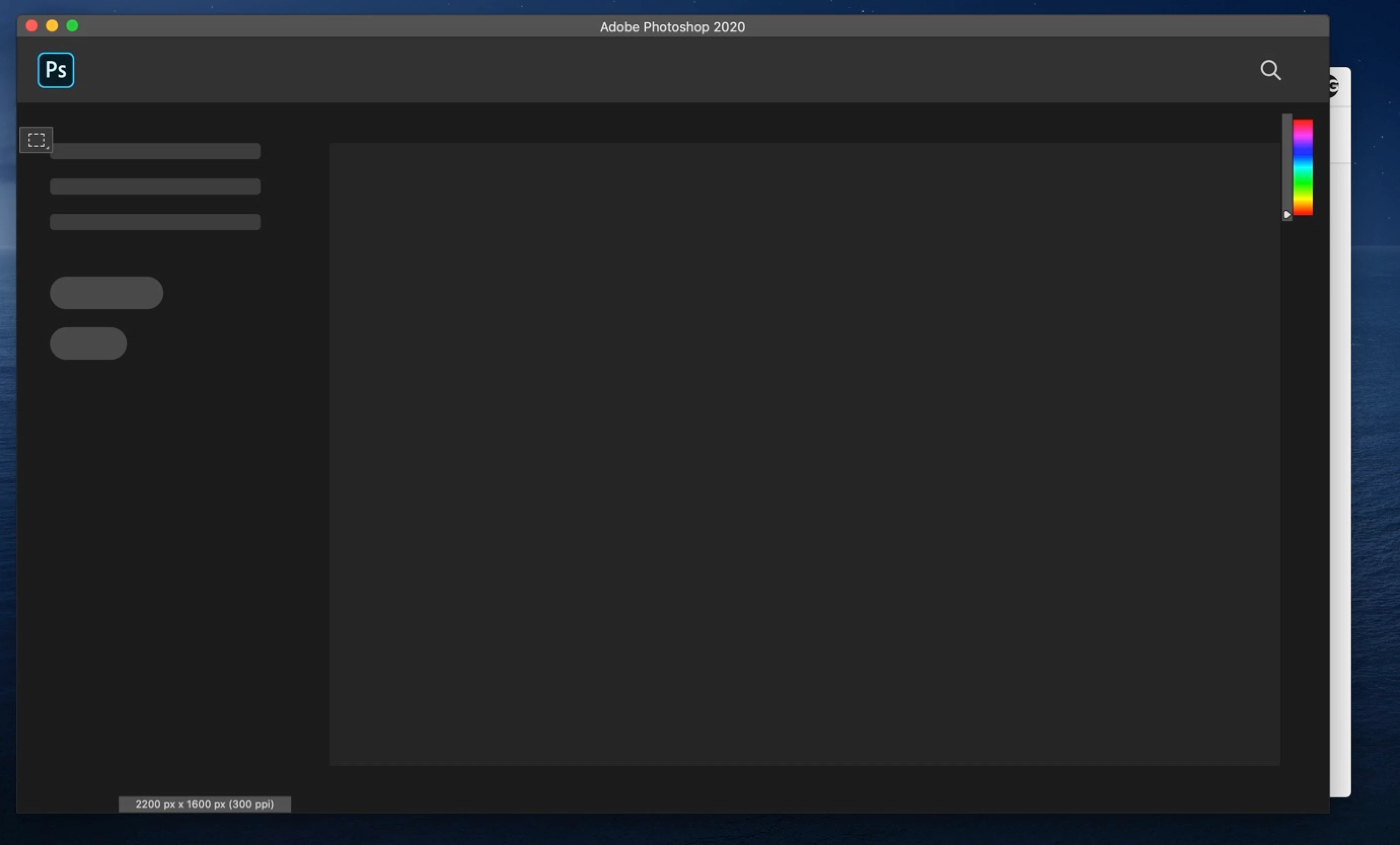
Photoshop CC 2020 - It get's to the stage below and freezes with the rainbow wheel spinning.
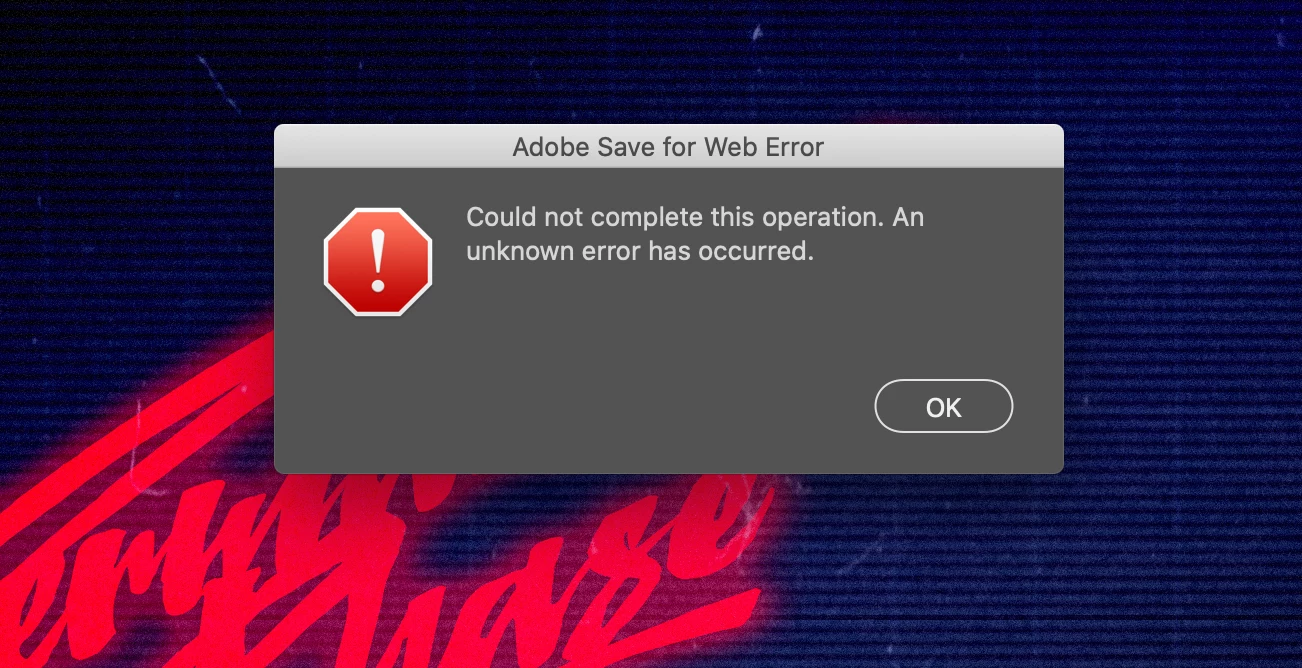
I uninstalled Photoshop CC 2020 and installed Photoshop CC 2019. It worked. BUT I couldn't save my work, specifically to web. I get this. see below:
 

I can't use any version of Photoshop CC and paying for the privilege.

I'm a freelance designer with a LOTS of work to complete by deadlines that are looming. I have a family and mortgage to pay!


SORT IT OUT ASAP!


MacBook Pro - 13-inch, 2017, 2.3 GHz Dual-Core Intel Core i5

macOS Catalina Version 10.15.2 (19C57)

This topic has been closed for replies.
Correct answer Derek Cross

You can reset your Photoshop preferences under the General tab in Photoshop preferences.


If you can't load Photoshop to do this, try to reset them like this:

1) Close Photoshop
2) Relaunch it and QUICKLY hold down Ctrl+Alt+Shift. (for Windows) or CTL+OPT+CMD+Shift (for Mac OS X)
3) When a dialog appears, asking you “Delete Photoshop Preference Files?” Click Yes.


If you don't see the question repeat the relaunch.


2 replies

Derek Cross
Community Expert
Derek CrossCommunity ExpertCorrect answer
Community Expert
January 7, 2020

You can reset your Photoshop preferences under the General tab in Photoshop preferences.


If you can't load Photoshop to do this, try to reset them like this:

1) Close Photoshop
2) Relaunch it and QUICKLY hold down Ctrl+Alt+Shift. (for Windows) or CTL+OPT+CMD+Shift (for Mac OS X)
3) When a dialog appears, asking you “Delete Photoshop Preference Files?” Click Yes.


If you don't see the question repeat the relaunch.


Participating Frequently
January 7, 2020

YES DEREK!!!


I did the ctrl+alt+cmd+shift on launch. It said something like "use composite data instead" in a grey box. I clicked OK and POOF! it loaded.


Thank you so much!

nikunj.m
Legend
January 7, 2020

Hi there,


We are sorry about the experience with Photoshop 2019 and 2020 on your MacBook.


You can add Photoshop to the Accessibility list for macOS by going to the System Preferences, then Security and Privacy, then select the Privacy tab. Also, grant permissions to Photoshop under Files and Folders, and Full disk Access as well. Once done, quit and relaunch Photoshop to check if that helps.


You can also go to the Preferences of Photoshop, then performance and check the option for Legacy Compositing. Then quit and relaunch Photoshop to check if the issue persists.


Regards,

Nikunj

Participating Frequently
January 7, 2020

Hi Nikunj


These actions/settings are both done. I cant go to PSCC2020 preferences because it doesn't load and I can't click on the PSCC2020 panel. I have to go to the Dock at the bottom of my screen to Force Quit PSCC2020 before I can use mu Macbook.