ChristopherGainz
Participant
May 24, 2022
Question

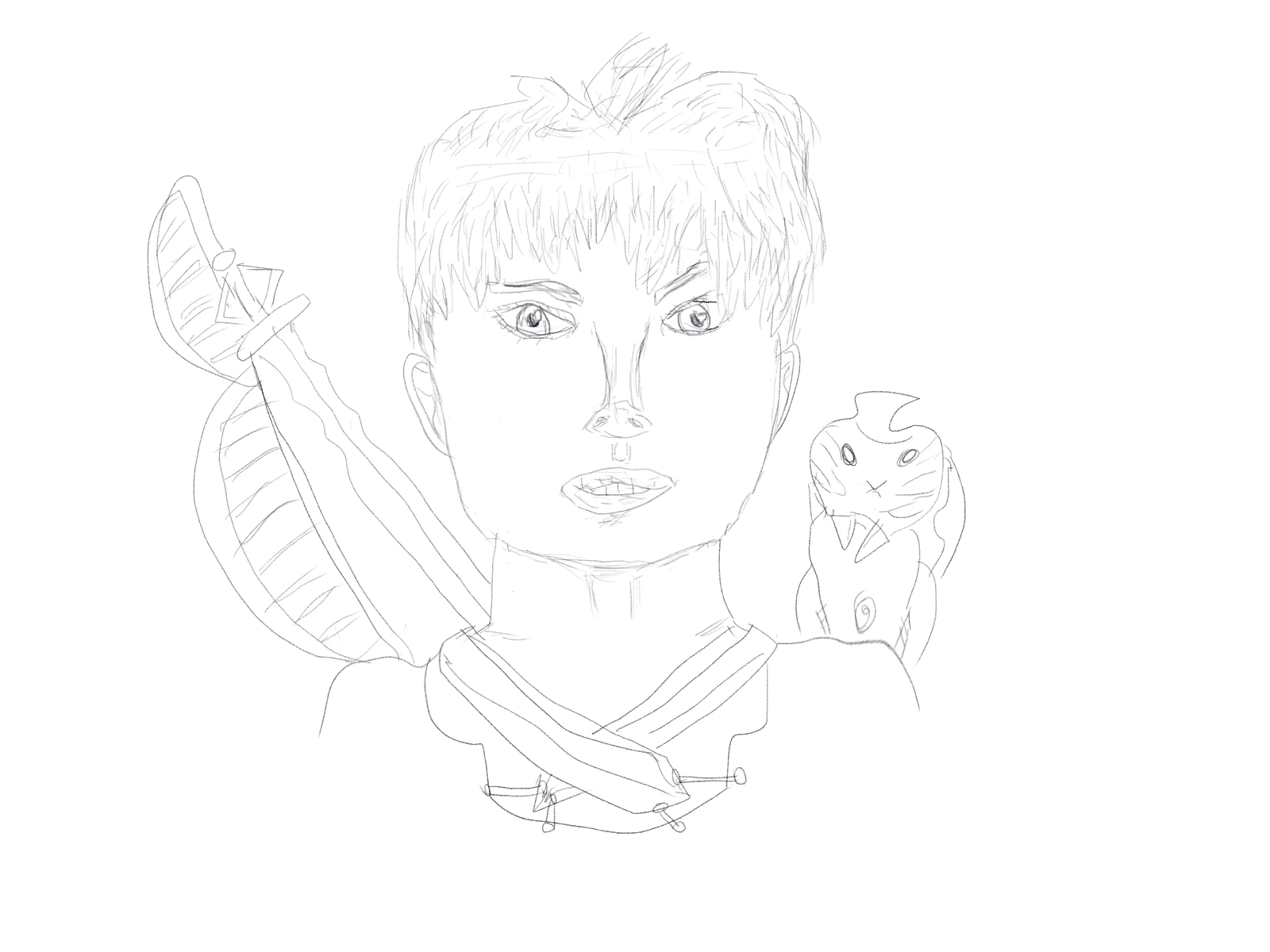
What's the best method for digitally colouring this image?

  • May 24, 2022
  • 4 replies
  • 510 views

This topic has been closed for replies.

4 replies

ChristopherGainz
Participant
May 31, 2022

 Done this so far!

c.pfaffenbichler
Community Expert
Community Expert
May 24, 2022

Set the Layer to Blend Mode Multiply and add Solid Color Layers beneath it and above a white Background Layer and paint white on the Layer Masks (or use Vector Masks). 

ChristopherGainz
Participant
May 30, 2022

Thanks very much I didn't think of doing this, these steps will help me a lot. 

@mj
Community Expert
Community Expert
May 30, 2022

@c.pfaffenbichler is on the money.


You might want to apply a curves or levels adjustment layer to strenghten the lines too.


Good luck

mj

jane-e
Community Expert
Community Expert
May 24, 2022

@ChristopherGainz 


Can you tell us if this was hand-drawn and scanned or if it was drawn digitally?


Jane

ChristopherGainz
Participant
May 30, 2022

Hi there I drew the image on the computer 

Participant
May 24, 2022

It is easy to color your required image. 

Go to photoshop > Open this image > Trace it by using the Pen tool

After selection gives it colors. 

I hope these steps help out. 

Thank you and look forward. 

ChristopherGainz
Participant
May 30, 2022

Thank toy very much I shall use this guidance when I draw digitally. 

@mj
Community Expert
Community Expert
May 31, 2022

Oh nice,


You may want to explore brush settings. Some really cool options there.


You doing any work on Wacom or iPads?


Enjoy Photoshop. It is the bee's knees.


mj