Inspiring
March 31, 2023
Answered

What's wrong with Photoshop?

  • March 31, 2023
  • 2 replies
  • 1471 views

Hi everyone, 

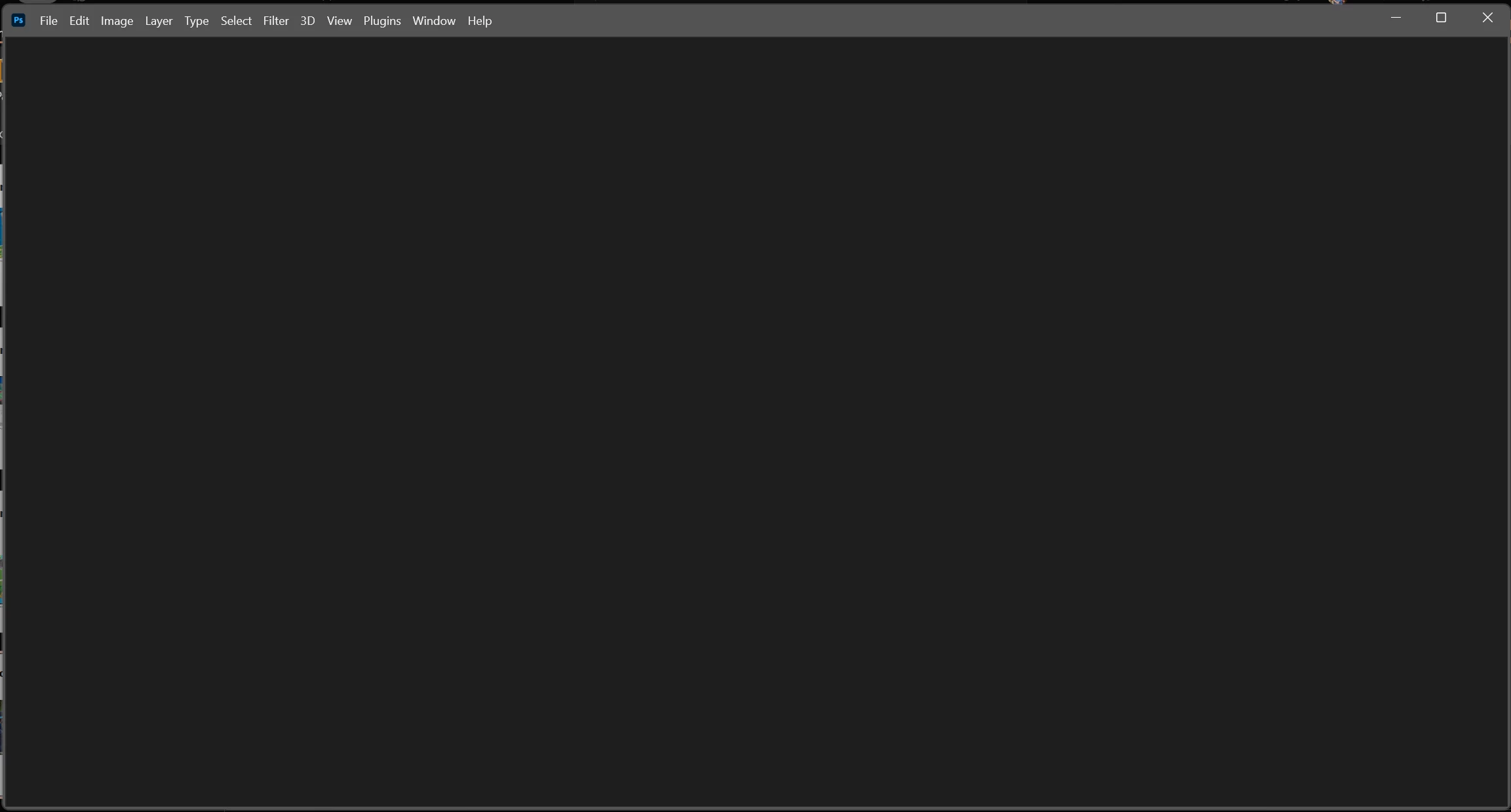
When I open Photoshop, it doesn't show anything but this black screen. I am using Asus ROG Strix AMD Ryzen 6000 series + RTX 3060.

Can anyone help me fix this problem?

Sincere thanks.


This topic has been closed for replies.
Correct answer jane-e

@Tuan_GL-SAI 

Can you try this:

  • Disable the Use Older GPU mode
  • Enable Deactivate Native Canvas
  • Restart Photoshop

Jane

2 replies

Inspiring
April 3, 2023

Many thanks @jane-e 
It's worked to me.

Thank you very much!

Inspiring
April 21, 2023

I want to update status.
For now, everything is still not working for me. @.@ 


c.pfaffenbichler
Community Expert
Community Expert
April 21, 2023

Does turning off »Use Graphics Processor« in the Performance Preferences (Photoshop > Preferences > Performance > Graphic Processor Settings) and restarting Photoshop have any bearing on the issue? 

PECourtejoie
Community Expert
Community Expert
March 31, 2023

Hi, did this happen after the update to 24.3? in this case, you need to:

  1. Enable the Older GPU Mode option in Preferences > Technology Previews > “Use Older GPU Mode (pre 2016)”
  2. If you are still having trouble, try enabling the Deactivate Native Canvas option in Technology Previews.
Inspiring
March 31, 2023

Hi PECourtejoie,

First, thank you for your feedback and support. I'll try what you say and let you know later.
Regarding this situation, I had this before update. Exactly after the first version 24.0 update. I also tried uninstalling, signing out of Cloud, re-installing Adobe Cloud and Photoshop. However, the same problem persists.

Again, many thanks.