


Participant
February 8, 2021
Question

What would be the best way to automate scaling artworks onto this wall?

  • February 8, 2021
  • 4 replies
  • 708 views

I have the dimensions of the wall and the artworks. Is there a script I could use to accurately scale the artworks onto the wall? Like setting the dimensions of the wall to the artboard, placing an image and it asking for the dimensions of the artwork, then placing it to scale?
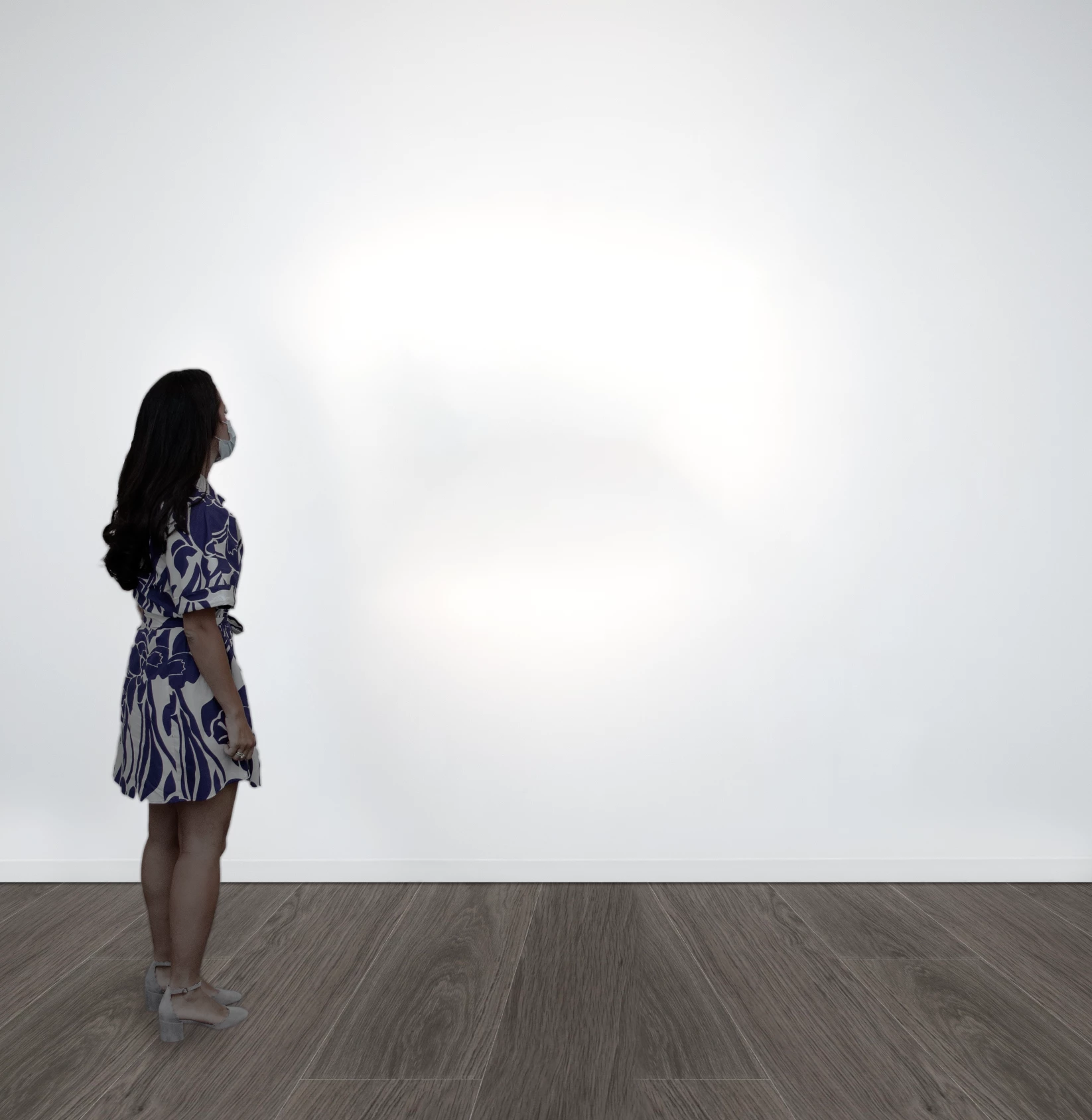
I do this manually all the time but I now need to do it at a massive scale and would love to automate it.

This topic has been closed for replies.

4 replies

Grant H
Community Expert
Community Expert
February 9, 2021

Hi, I am not sure why you would need a script to do this if you have set up the artwork correctly and saved.

Change the Woman&Wall image size to e.g. wall height 2m

when you place the picture insert the width or height input in mm e.g.1000mm (must type mm)

and it will be perfect to scale

Legend
February 9, 2021

It seems that the script is not needed here. I would do the same - make a smart object with a transparent layer that bounds the work area, change its contents to get the desired units, then resize the input images and just change the contents of the smart object through actions and standard batch.

JJMack
Community Expert
Community Expert
February 9, 2021

How do you batch replace that smart object content without a Script to handle different size replacement images.  I do not think a batched Action could do it.  My mockup scripts can.

JJMack
Ussnorway7605025
Legend
February 9, 2021
Is there a script I could use to accurately scale the artworks onto the wall?

you can fit as many images as you like but not accurate

Stephen Marsh
Community Expert
Community Expert
February 9, 2021

P.S. Slightly off topic, however, unless you are going for an artistic "cold look" I'd address the white balance in the photo of the lady (not the neutral background), this really needs to be "warmed up" IMHO.


JJMack
Community Expert
Community Expert
February 8, 2021

A script can do a fit image type of scale.  It would  to easy to block out  an area on the wall and make it a smart object, Then add a layer style to frame it.   Saved as a mockup template.  You could use my "BatchMockupTemplates.jsx" use its edit and fit options to replace the image on the wall. Hoewver the wotld be two border if framed this way no frams woul be best.

JJMack
Stephen Marsh
Community Expert
Community Expert
February 9, 2021

JJMack's scripts provide a good "out of the box" solution for this task:


http://www.mouseprints.net/old/dpr/PhotoCollageToolkit.html