
Question
When I create multiple lines in Photoshop only one line prints
I am using PS CS6 v13 with Windows 10.
If I create more than one line in Photoshop using the Line Tool, only one of the lines prints. All of the lines are visible in the Photoshop file, but even in Print Preview only one line is visible - as you can see in the attached screen capture in which there are four grey lines in the Photoshop file forming a box, but only the bottom line is visible in the Print Preview, and only the bottom line prints.
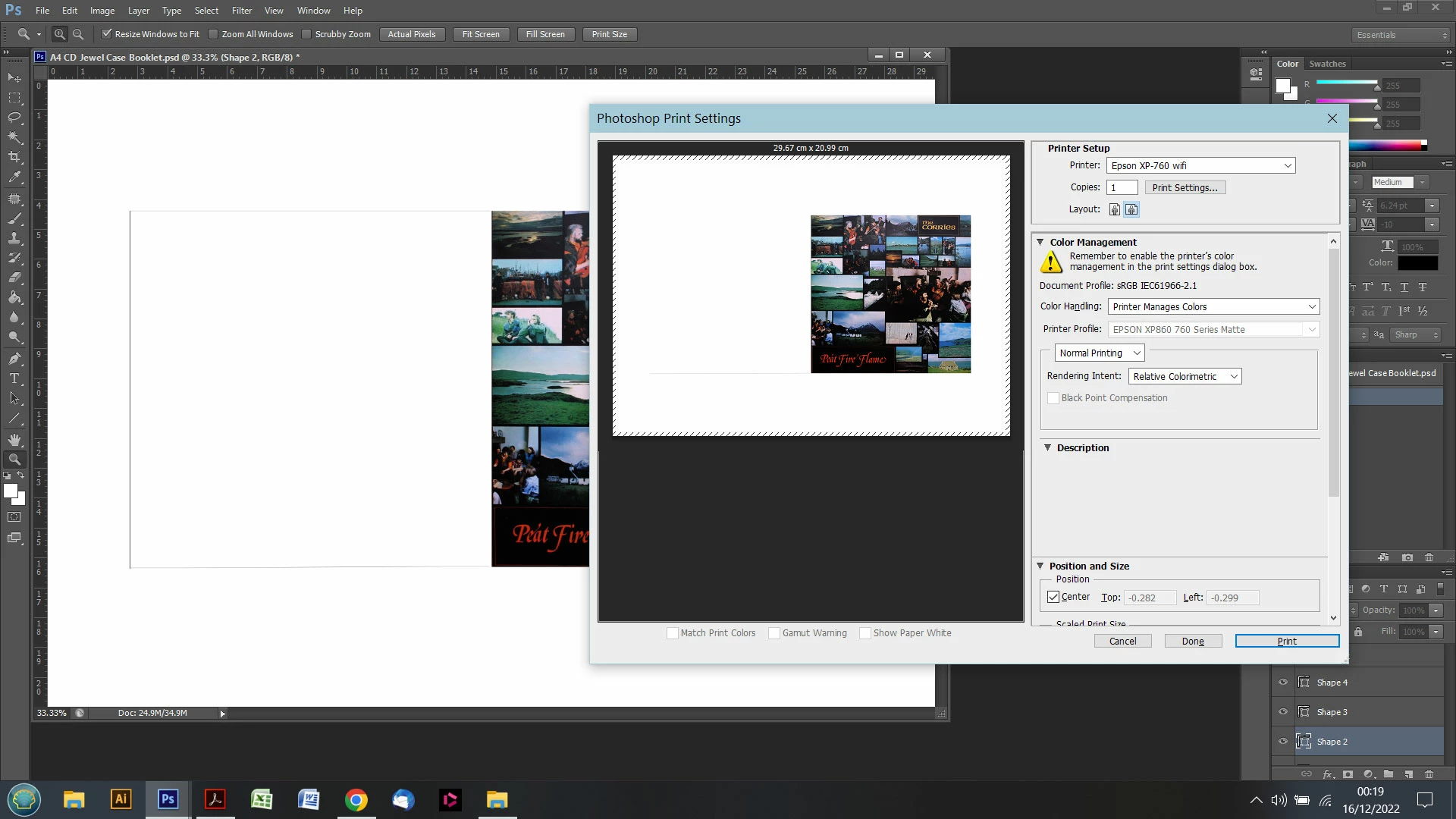 What's going on and how can I fix this?
Dave
 AdChoices