
Answered
When I enable the "graphics processor" in photoshop my program starts to lag
I've been having problems with delay in photoshop for a while, I work using an Avell Laptop with this configuration
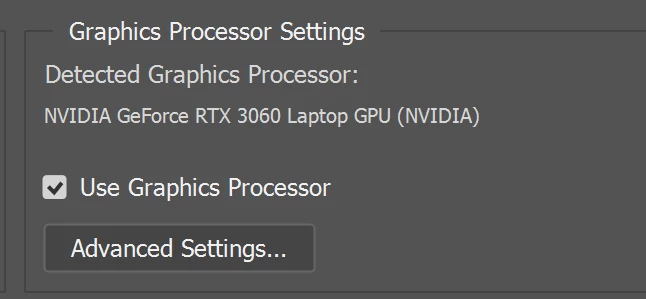
trying to solve the problem I noticed that if I disable the option to use the graphics processor (this window below) photoshop works normally, but with that I end up disabling important functions of photoshop, such as rotate and Scrubby zoom
I've tried to clean my laptop, deleting large files, I've tried to do disk defragmentation, I've tried everything I found on the internet but nothing solves the problem. Has anyone experienced this and know how to resolve it?
 AdChoices