Participant
August 31, 2021
Question

When I export an image to photoshop or open my previous works they became pixelated

  • August 31, 2021
  • 3 replies
  • 113 views

When I open anything in photoshop it is in lower quality , whatever if its a past work or a new image . They go back to their original quality when I save them as an image tho

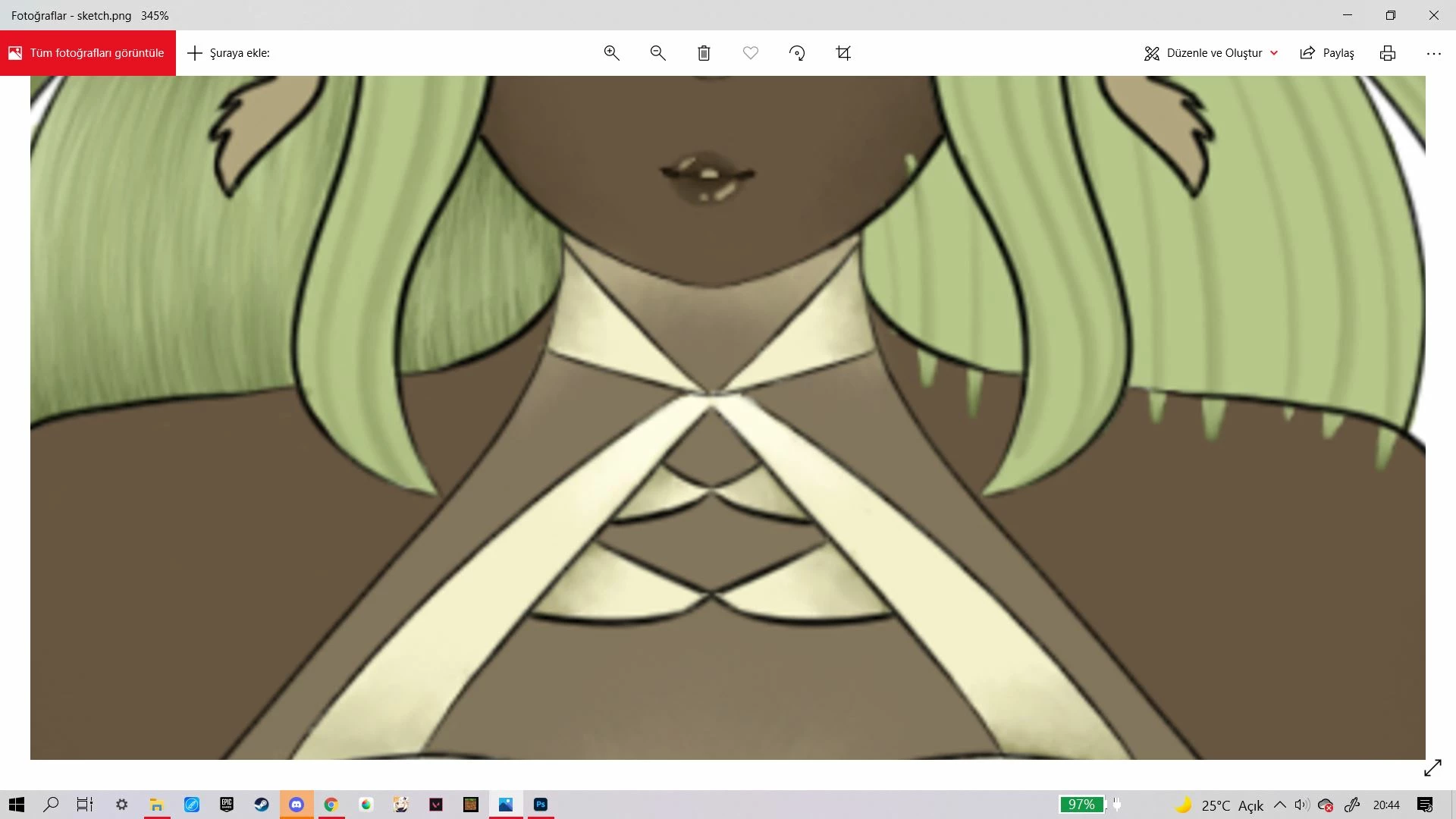
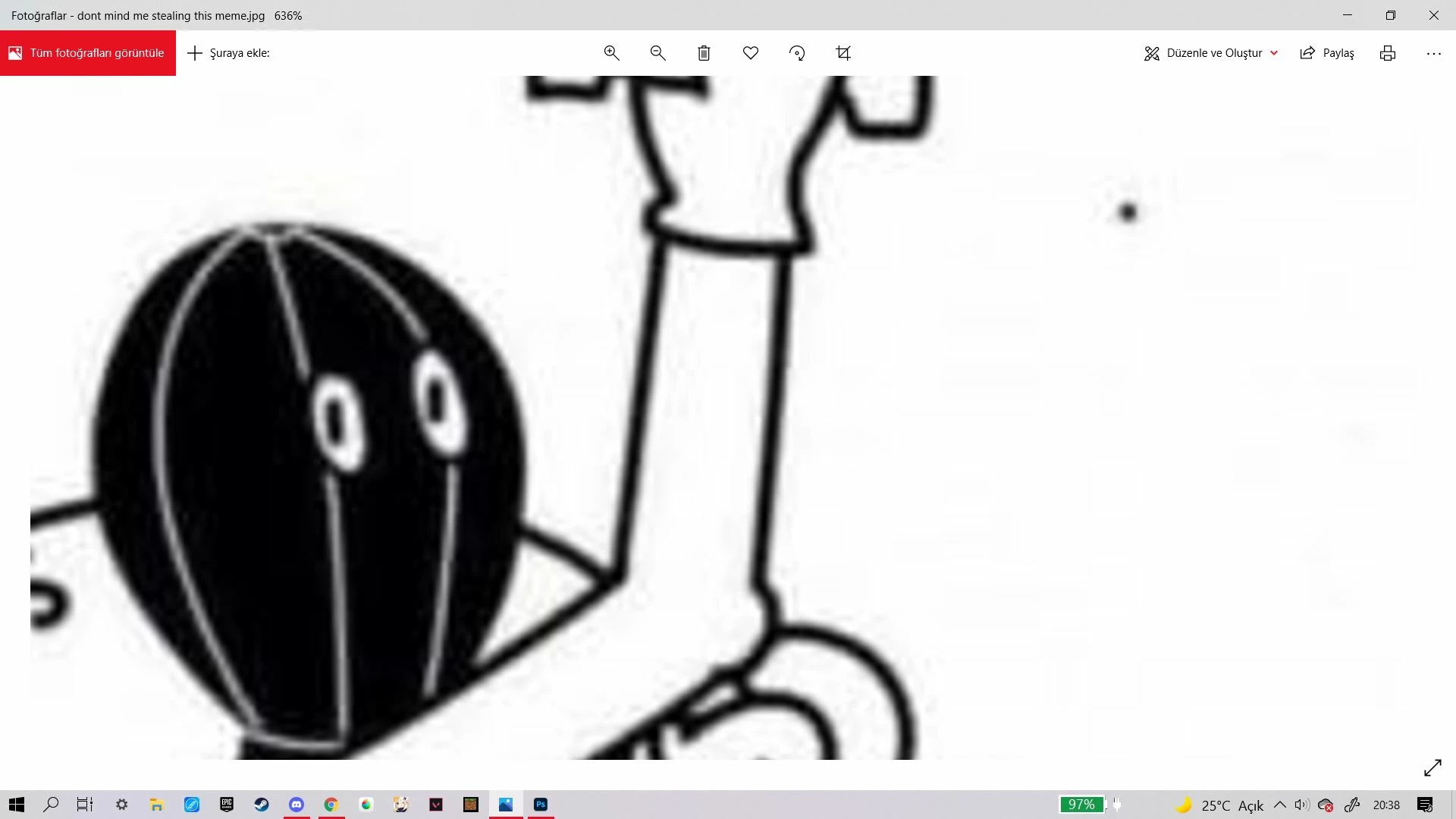
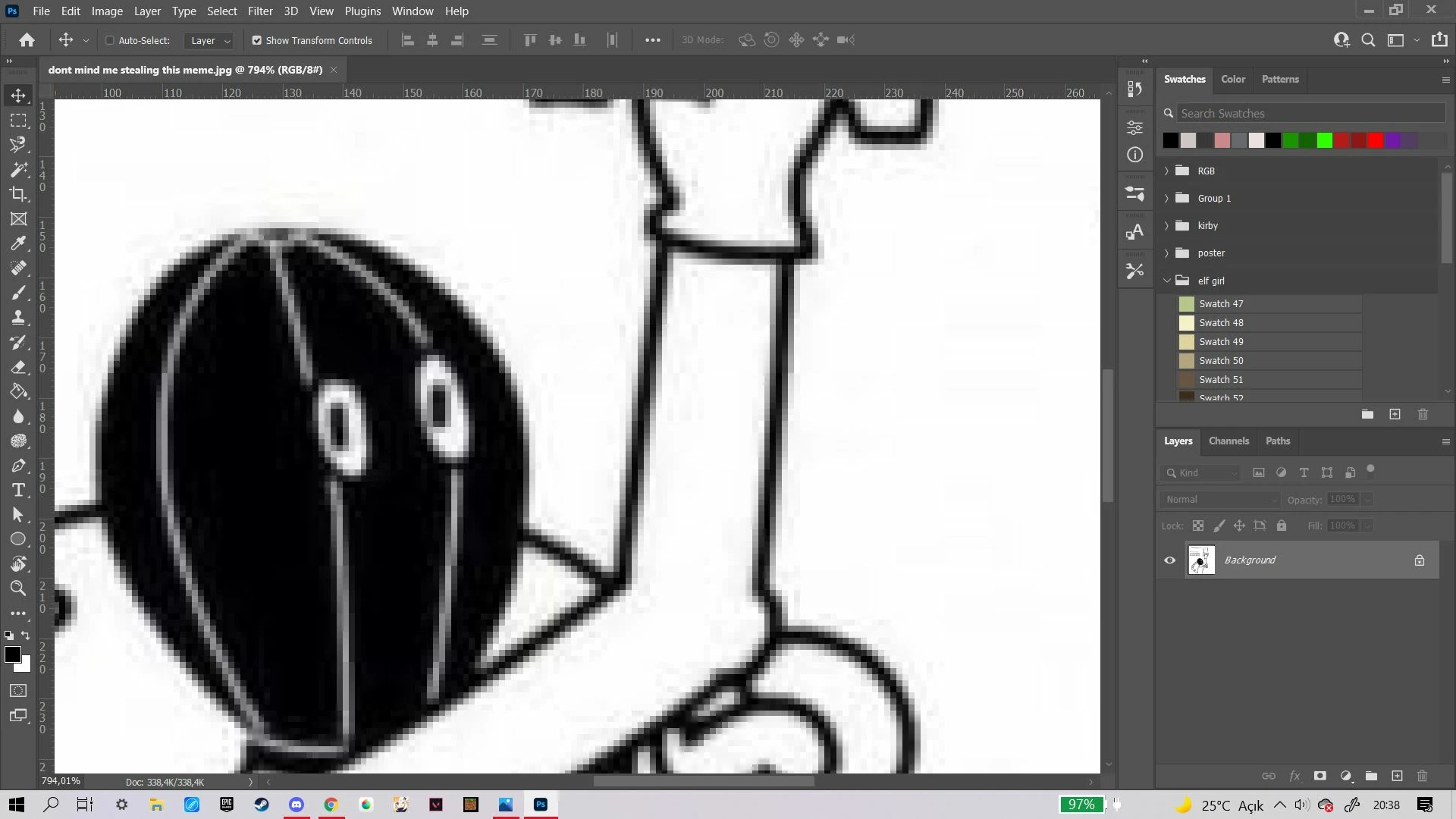
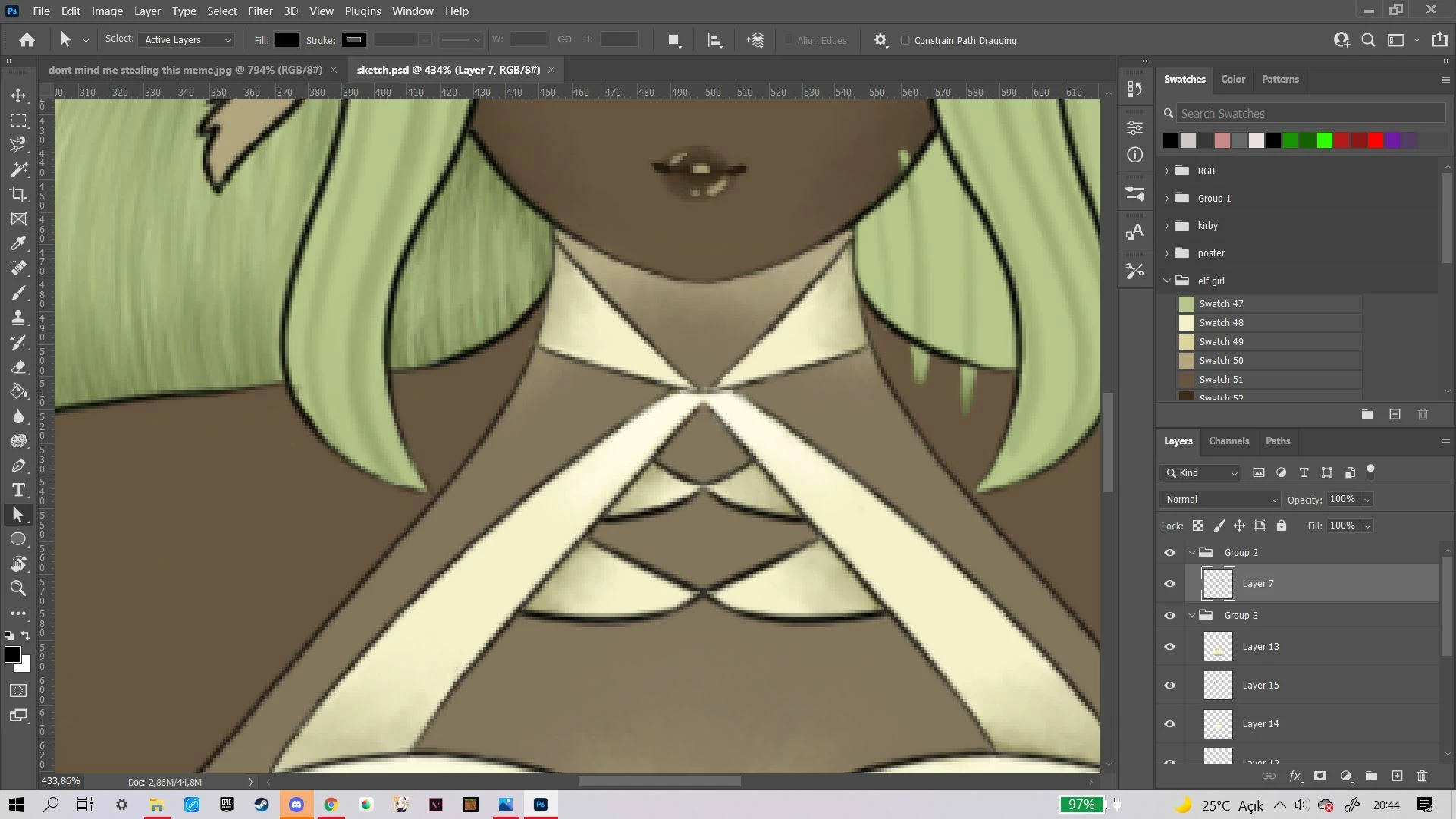
Here is some examples
This topic has been closed for replies.

3 replies

Bojan Živković11378569
Community Expert
Community Expert
September 1, 2021

First screenshot shows us viewing percentage of 400% and more, that is reason you see somewhat pixelated image. Third screenshot shows us that you are viewing at 97%, go to 100% and then judge. Third screenshot is close enough and the only accurate preview. In Photoshop press Ctrl/Cmd + 1 to go to 100% view then judge. Photoshop will export exactly what you see in 100% view plus some degradation depending on image export quality but not pixelation (unless you save JPEG with very low quality, for example).

Michael Bullo
Community Expert
Community Expert
August 31, 2021

Are you saying that if you open up the same image in Photoshop and a web browser and view them at roughly the same size on screen, the image will look noticeably pixelated in Photoshop but not in the web browser?

Mylenium
Legend
August 31, 2021

Not sure what you are asking. All your zoom levels are crooked and that is inevitably bound to cause artifacts, especially with hardware accelerated drawing functions where it's further limited by the GPU's capabilities to deal with aliasing issues and such. Start by actually using correct zoom values like 50%, 100% and so on. Also of course check your hardware acceleration settings, update your system's graphics driver and so on.


Mylenium