Nicholas_lombardi21
Participant
February 4, 2018
Answered

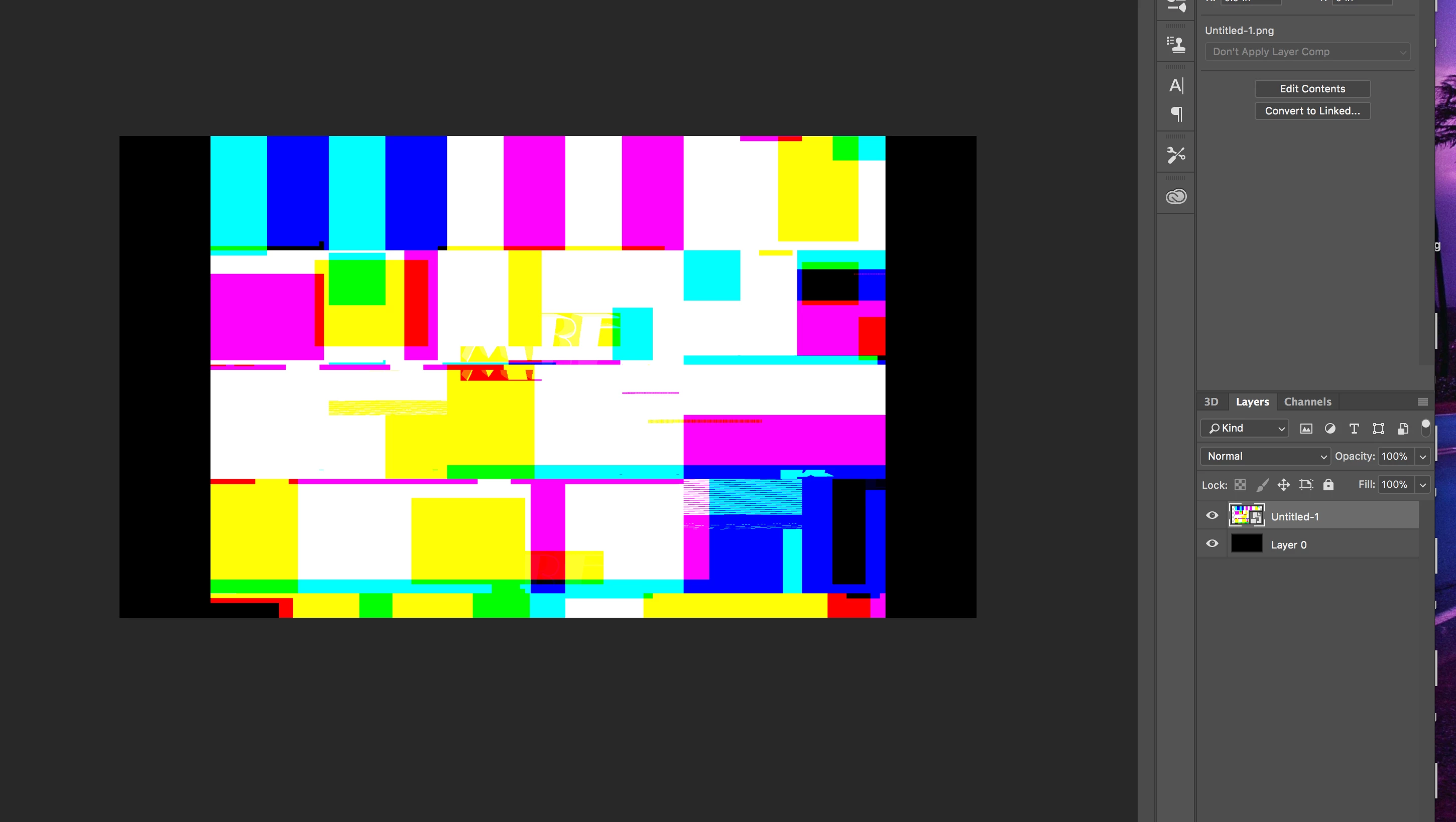
When I insert a PNG, its a gibberish mess.

  • February 4, 2018
  • 1 reply
  • 569 views

Hello. I plan on buying Photoshop CC 2018. But this could make or break my decision. When I insert a PNG image, its all garbled glitches. If there is no fix for this, can

I use an older photoshop? Thanks, Nick. Oh and heres a photo of what I am talking about.
    This topic has been closed for replies.
    Correct answer Mohammad.Harb

    Have you tried to reset the Photoshop Preferences settings ?

    Preferences in Photoshop

    1 reply

    Mohammad.Harb
    Community Expert
    Community Expert
    February 4, 2018

    Does that happen with All PNG files ?

    Does the PNG file show on other application ( ex. Ms Paint, Picture viewer,...)

    Is your graphic card up-to-date?

    Nicholas_lombardi21
    Participant
    February 4, 2018

    1: yes

    2: yes

    3: I took this pic on a MacBook Pro Late 2013. Where I mostly use photoshop.

    Mohammad.Harb
    Community Expert
    Mohammad.HarbCommunity ExpertCorrect answer
    Community Expert
    February 4, 2018

    Have you tried to reset the Photoshop Preferences settings ?

    Preferences in Photoshop