
Question
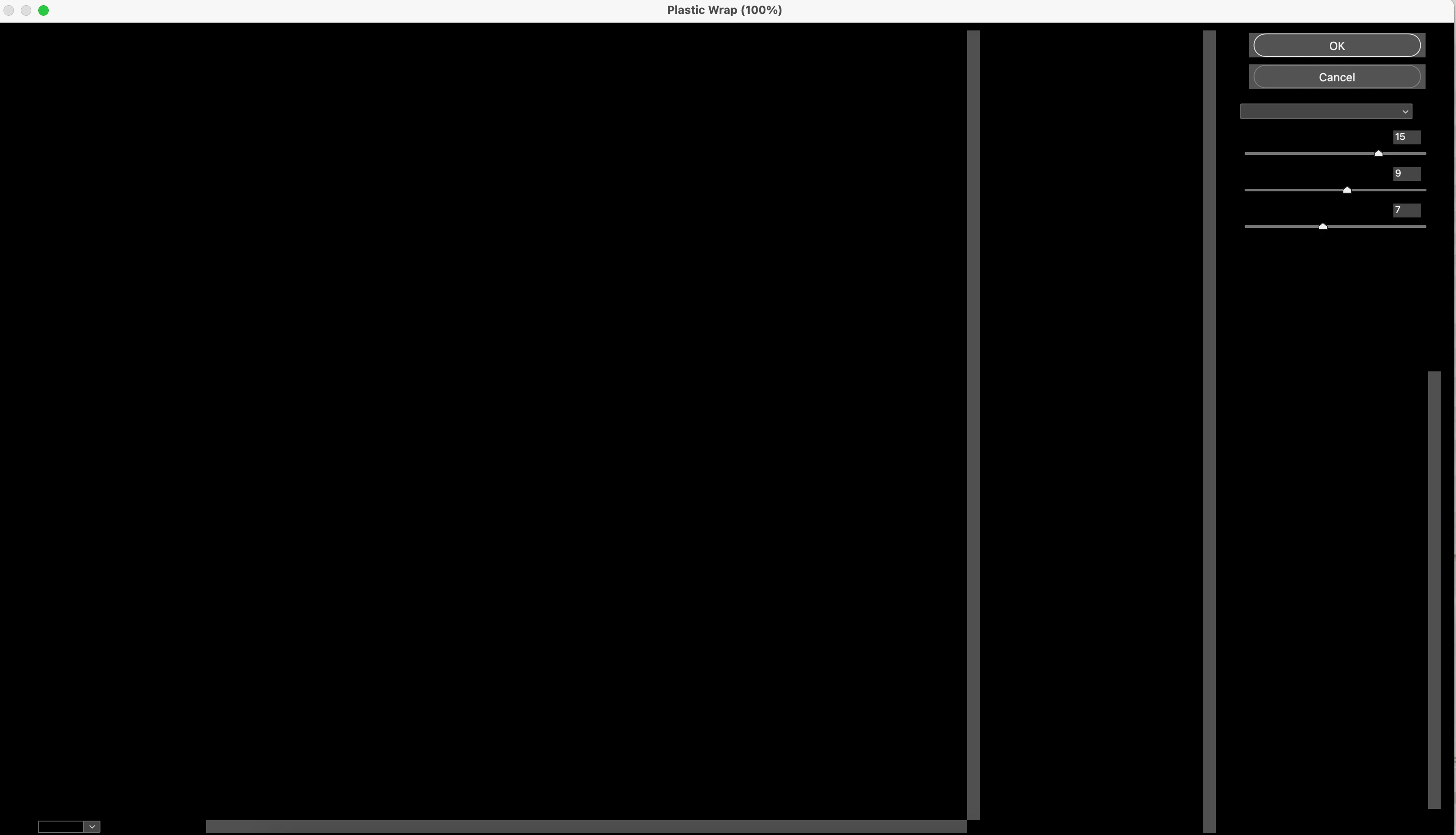
When I open the filter gallery the window is all black.
I have turned on and off the graphics processor, and that has not worked. I reset the preferences, and that didn't solve the issue either. Below I have attached a screenshot, and it shows you exactly what I see on the screen. On the top right, the dropdown bar works, if I select a filter, it will apply it to the image, but I can not see the filter window, adjustments, and options.
I have Photoshop CC 2018 and a Macbook Pro 2018 if that helps. Mac software is up to date.
 AdChoices