Participant
May 24, 2022
Question

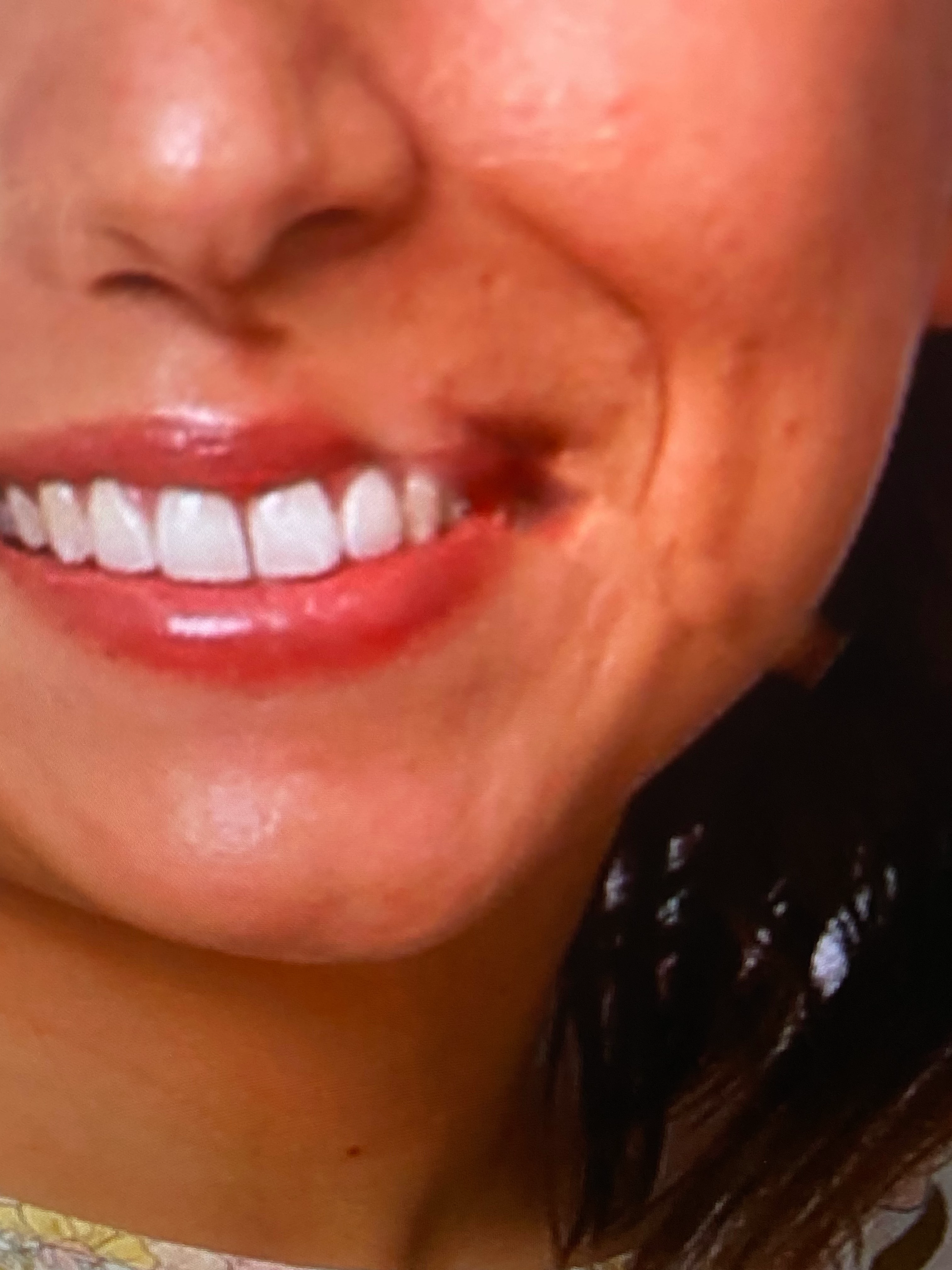
When I use healing brush or spot healing , this drag lines appear . So frustrating

  • May 24, 2022
  • 3 replies
  • 163 views

    This topic has been closed for replies.

    3 replies

    Bojan Živković11378569
    Community Expert
    Community Expert
    May 25, 2022

    Random straight line are drawn when you trying to use any tool that uses brush like Clone Stamp, Spot Healing, Brush, Eraser...? Are you using high density screen?

    Nancy OShea
    Community Expert
    Community Expert
    May 24, 2022

    [Moderator moved from Using the Community (forums) to Photoshop.]

    Offhand, I'd say the brush size is too big and/or you're sampling pixels from a region that's not compatible with what you're retouching.  


    Spot Healing corrects based on surrounding pixels.

    Healing works more like the clone stamp tool.


    For better answers, we need to see the Tool's settings, brush size and your selection area.  


    Nancy O'Shea— Product User & Community Expert
    Peru Bob
    Community Expert
    Community Expert
    May 24, 2022

    This is the Using the Community forum (which is the forum for issues using the forums) .

    Please tell us what Adobe application you are using so that this can be moved to the proper forum for help.

    Photoshop? Photoshop Elements?