Participant
February 1, 2021
Question

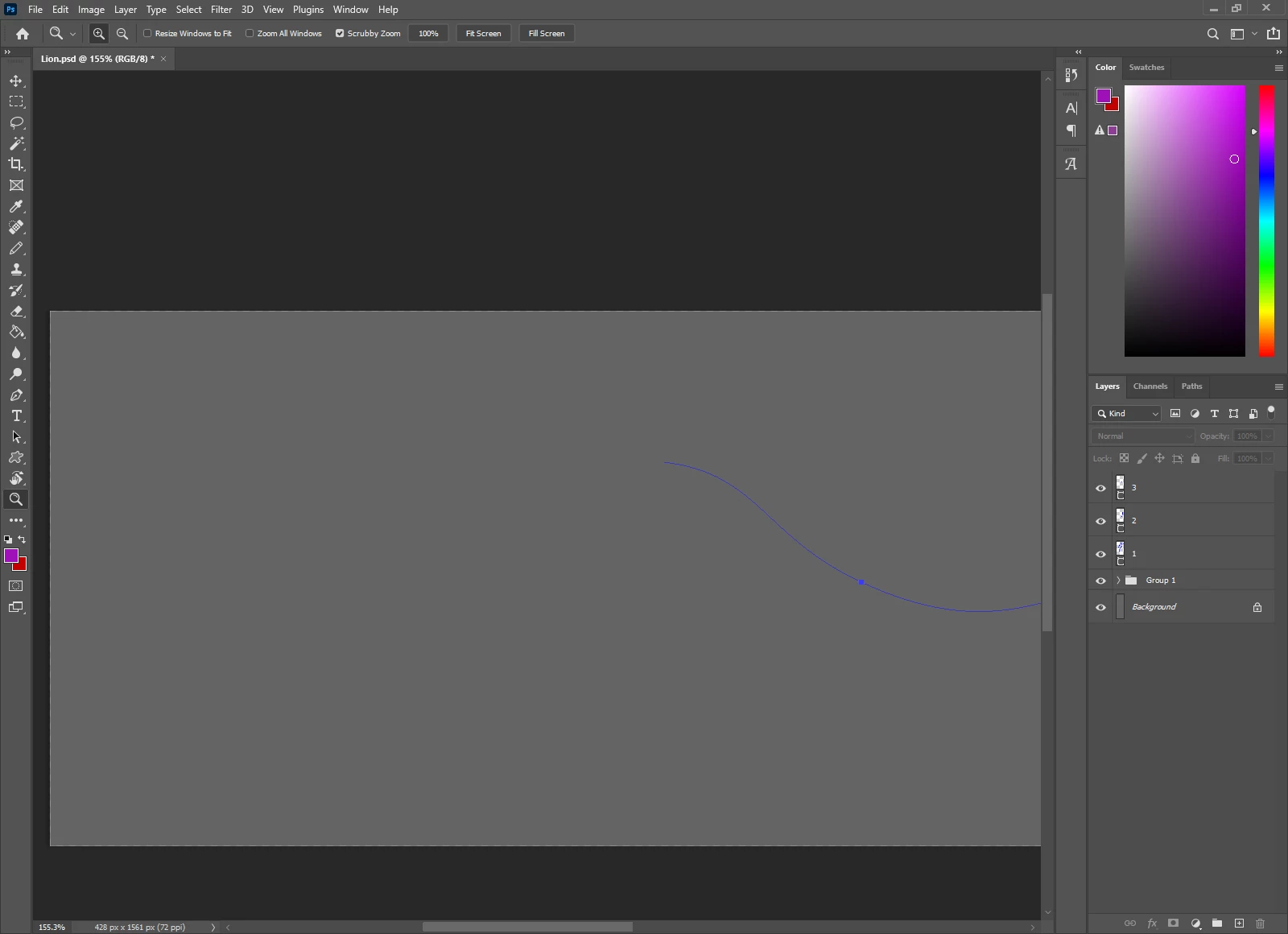
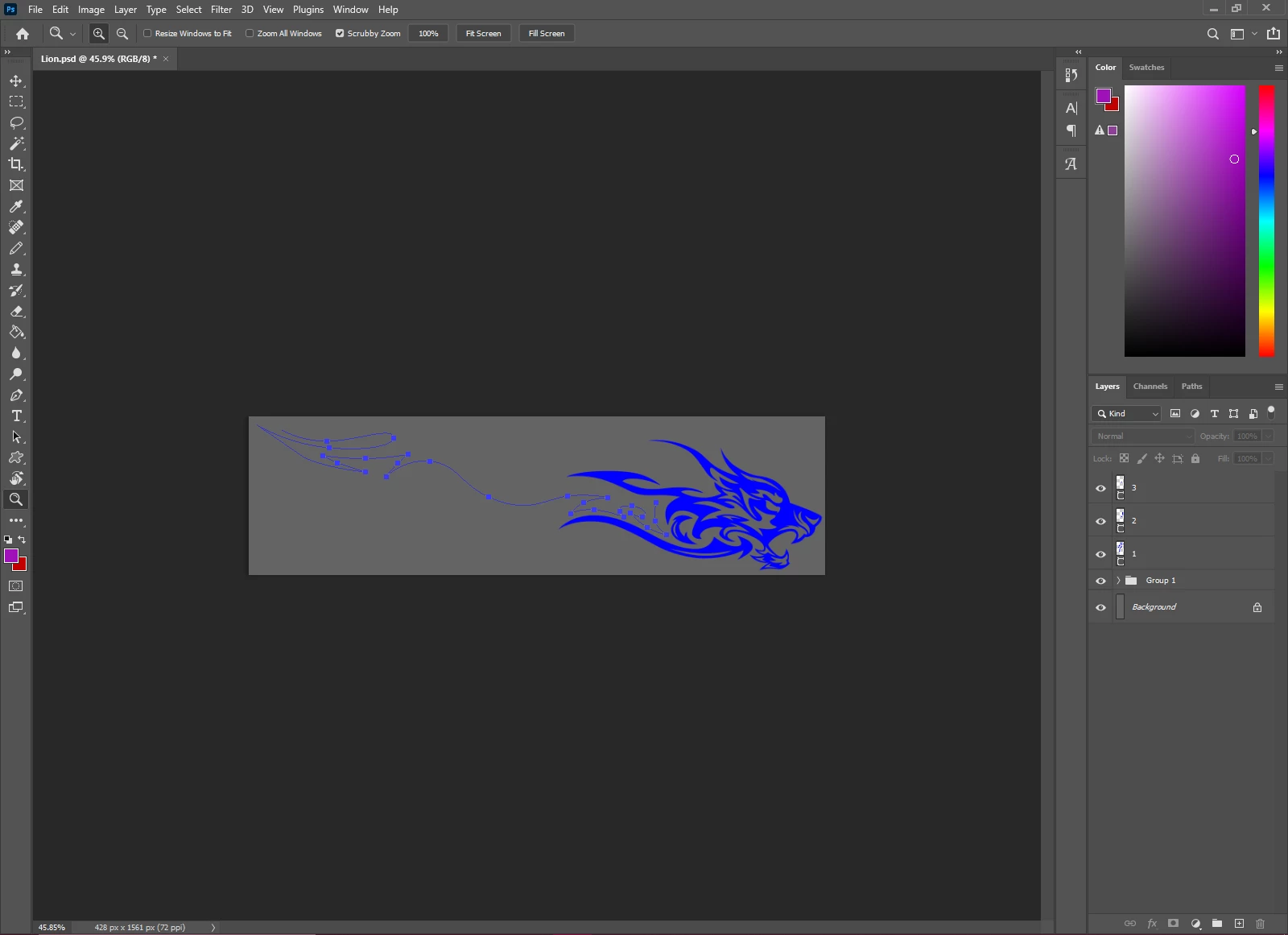
When Im zoomed out I can see my Paths clearly but whenever I zoom in the paths disappear :(
  • February 1, 2021
  • 3 replies
  • 894 views

Ive been using Photoshop 2021 perfectly with no issues for around 5 months now but only now it has been occuring

3 replies

Kevin Stohlmeyer
Community Expert
Community Expert
July 7, 2023

Hi @nicki92489654  Go to Photoshop Preferences/Technology Preview and check “Disable Native Canvas”. Then check “Use Older GPU Mode (2016)”. Quit and relaunch PS. Also is there a reason you are still on 2021 and not taking advantage a newer version?

Participant
July 7, 2023

Thanks I'll try that. I have 2 computers - one has the most recent photoshop and was having the same issues yesterday. My computer today is a WFH mac and experienced the same issues. I'm always hesitant about upgrading until all the bug have been worked out.

Participant
July 7, 2023

Uh this is happening still right now with the latest photoshop. Can we get this fixed? And whoever came up with that new gradient tool needs to stop.

Trevor.Dennis
Community Expert
Community Expert
February 1, 2021

Can you tell us what operating system you are using?

What is your screen size and resolution?

How do you have the UI set in Preferences?

Glory0101Author
Participant
February 1, 2021

My screen size and resolution is 1600x1200 and I am using the most recent Photoshop 2021