Known Participant
June 4, 2020
Question

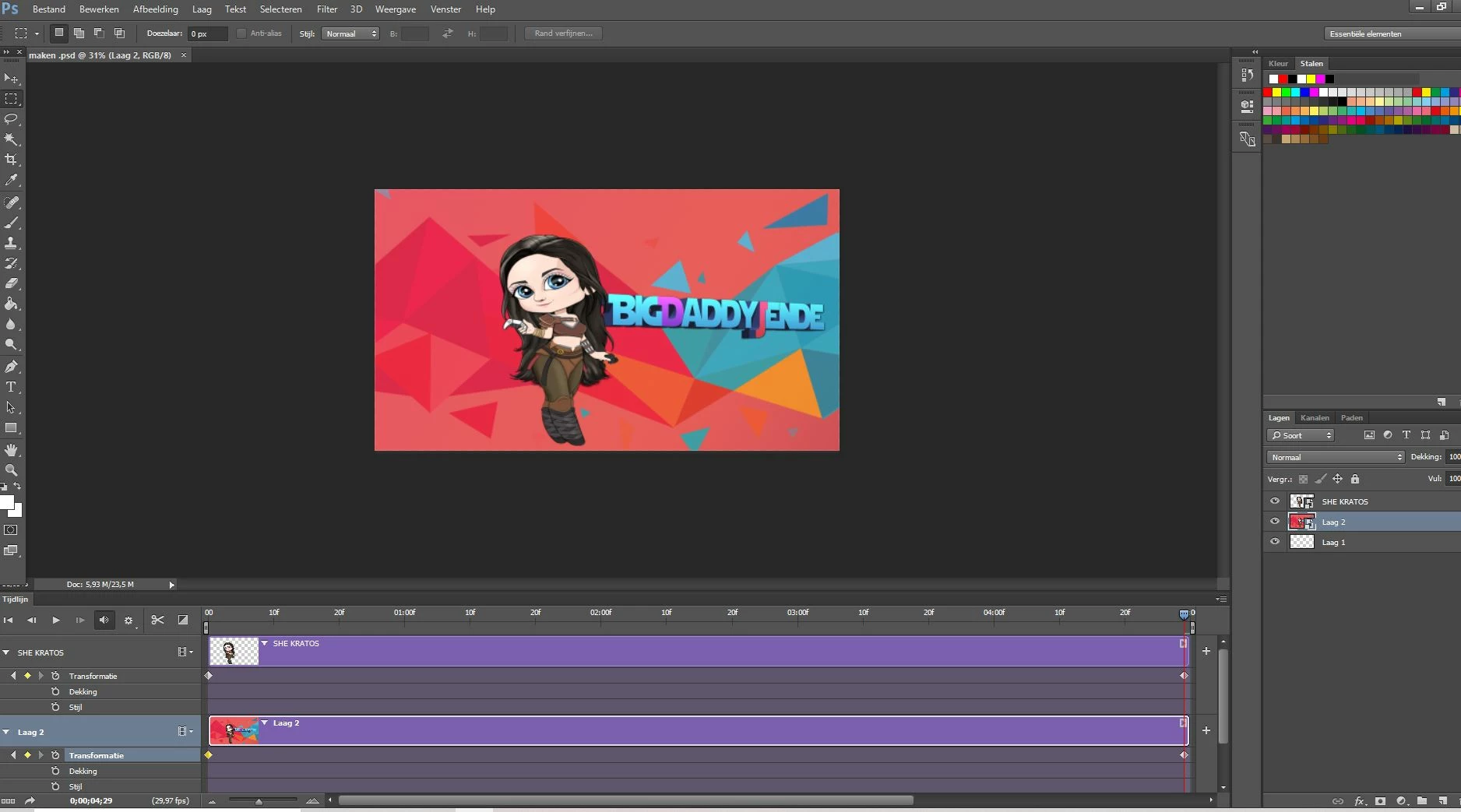
When rendering animated picture I dont get the option to choose the settings

  • June 4, 2020
  • 2 replies
  • 962 views

Hello everyone, I just made a small moving animation to a picture but when I try to render it , photoshop doesnt let me choose the settings. Anyone know what I am doing wrong?
This topic has been closed for replies.

2 replies

Derek Cross
Community Expert
Community Expert
June 4, 2020

Assuming you have a recent version of Photoshop and the correct system specs, you would normally File > Export > Render Video and choose the Format etc in the resulting dialogue box. 

If the dialogue box doesn't appear you should consider resetting your Photoshop preferences, which you can do under the General tab in Photoshop preferences.

Known Participant
June 4, 2020

big thanks for the help derek..I had to wait like 20 mins for the settings to appear..Is it normal that it takes so long to render a small video?

davescm
Community Expert
Community Expert
June 4, 2020
The setting dialogue normally appears immediately. How long it takes to render depends on many factors including pixel size, frame rate, output format , video length and the PC being used to render it. "...really really monster computer" is meaningless. Dave
JJMack
Community Expert
Community Expert
June 4, 2020

It would help if you would post a screen capture of your Photoshop file>export>Render Video... Dialog so we can seen what you see. What you post has no information regarding render video.

JJMack
Known Participant
June 4, 2020

sorry guys, I made a mistake..after like 20 mins or so finally the settings appeared..is it normal to have to wait that long? I have really really monster computer so im kinda surprised that it takes photoshop to render a small video that long