
When will Photoshop stop being complete garbage?
I'm forced to use this with some clients, because they expect Adobe deliverables. There's sometimes where I can manage creating the same filetypes with different applications, or by own means. But Photoshop has changed very little over the last 25 years. Adobe thinks they should keep it essentially the same to stay attractive to legacy users. But now it's a complicated mess of half-working features on top of new hidden ones. It's like they never followed through with completely migrating it to a new design, and just said "Whatever, it's good enough."
So the latest quirk I have to deal with is this:
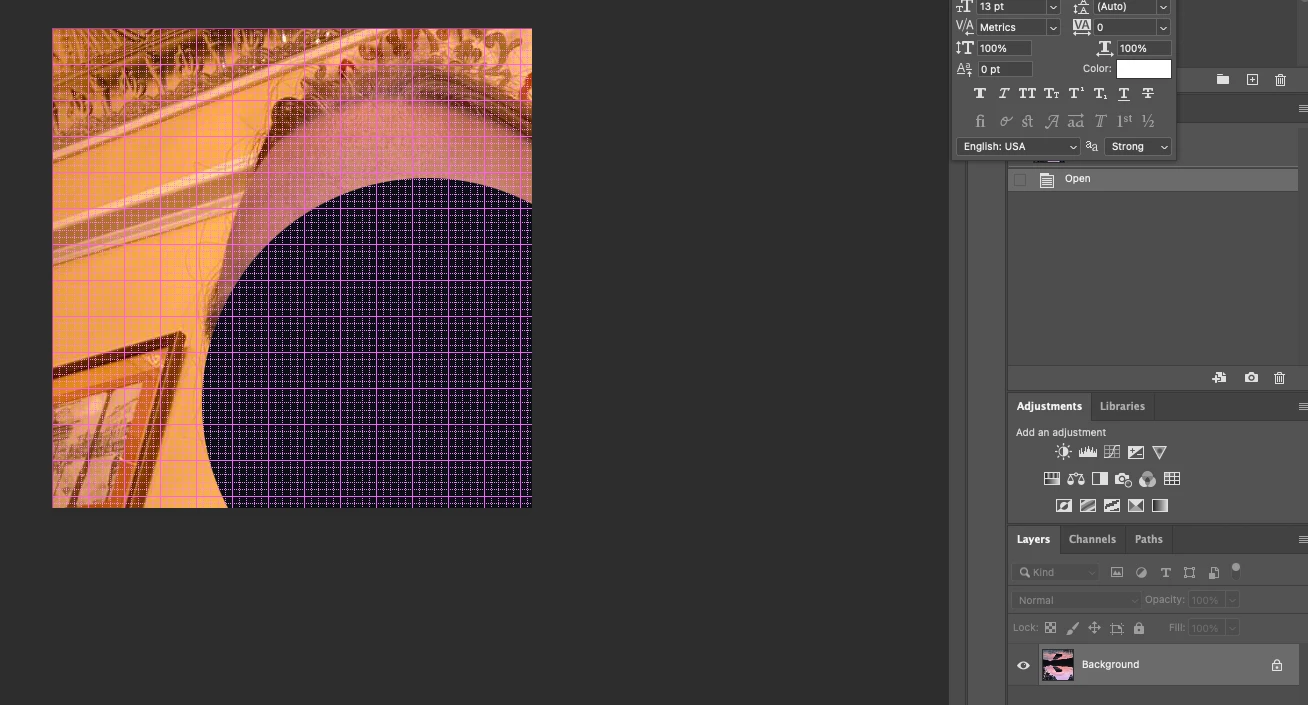
What is even a picture of? Some left over glitchy nonsense in memory? How exactly is Photoshop retreiving this? What avoids it from displaying private information? Looking at the thumbnail, you can see it's supposed to be an entirely different photo. I think the programmers forgot to release memory after it was retained, since they probably have not converted to automatic reference counting, like modern languages use.
Oh and this was after trying to just delete a small sliver of pixels off this layer, but I cannot, because it is a smart object, and I must see the image as a file by itself.. what??
 AdChoices