Inspiring
March 21, 2021
解決済み

Where can I find previous versions of Photoshop? The "More actions" option does NOT appear in my CC

  • March 21, 2021
  • 返信数 3.
  • 1090 ビュー

When I look for previous versions, all instructions say I should click the "More options" near the Photoshop on the Creative Cloud app, but the "More options" option is not an option anymore! I can't find that, all I see is this when I hover:
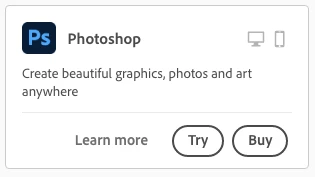
And then when I click on "Learn more" or anywhere in that square, I get this page: 
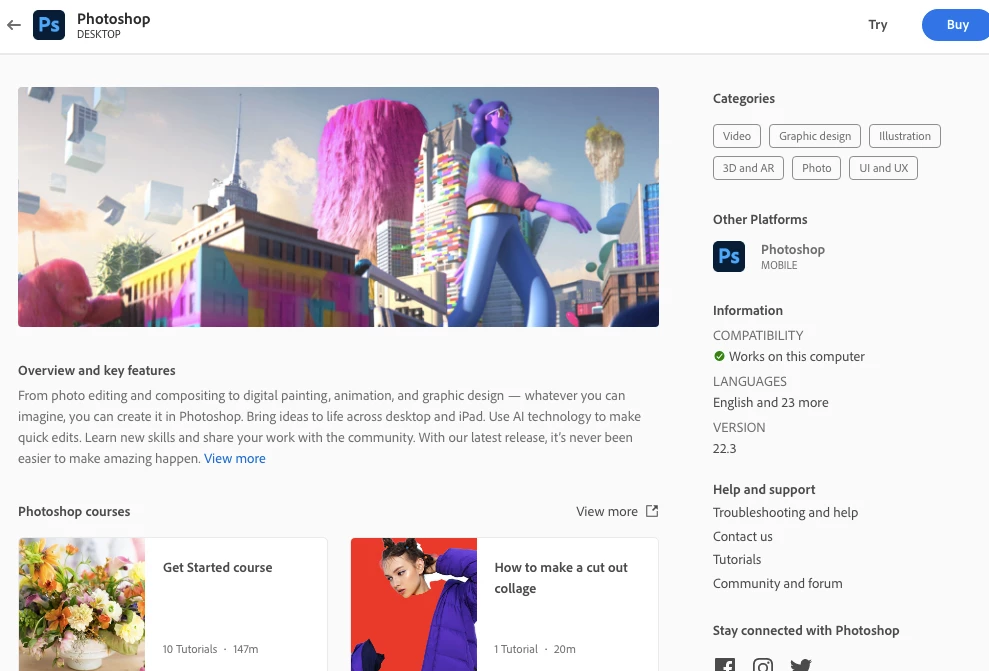
 

And there is no button for "More options" or "Previous/earlier versions". 

I really need help with this because I need Photoshop. My computer can't be upgraded for now, so my only bet is on previous versions. Can someone help me with this?


Thank you!

-Alma

このトピックへの返信は締め切られました。
解決に役立った回答 Alma López

Yes, I read them many times, that's how I knew my macOS was uncompatible with the newer versions, besides crashing at launch. Version 21.x is working perfectly in macOS Mojave 10.14.2 (18C54) and it's still being updated by Adobe. 

返信数 3

Alma López作成者
Inspiring
March 22, 2021

Ok it seems the issue is running Photoshop in macOS Mojave. 

Version 22.0 didn't work either, so I contacted another agent and asked for the 21.x version and they gave me a link that is only available for 24 hours, so I can't share it here. This was the only version that opened without problems in my macOS Mojave Version 10.14.2 (18C54). If you're having problems running 22.x versions of Photoshop in your macOS Mojave you should ask for the links to earlier versions like the 21.x version

c.pfaffenbichler
Community Expert
Community Expert
March 22, 2021

I had provided links to the system requirements pages – did you read them? 

Alma López作成者解決!
Inspiring
March 22, 2021

Yes, I read them many times, that's how I knew my macOS was uncompatible with the newer versions, besides crashing at launch. Version 21.x is working perfectly in macOS Mojave 10.14.2 (18C54) and it's still being updated by Adobe. 

Alma López作成者
Inspiring
March 21, 2021

In case anyone need this info too, the next thing I did was talking to an agent via chat. They referred me to a technical specialist. He sent me this link to Photoshop 22.x 

I'm currently downloading it. 

c.pfaffenbichler
Community Expert
Community Expert
March 21, 2021

Alma López作成者
Inspiring
March 21, 2021

This is the drop-down menu that appears: 


I kept digging so I clicked in the "22.3": 

 And I got this: 


Still no links to older versions. I'm trying to download and use a previous version of the CC app to see if I can see more options.

c.pfaffenbichler
Community Expert
Community Expert
March 21, 2021

Please don’t clip screenshots so much. 


The »Buy Now«-button makes me wonder whether you are logged in at all or using a trial?