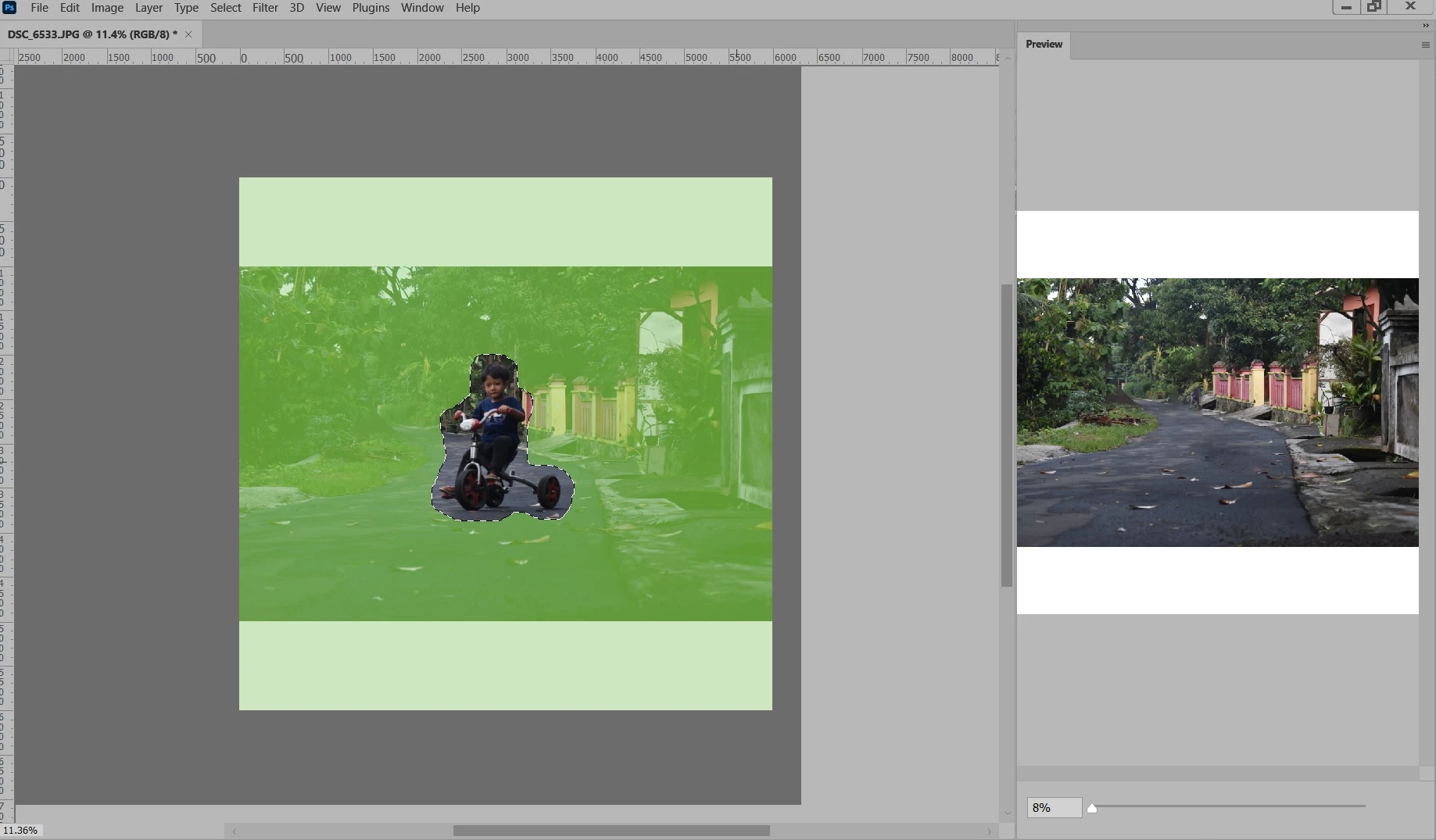
It looks like you aren’t cutting off any part of the Photoshop window, and the UI scaling seems OK, but there are two things missing: The Content-Aware Fill panel that contains the settings, and the options bar across the top. So part of the problem is that some panels have been hidden; maybe there were some accidental clicks or key presses that hid them.
Try this:
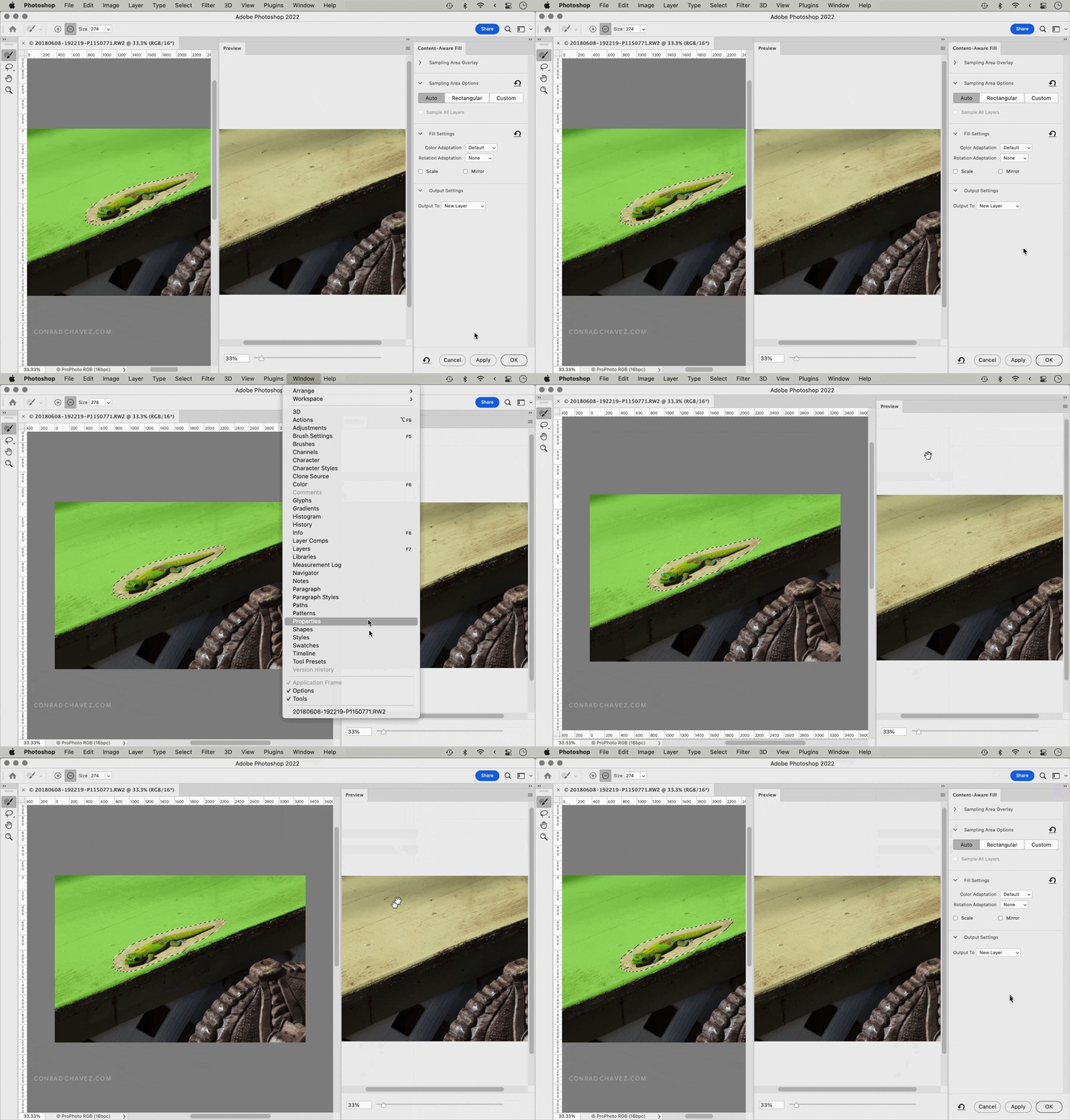
First, choose Window > Options to make the options bar visible again. Then, click the workspace reset button and choose Reset Content-Aware Fill. In the demo below, the first half shows you how the panels might have gotten hidden to match what you showed, and then the second part shows how to make the options bar and Content-Aware Fill panel visible again.
 AdChoices