DanielMirea
Participant
June 22, 2017
Answered

Where is the crop tool???

  • June 22, 2017
  • 3 replies
  • 8994 views

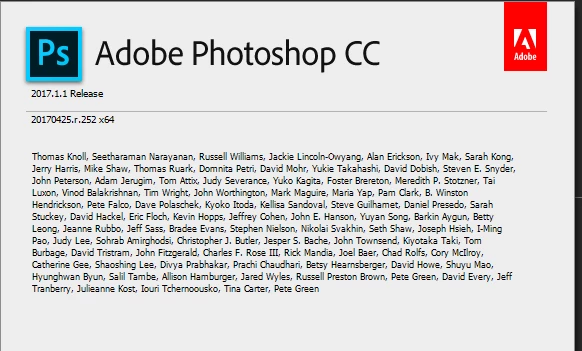
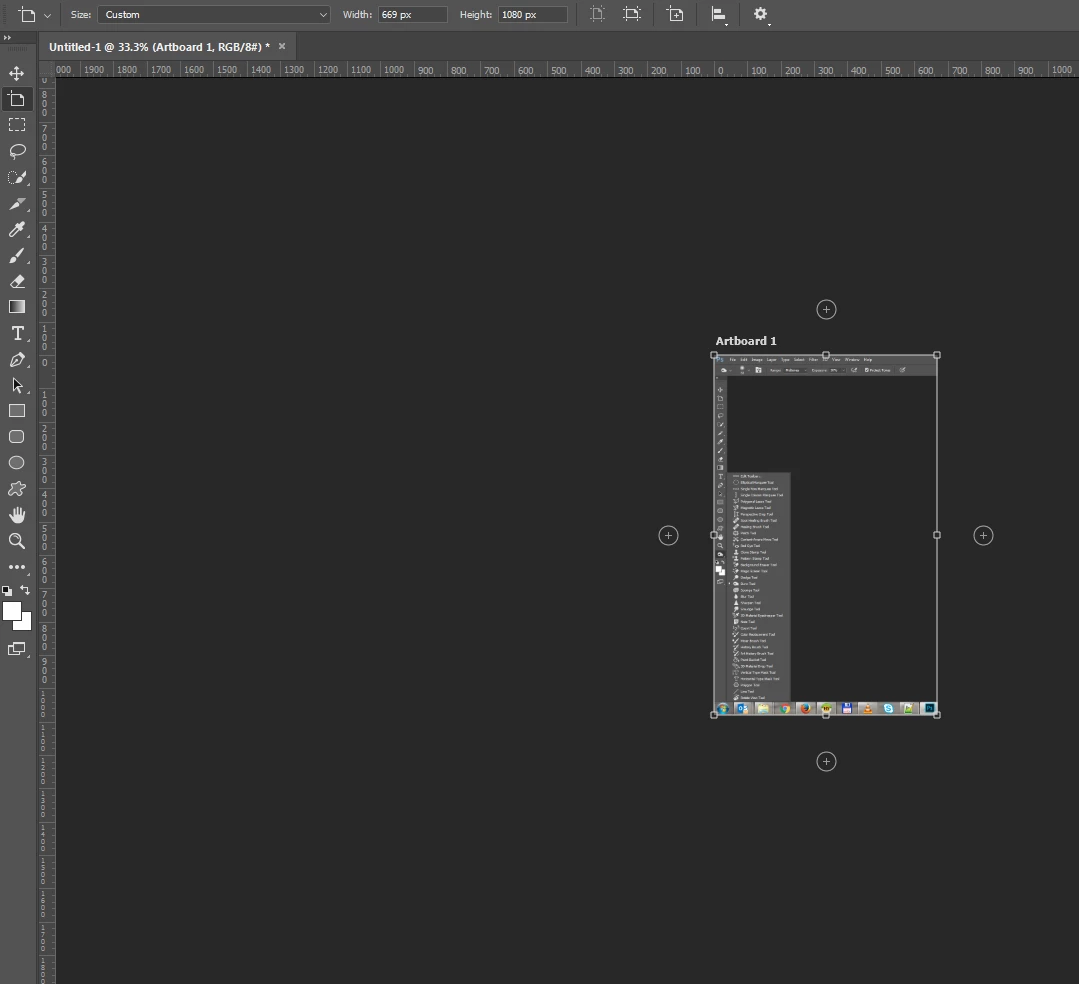
I am using Adobe Photoshop Version: 2017.1.1 20170425.r.252 2017/04/25:23:00:00 CL 1113967  x64 and I just realised that you have removed the crop tool, and replace that with an Arboard feature, Really? I mean you should have put the in Illustrator, but not in Photoshop!

Please let me know when the crop toll is coming back, or I will stop paying for this software. Common, is one thing you removed the Save for web export feature, but at least you leave it as legacy, but to remove the crop tool, that's too much....
    This topic has been closed for replies.
    Correct answer Akash Sharma

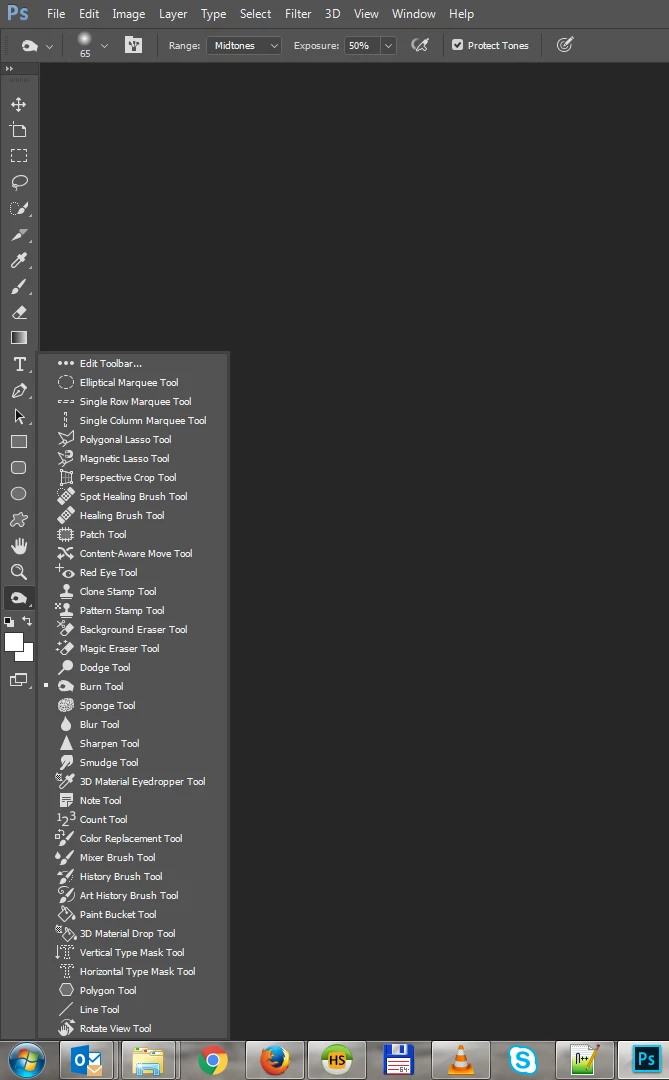
    I have reset the tools, the workspace, everything, the crop tool has been replaced with this artboard tool. I don't know what the hell happen, I know Photoshop by heart, I'm using it since the beginning since the CS, I guess I'm not that stupid that I cannot find an icon I was using on daily basis, but will see... I'm too pissed of today, I'll try again tomorrow


    We're sorry that Photoshop is not working for you as expected.

    Please use the keyboard shortcut "C" and use "Shift+C" to switch to others using the same shortcut.

    It appears that Crop tool is coupled with the slice tool and hence not showing.

    Thanks,

    Akash

    3 replies

    Participant
    November 7, 2020

    I love that passive agressive crappy response putting the 'blame' on the user. "We're sorry that Photoshop is not working for you as expected."  Don't be such a jerk. I expect exellent product and service from you. Just answer the question and correct it. You shouldn't be throwing curve balls at people who need to use these applications now, not after we work around some stupid update you decide to toss in. Who is giving the advice on intuitive design at Adobe?  Get new help.  In the meantime if someone says the crop tool is missing give a solution. So far I see no solution for my use and I have not crop tool all of a sudden. Where did it go?  Answer the question.  Don't be a jerk. If there are several solutions, offer them up in order clearly. If you don't know they answer find it and report back.

    Akash Sharma
    Legend
    June 22, 2017

    HI DanielMirea,

    Please take a look at this article Tools missing from the toolbar Photoshop CC 2015 and add the Crop tool back to the active workspace.

    Let us know if that helps.

    Thanks,

    Akash

    joet082964
    Inspiring
    June 22, 2017

    Unless I am missing something...

    DanielMirea
    Participant
    June 22, 2017

    I guess you miss the last update wait and see

    joet082964
    Inspiring
    June 22, 2017

    My PC version is up to date, according to the CC app.  Maybe there is another problem happening. Have you tried rebuilding your preferences?